AI Selfies Generator
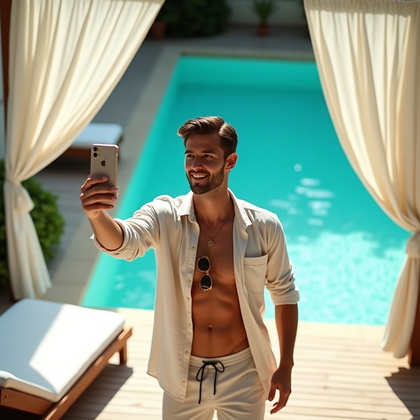
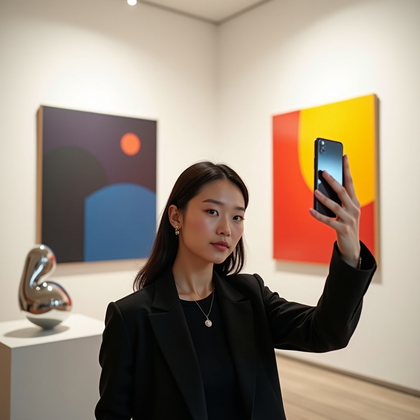
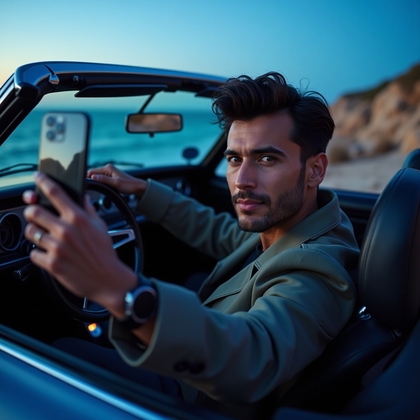
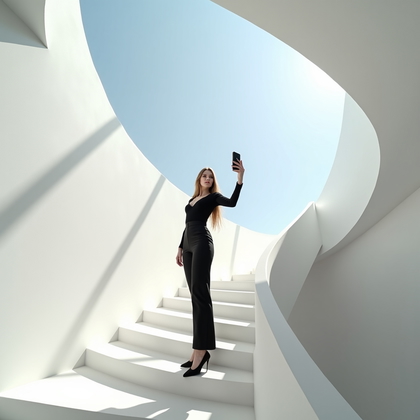
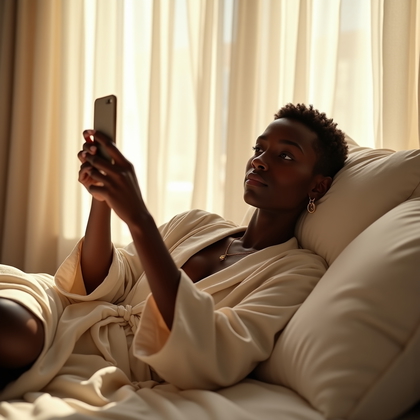
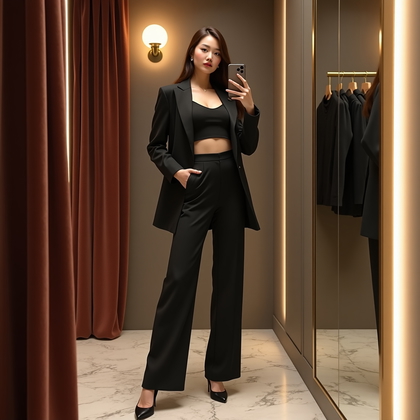
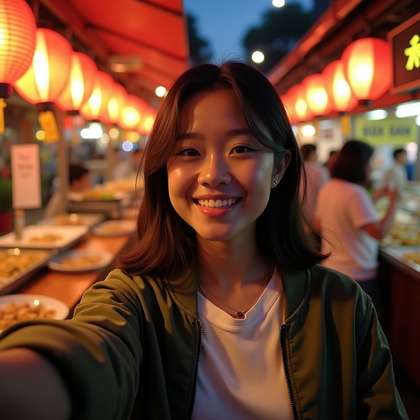
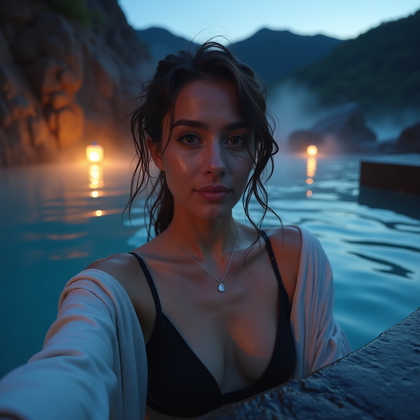
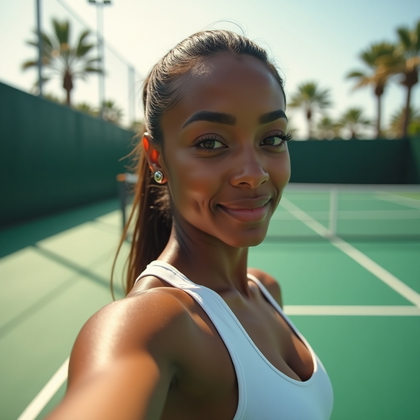
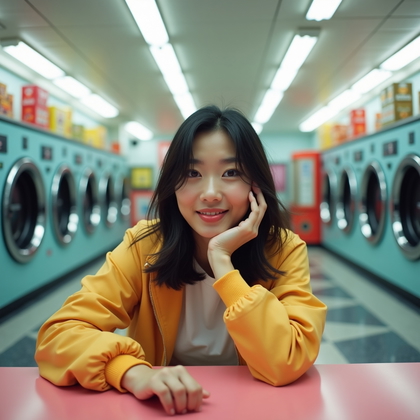
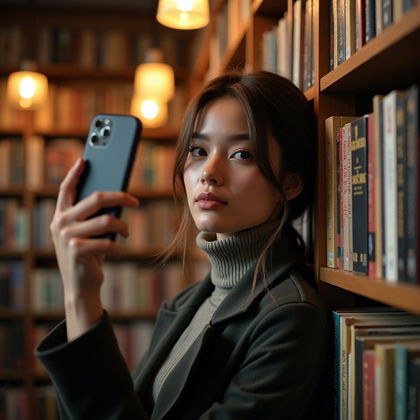
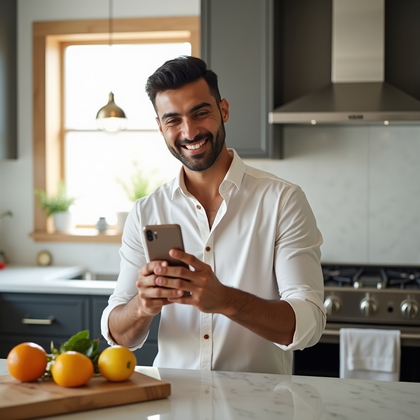
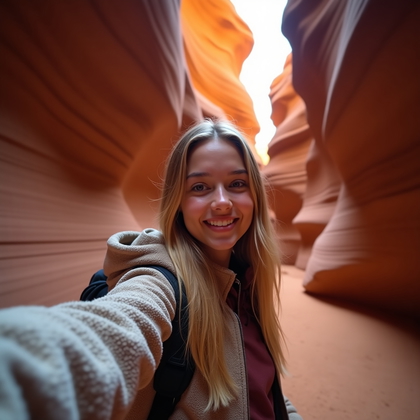
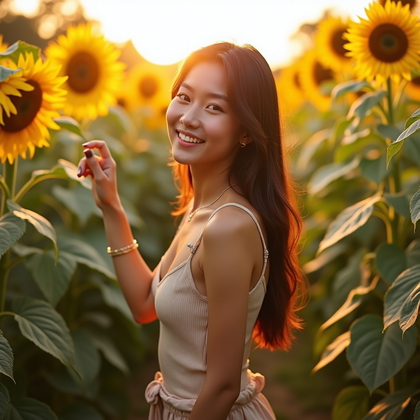
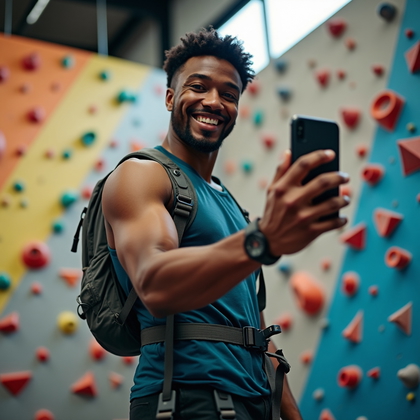
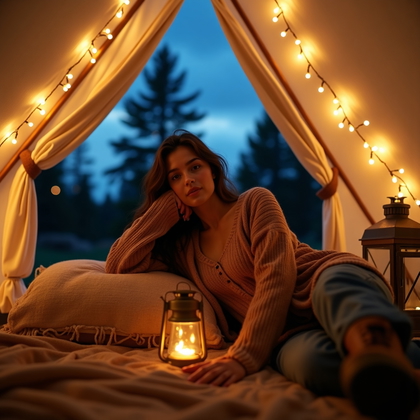
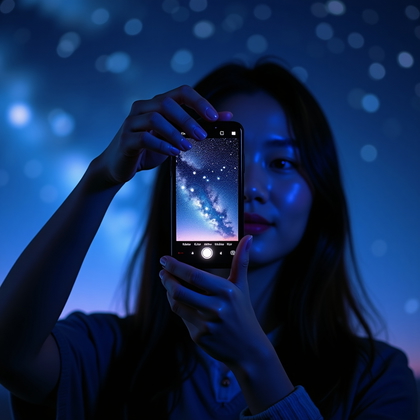
Create realistic AI selfies for social profiles and posts, choosing a phone-camera perspective that fits how you want to share them.



Benefits
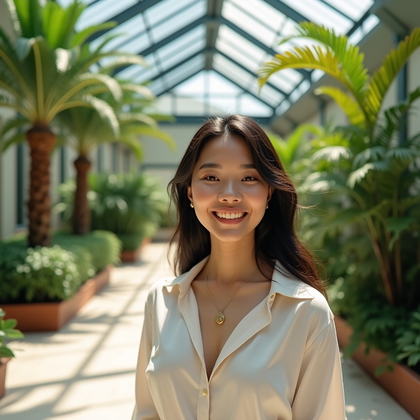
- Make a selfie-style profile image with a face that reads at small sizes.
- Include more outfit or setting in a selfie intended for a social post.
- Choose between an arm's-length view and a mirror perspective.
- Use a reference to provide identity cues for a selfie meant to depict you.
- Compare framing and expressions before choosing an image to share.
Examples shown were created with My AI Photoshoot.




How It Works
1
Choose your starting point
Start with a photo, reference, or idea.
2
Choose how to create
Try a Preset or Mask, or describe your idea in Studio.
3
Review and create
Check the credit cost, create your result, then download the photos you love.

Frame a selfie for a profile icon
- Keep the face clear enough to recognize when the selfie appears as a small profile icon.
- Leave space around the head so a square or circular crop does not cut into the face.
Give a social post more context
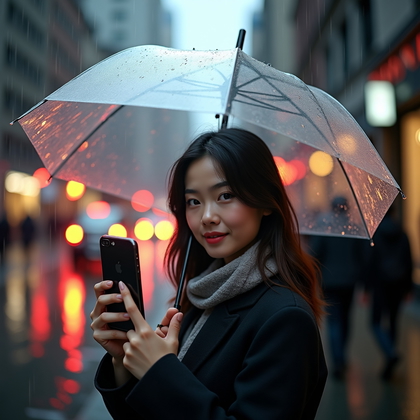
- For a social post, show enough of the outfit or surroundings to give the selfie context.
- Choose an everyday setting that supports the moment without drawing attention away from the person.
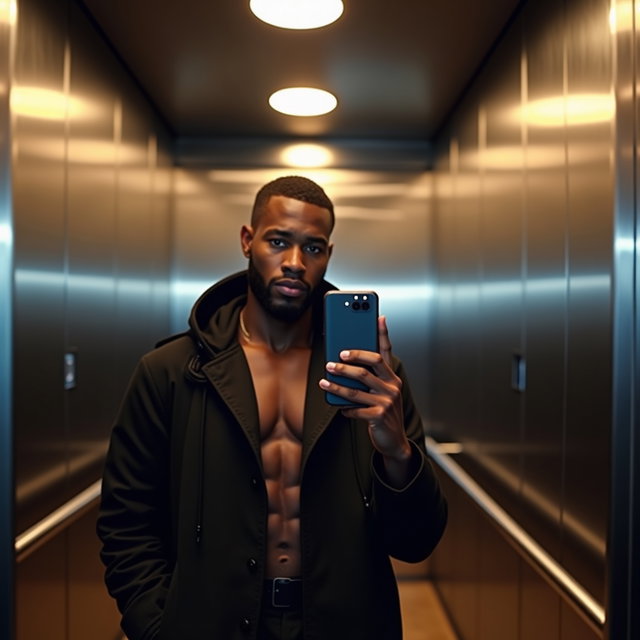
Choose the phone-camera viewpoint
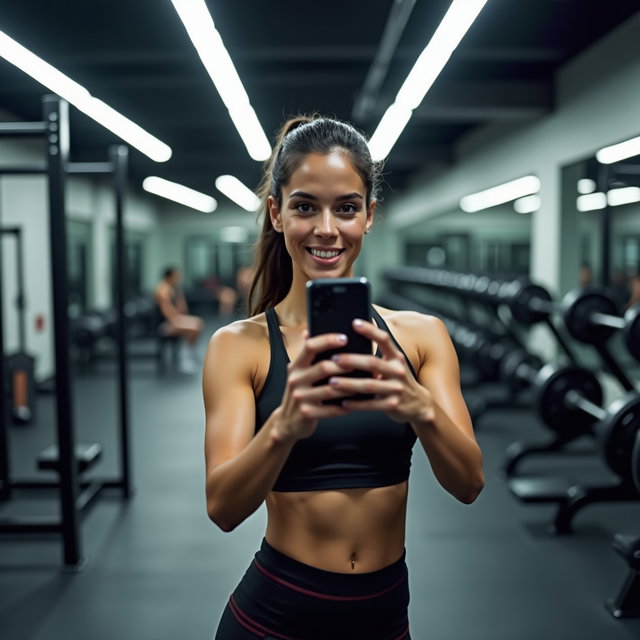
- For an arm's-length selfie, describe a close camera position and a slightly raised phone angle.
- For a mirror selfie, place the phone to one side so it does not cover the face in the reflection.
- Choose an expression that fits the setting rather than defaulting to a formal portrait pose.
Try a cafe selfie prompt
- Try: Using my reference photo for identity cues, create a realistic arm's-length selfie at a neighborhood cafe, wearing a denim jacket, with a relaxed smile, soft window light, and face and shoulders in frame.
- Keep the camera viewpoint in the description so the result reads as a selfie rather than a photo taken from across the room.
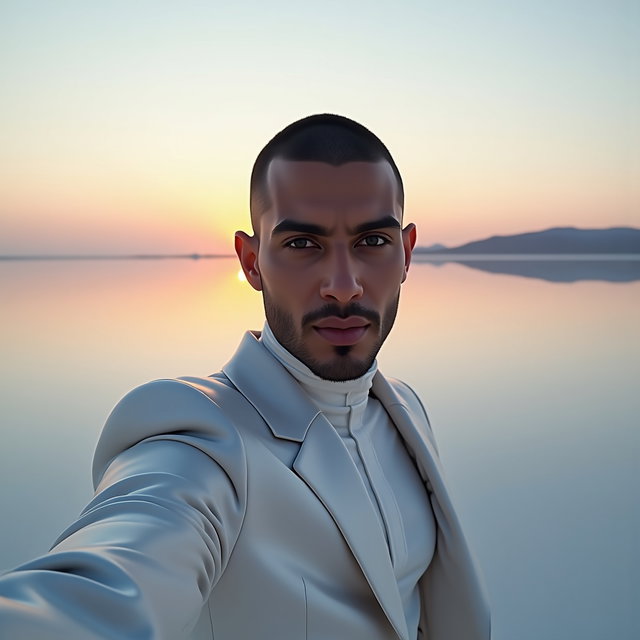
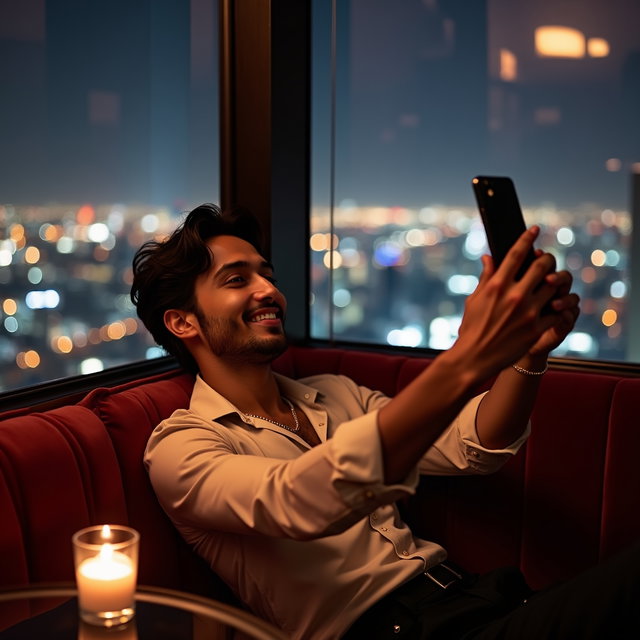
Review the selfie before sharing
- Compare the face with your reference if the selfie is meant to depict you; do not assume every result will resemble you.
- Check fingers, phone edges, mirror reflections, and background text for visible errors.
- Preview the image at the size and shape you plan to use before choosing a result.
Questions Before You Start
Can I make a selfie from text alone?
Yes. Text can describe a general appearance and scene, but a photo or reference provides identity cues if the image is meant to depict a specific person.
Does the phone need to appear in the selfie?
No. You can describe an arm's-length view with the phone outside the frame or a mirror selfie with the phone visible.
Can an AI selfie work for a professional account?
You can choose understated clothing and a simple setting while keeping the handheld feel. If the account calls for a formal portrait, a headshot may be a better fit.
Create your next look
Explore Presets and Masks, or create something new in Studio.