AI Profile Picture Generator
Make AI profile pictures for work accounts and social bios from a photo, reference, or text prompt; choose an expression that fits each account.



Benefits
- Plan an image that reads clearly beside your name.
- Choose a polished or relaxed tone to suit the account.
- Try different clothing and settings before settling on a look.
- Compare results at profile-icon size before choosing one.
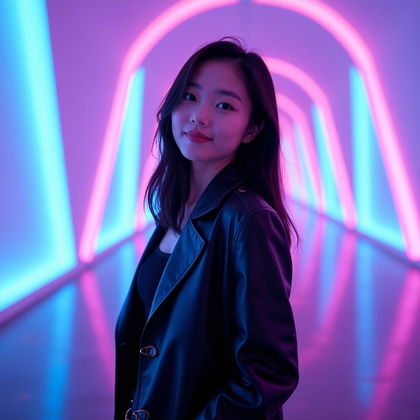
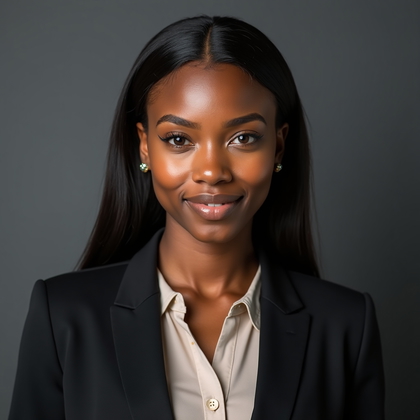
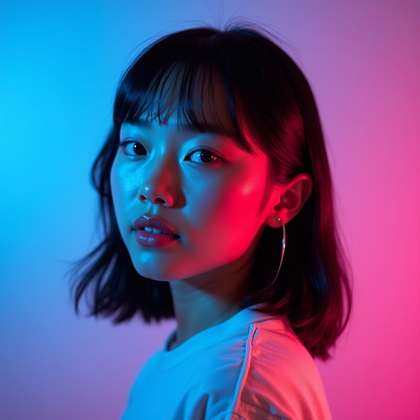
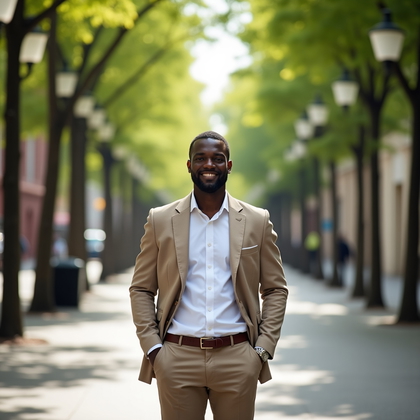
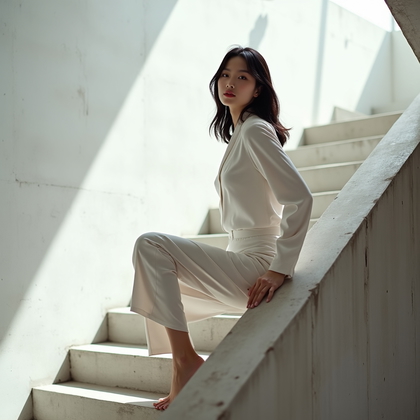
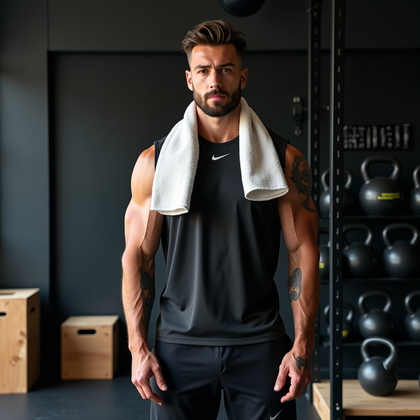
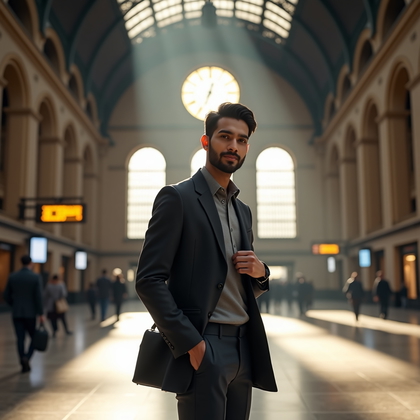
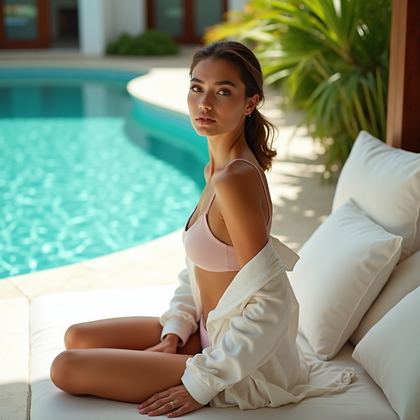
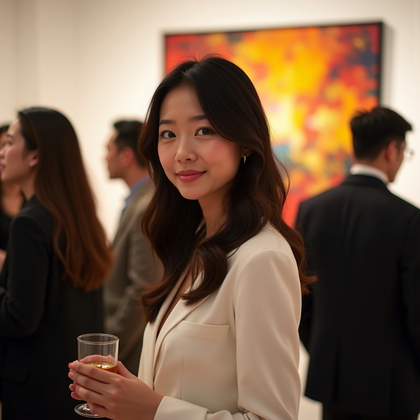
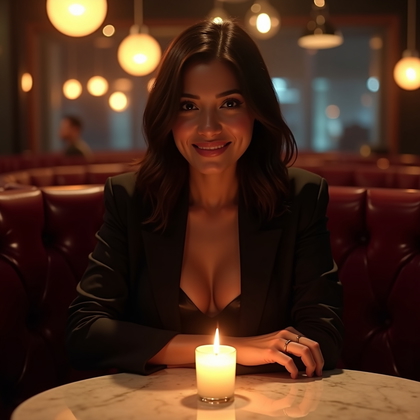
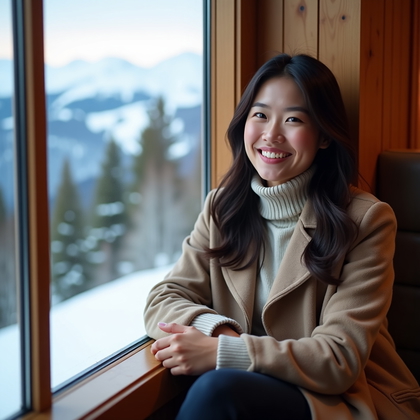
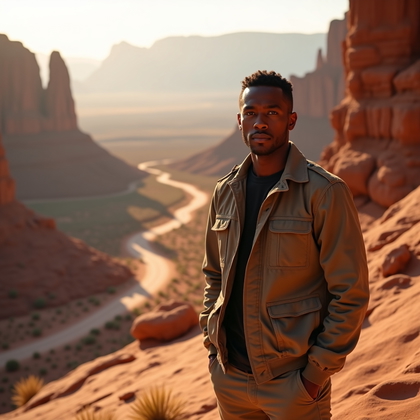
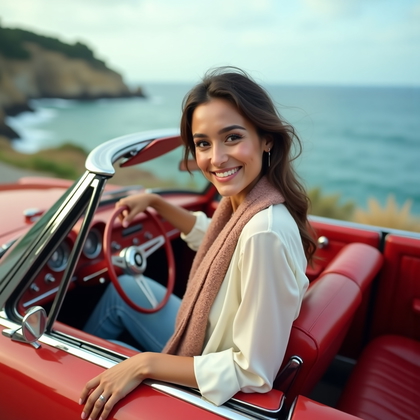
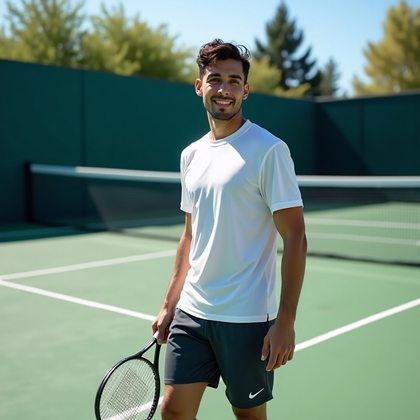
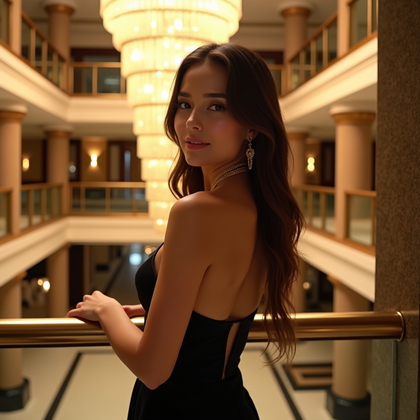
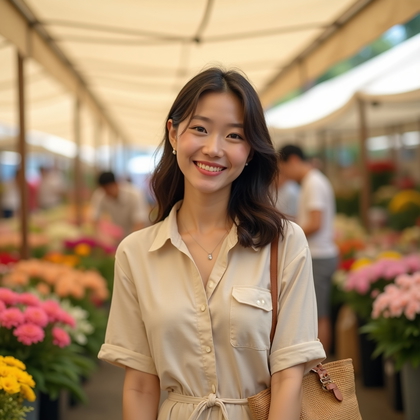
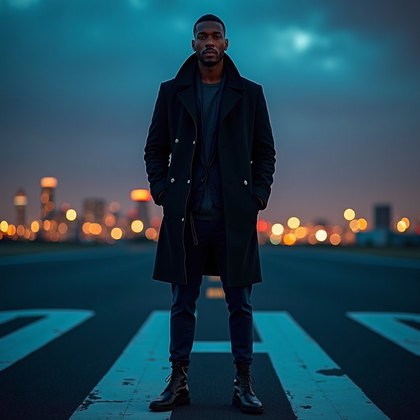
Examples shown were created with My AI Photoshoot.






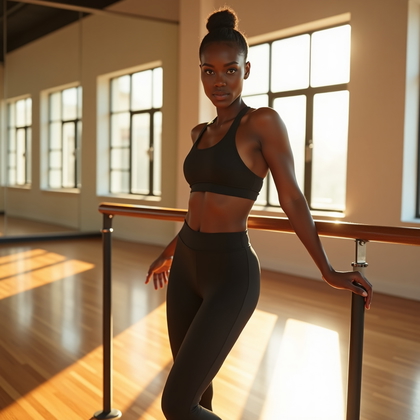
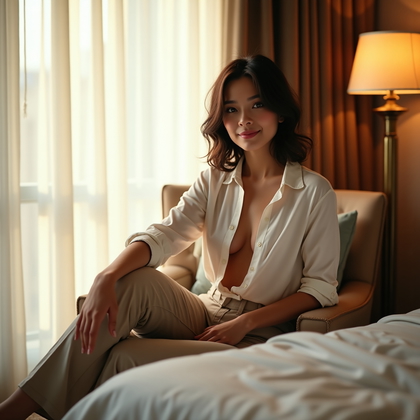
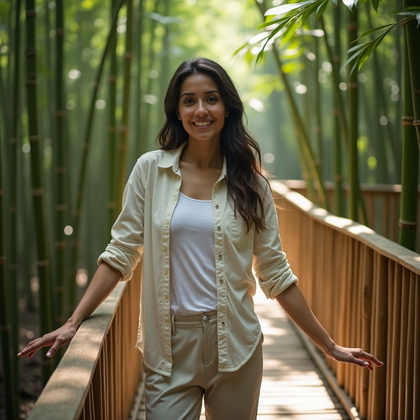
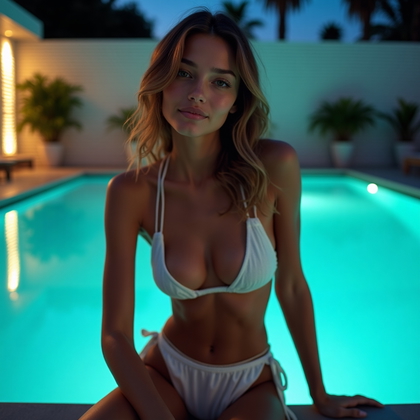

How It Works
1
Choose your starting point
Start with a photo, reference, or idea.
2
Choose how to create
Try a Preset or Mask, or describe your idea in Studio.
3
Review and create
Check the credit cost, create your result, then download the photos you love.

Choose where the profile picture will appear
- For a work account, choose an image that helps colleagues or clients identify you at a glance.
- For a social bio, a more relaxed expression can show personality while keeping your face easy to see.
- Allow space around your head so a square or circular profile display does not cut into your face.
Set the tone with clothing and setting
- Choose clothing and a setting that fit the account, such as a simple shirt against a neutral background or a casual jacket outdoors.
- Set an expression and lighting direction that keep attention on your face rather than the scene.


Try a prompt for two account styles
- Try: "Using my reference photo for identity cues, create a natural-looking profile picture in a denim jacket outside a cafe, with a relaxed smile, soft daylight, and my head and shoulders near the center."
- For a work account, try changing the jacket and cafe to a collared shirt and plain background, then compare the results.
Check the result before updating a profile
- If the image is meant to depict you, compare the facial features with your reference and set aside results that do not look right.
- Check for distorted glasses, hair, or facial details and for backgrounds that draw attention away from the face.
- Preview the image at its intended profile size and shape to make sure your face remains clear.

Questions Before You Start
Can I start with only a text prompt?
Yes. A text prompt can describe a profile picture, but it cannot establish a specific person's likeness. Use a photo or reference to provide identity cues.
Will a reference photo produce an exact likeness?
A reference provides identity cues, not a guaranteed match. Compare the results with the person you intend to depict before using one.
How is a profile picture different from a business headshot?
A profile picture is chosen to read clearly as a small account image and can be casual or professional. A business headshot is usually a more formal portrait for a resume, company bio, or similar use.
Create your next look
Explore Presets and Masks, or create something new in Studio.