AI Portrait Generator
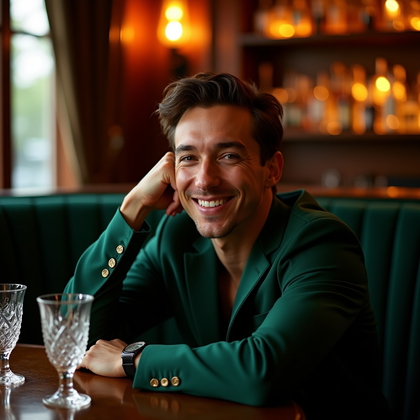
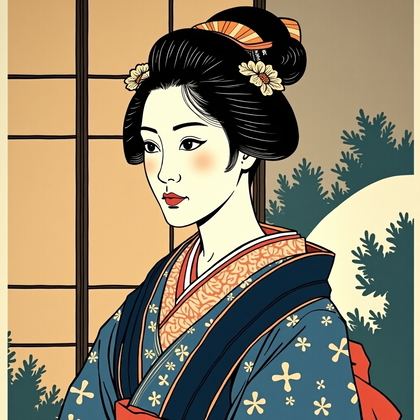
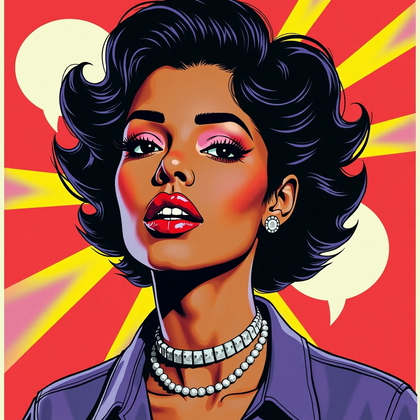
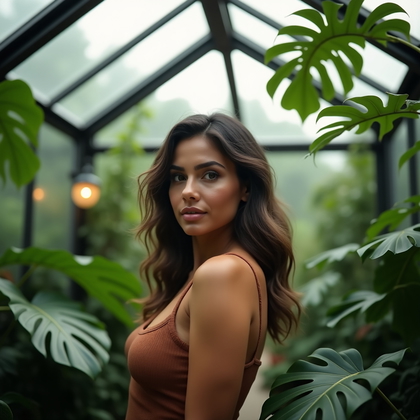
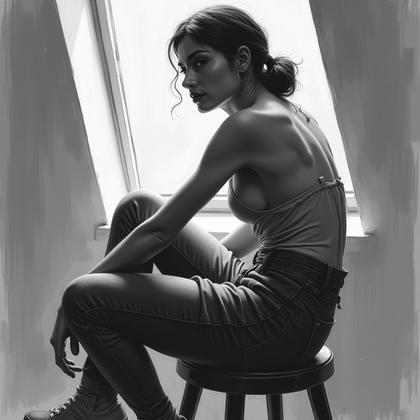
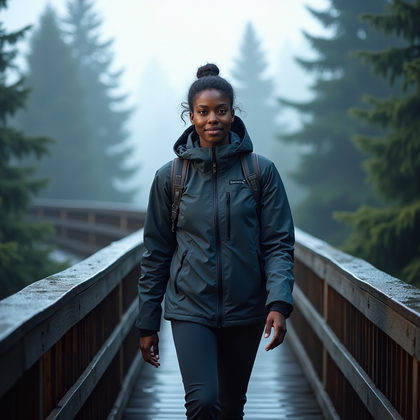
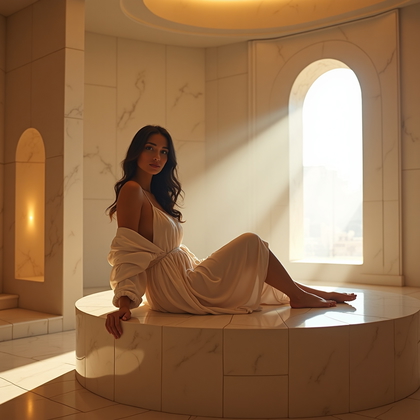
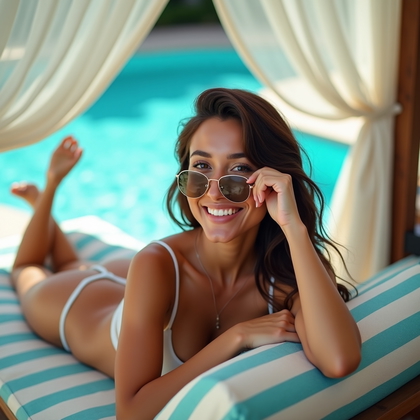
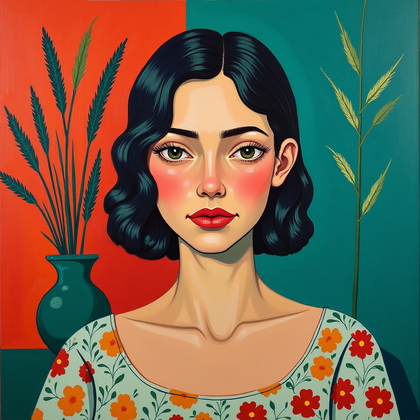
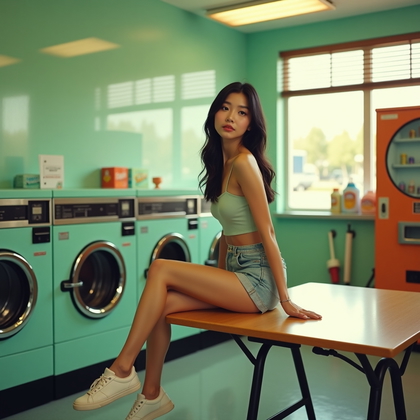
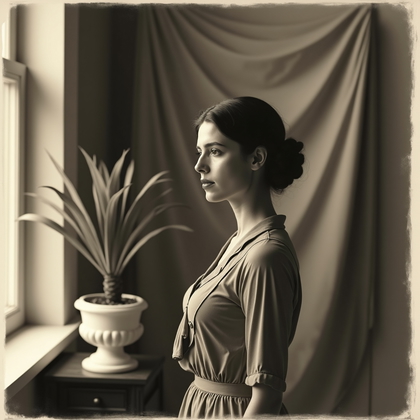
Create photo-like or painted AI portraits for personal sites, posts, and prints; choose the setting and expression to fit where they appear.



Benefits
- Make a portrait for a personal page, post, or print.
- Explore photo-like and painterly versions of an idea.
- Use clothing, setting, and expression to shape the mood.
- Choose framing that suits the final layout.
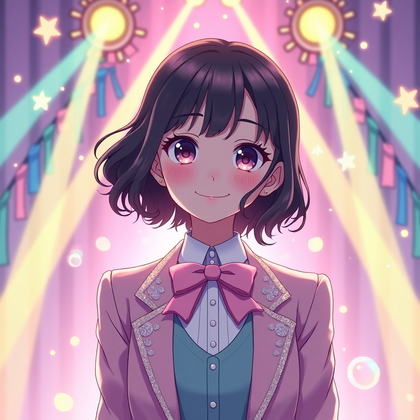
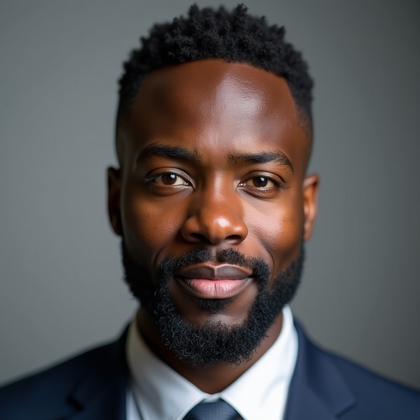
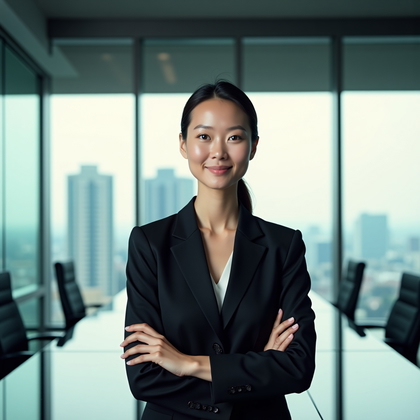
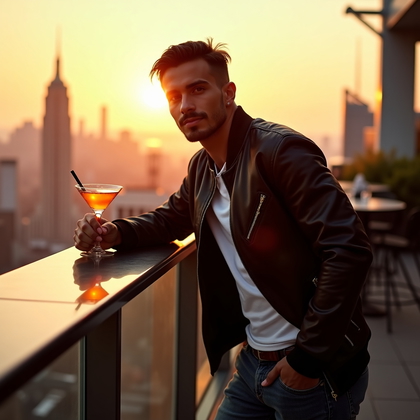
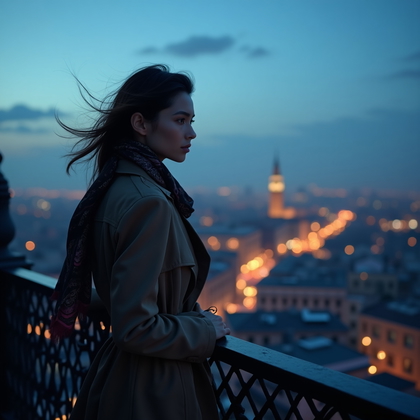
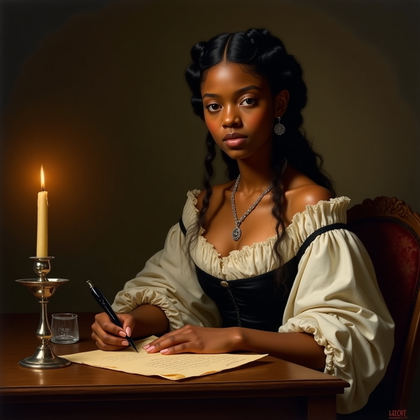
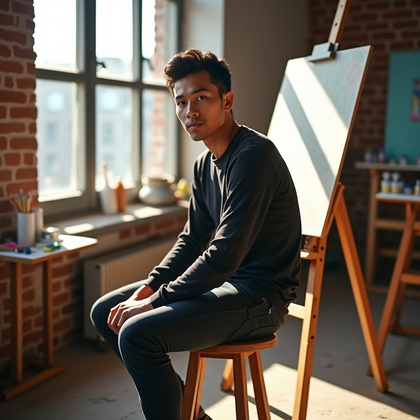
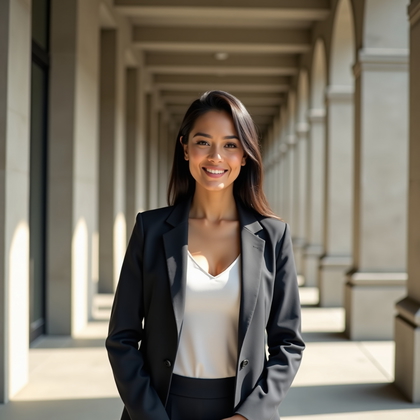
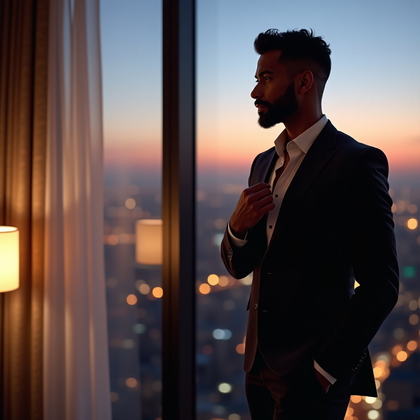
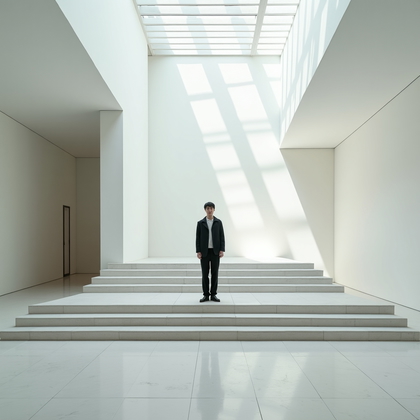
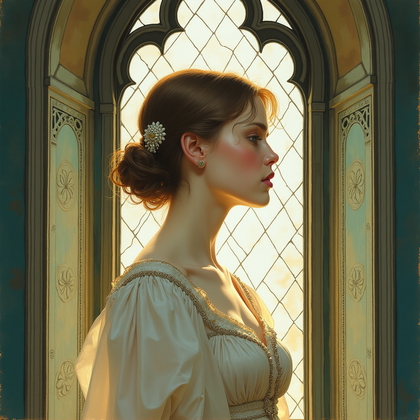
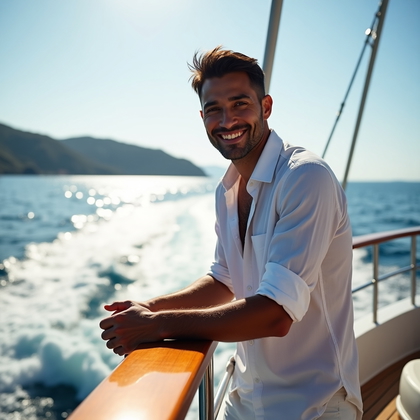
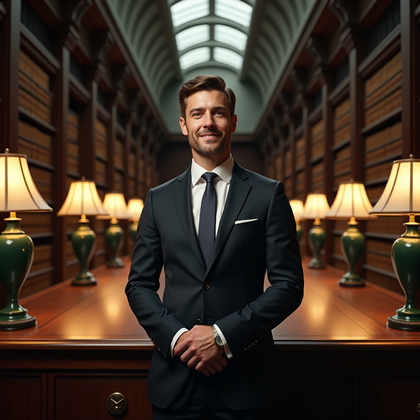
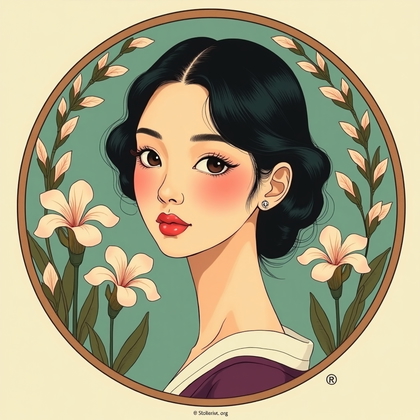
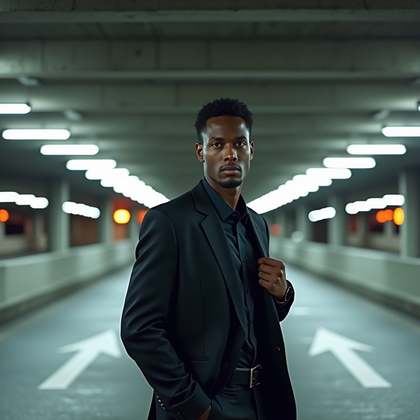
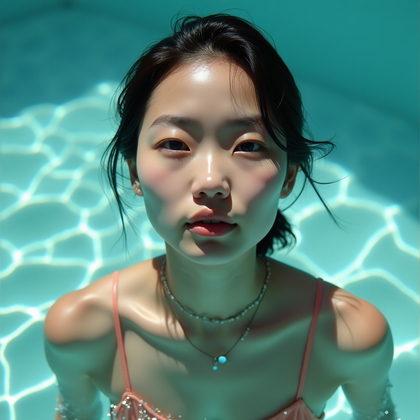
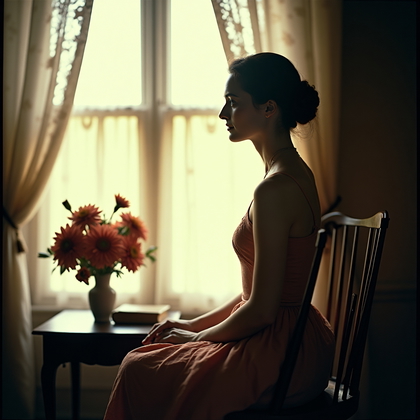
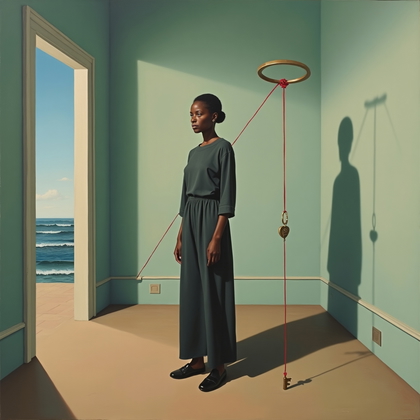
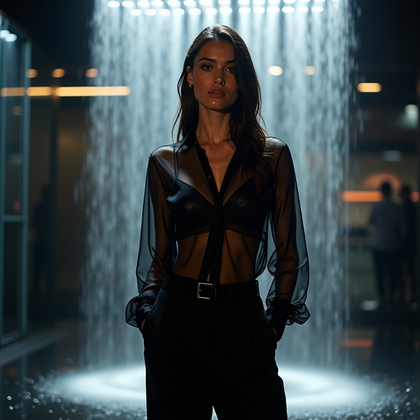
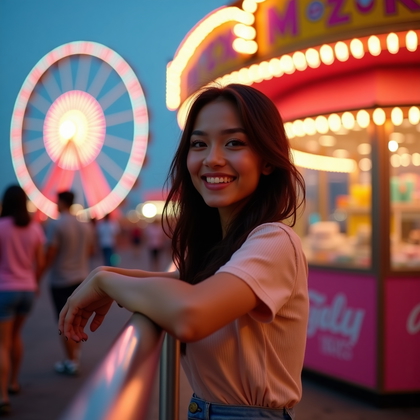
Examples shown were created with My AI Photoshoot.
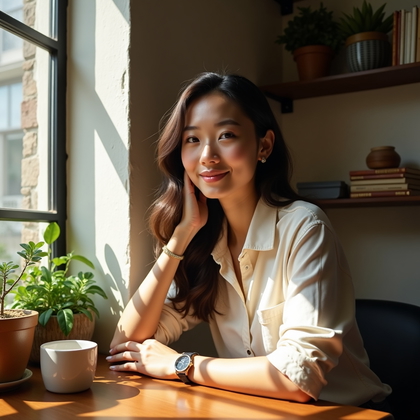
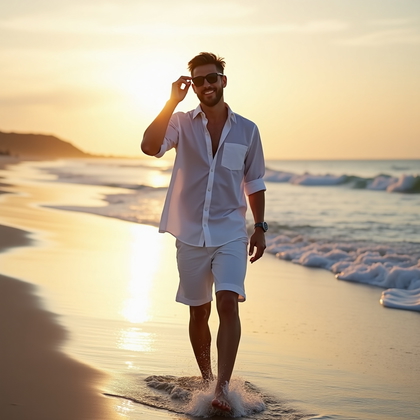
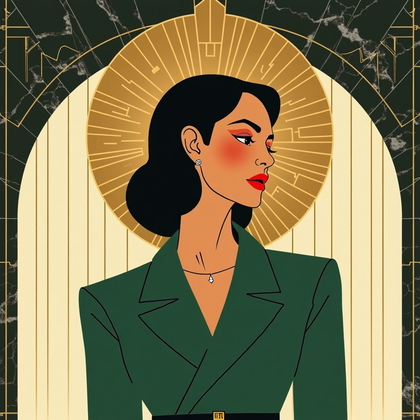
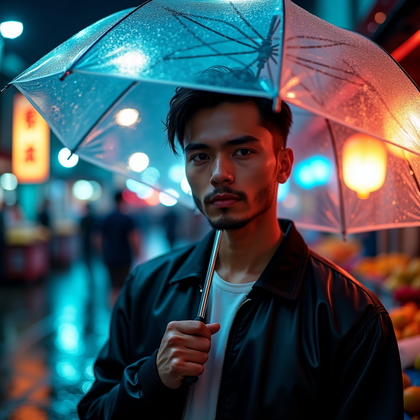

How It Works
1
Choose your starting point
Start with a photo, reference, or idea.
2
Choose how to create
Try a Preset or Mask, or describe your idea in Studio.
3
Review and create
Check the credit cost, create your result, then download the photos you love.

Plan a portrait for its final placement
- A personal page may call for a waist-up portrait with enough surrounding scene to give the person context.
- For a social post, check that the face remains clear at the size people will see it.
- For a print, decide whether the setting should be part of the composition before choosing an orientation.
Choose the portrait's style and scope
- Choose a photo-like look for natural detail or a painted look when color and texture are central to the idea.
- Pair expression, clothing, and setting to create a coherent mood rather than treating each choice separately.
- Use a close-up, three-quarter view, or wider scene depending on how much of the person and their surroundings you want to show.


Write a prompt for a personal-page portrait
- If the portrait should depict a specific person, use a photo or reference to provide identity cues.
- Try: “Using my reference photo for facial cues, create a waist-up painterly portrait in a quiet library, wearing a charcoal cardigan, with a thoughtful expression, warm window light, and space on the left for a page title.”
- To explore a different direction, change the medium or setting before refining smaller details.
Review the portrait before using it
- Compare the face with the reference when the image is meant to depict a specific person.
- Inspect eyes, hands, clothing edges, and background details for distracting distortions.
- Preview the portrait in its intended layout, checking the crop, text space, and available detail at the size you plan to use.

Questions Before You Start
Can I create a portrait from text alone?
Yes. Text can describe an imagined person and scene, but it does not establish a specific person's likeness; use a photo or reference for identity cues.
How is a portrait different from a headshot?
A headshot usually focuses on the face and shoulders, while a portrait can include more of the person, their surroundings, or an artistic treatment.
How can I make several portraits feel like a set?
Carry a similar palette, setting, or framing across the images, then compare the results side by side for consistency.
Create your next look
Explore Presets and Masks, or create something new in Studio.