AI Pictures of Myself
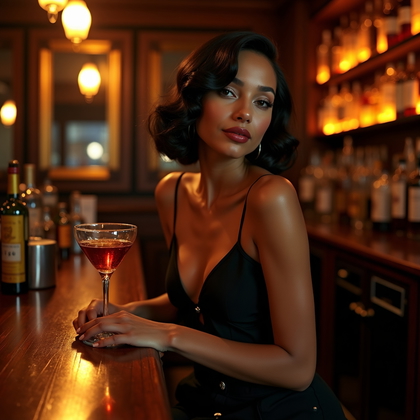
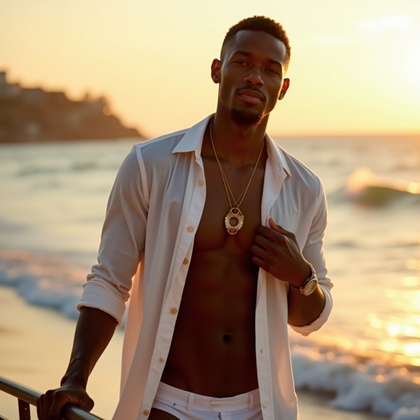
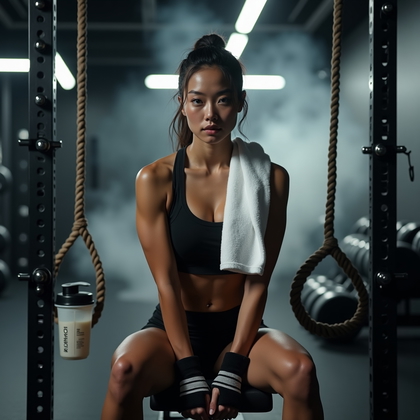
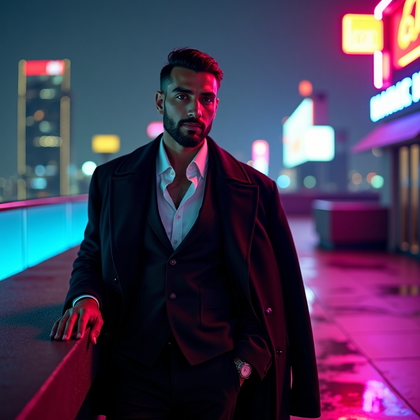
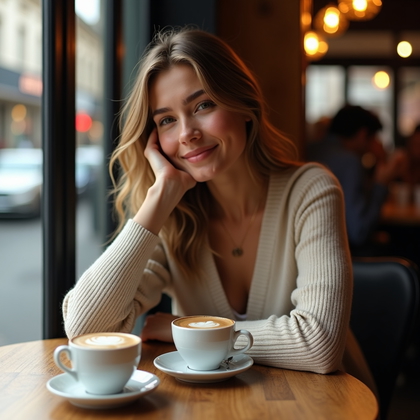
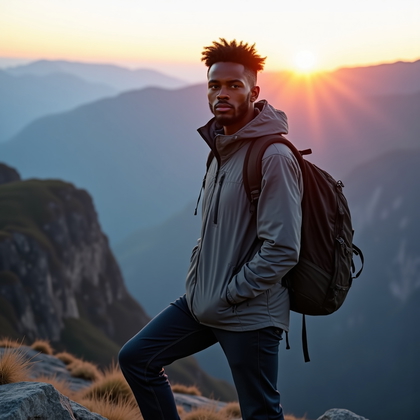
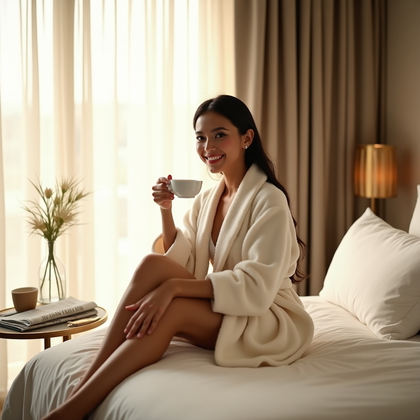
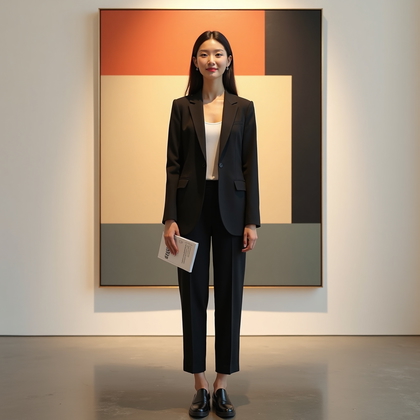
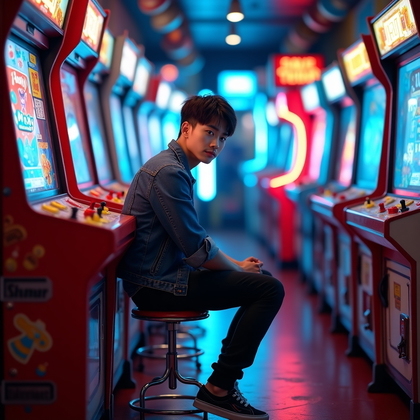
Make AI pictures of yourself for personal posts, profiles, or invitations; choose a setting and outfit that fit the occasion.



Benefits
- Make pictures suited to personal posts, profiles, and invitations.
- Show more of a moment by choosing a setting and activity, not just a backdrop.
- Match clothing and expression to a casual day or special occasion.
- Compare variations before choosing an image to share.
Examples shown were created with My AI Photoshoot.
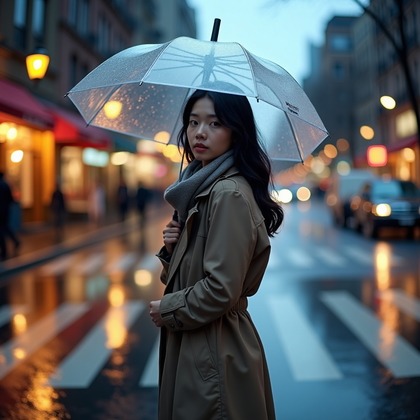
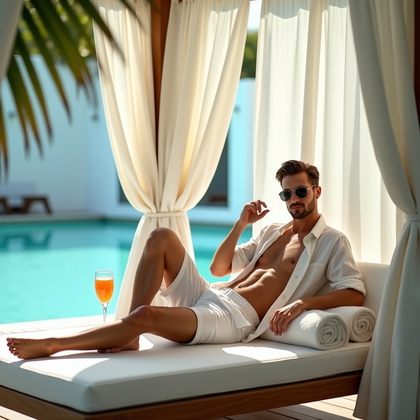
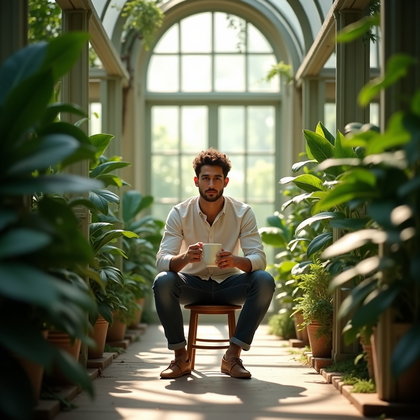
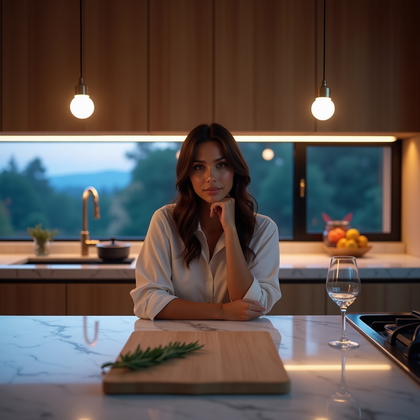
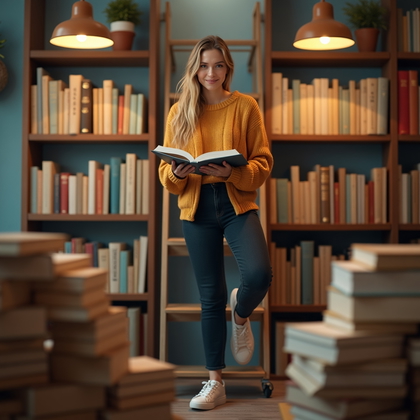
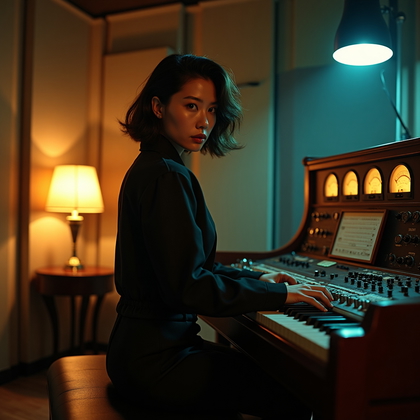
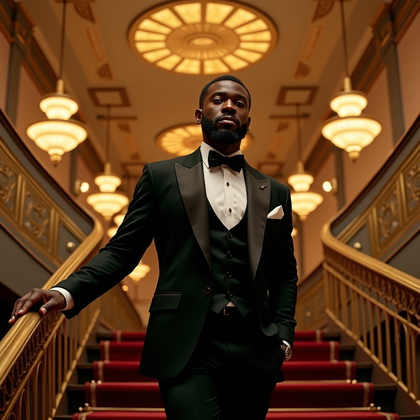
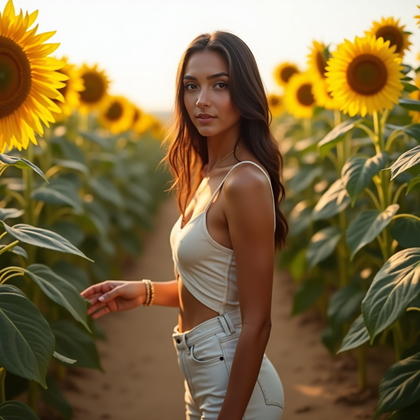
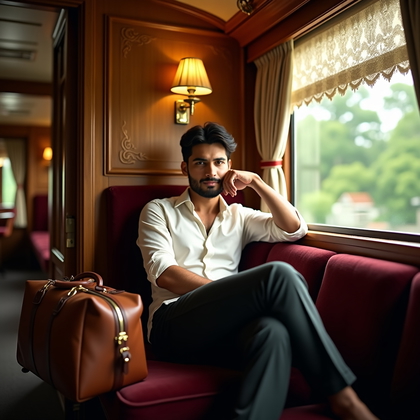
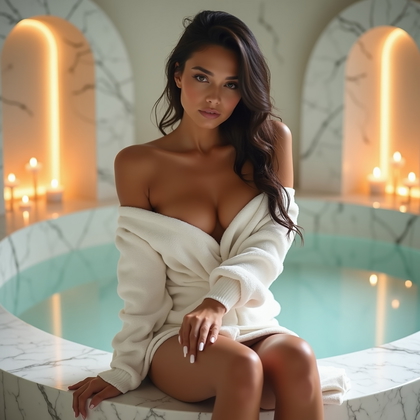
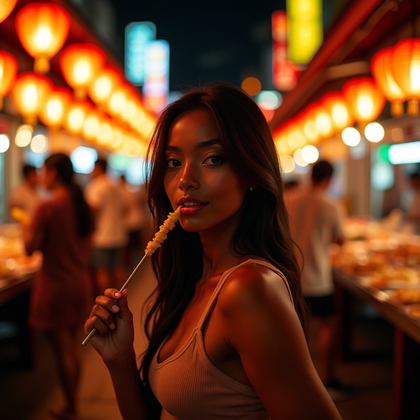
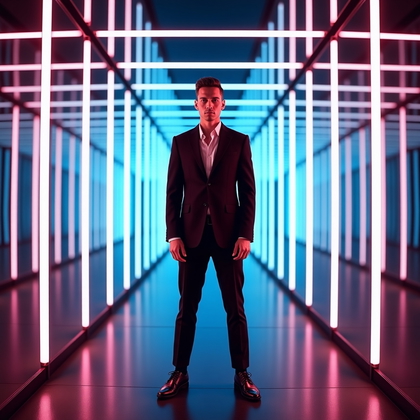
How It Works
1
Choose your starting point
Start with a photo, reference, or idea.
2
Choose how to create
Try a Preset or Mask, or describe your idea in Studio.
3
Review and create
Check the credit cost, create your result, then download the photos you love.

Match the picture to where it will appear
- For a small profile image, keep your face clear and allow room around your head for cropping.
- For a personal post, use a wider frame if the setting or outfit is part of the story.
- For an invitation, leave open space where you can add the event details later.
Choose a scene that suits the occasion
- Decide whether the picture should feel like an ordinary outing, a quiet moment at home, or a dressed-up occasion.
- Choose clothing, an expression, and surroundings that feel consistent with that moment.
- Use daylight for an easygoing feel or warmer evening light for a more celebratory one.


Try a prompt for an everyday picture
- If the picture should depict you, provide a photo or reference image as a starting point.
- Example prompt: 'Using my reference photo for identity cues, make a photo-like picture of me browsing a neighborhood bookstore in a green sweater and jeans, with a relaxed expression, soft window light, and a waist-up frame.'
- Try changing one choice, such as the outfit or setting, when comparing versions.
Review the picture before using it
- Compare the face with your reference if recognizability matters to you.
- Check hands, clothing edges, and background objects for distracting distortions.
- View the picture at its intended size and crop before posting it or adding invitation text.

Questions Before You Start
Can I make a recognizable picture of myself from text alone?
Text can describe the scene, but it does not establish your likeness. A photo or reference image provides identity cues, though the result may not look exactly like you.
Should I put invitation wording in the image prompt?
You can ask for space for wording, then add the names, date, and other details separately so you can proofread them before sharing.
What if the picture looks too staged?
Try a simpler setting, clothes you would normally wear, or a less posed expression, then compare the new results.
Create your next look
Explore Presets and Masks, or create something new in Studio.