AI Photography Generator
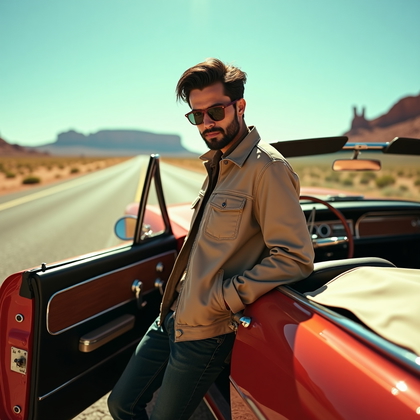
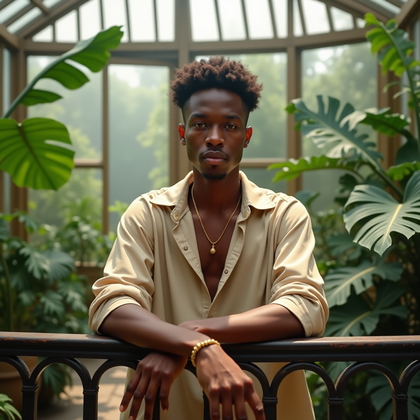
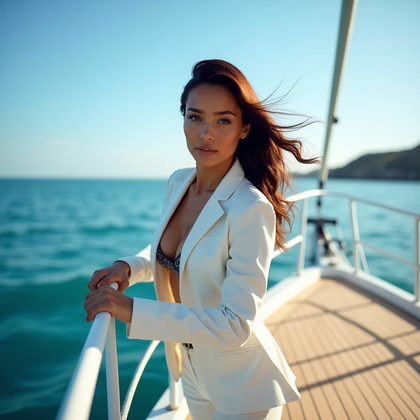
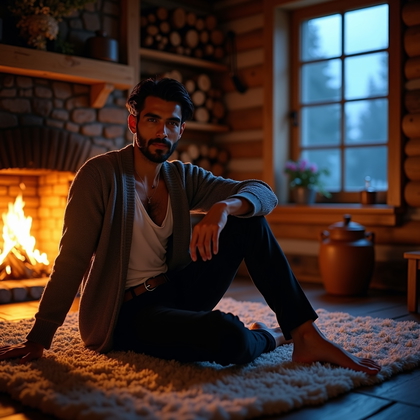
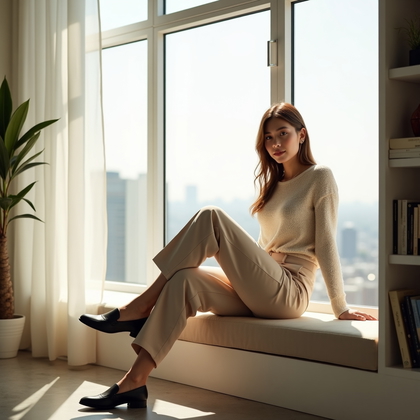
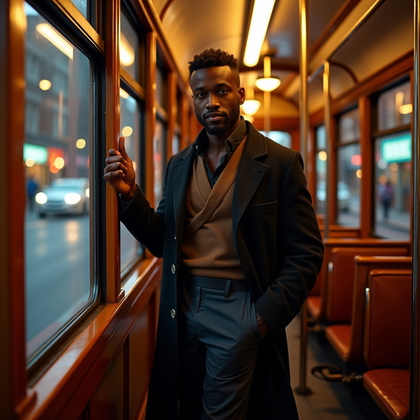
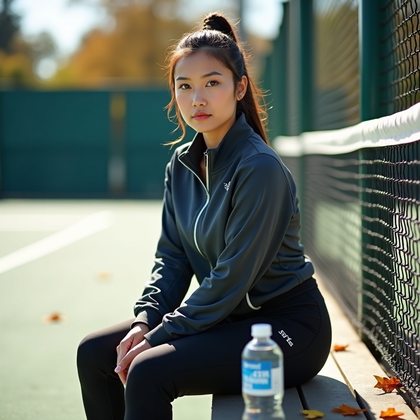
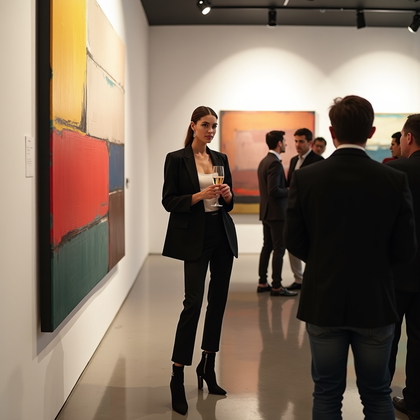
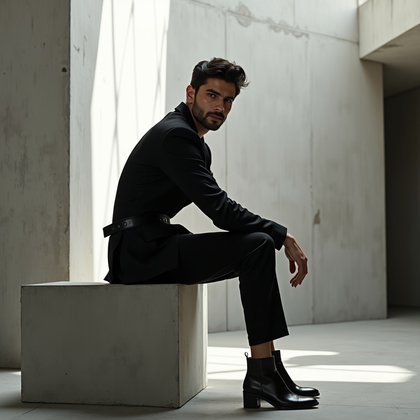
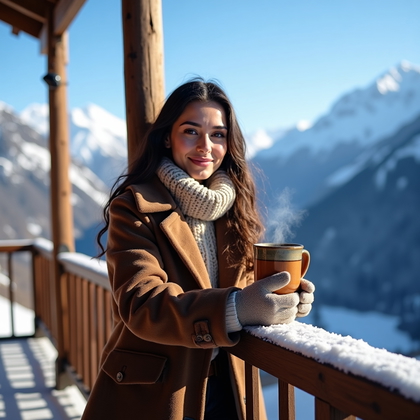
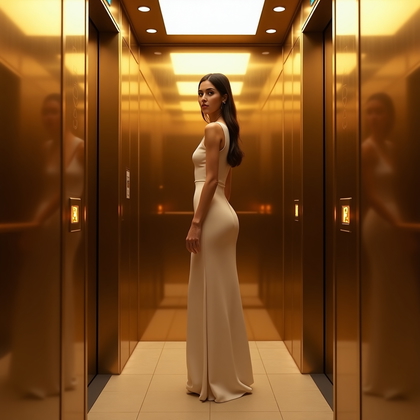
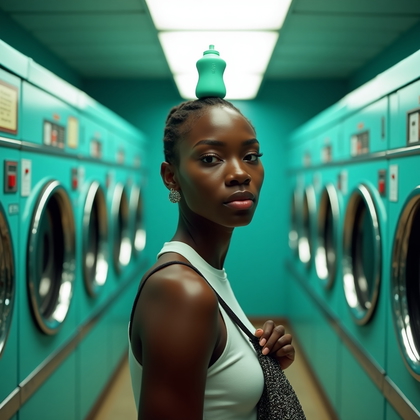
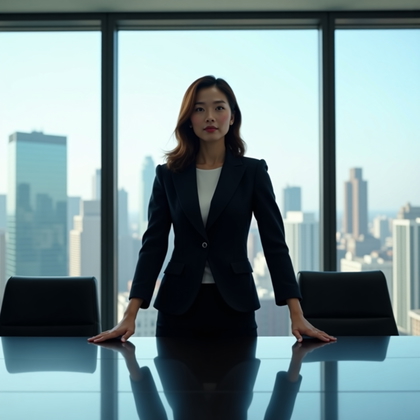
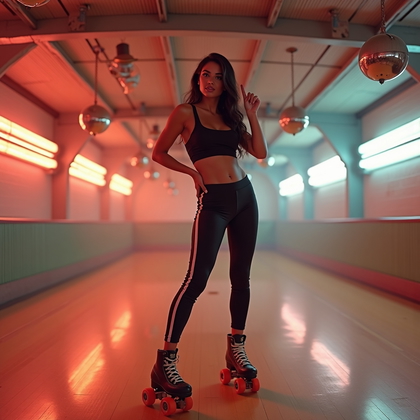
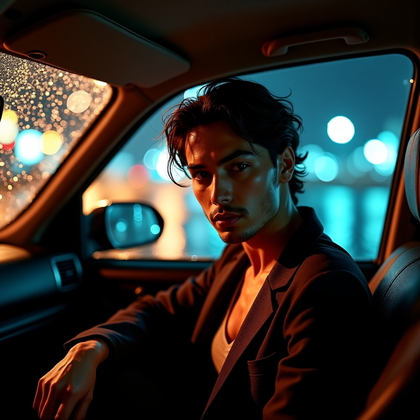
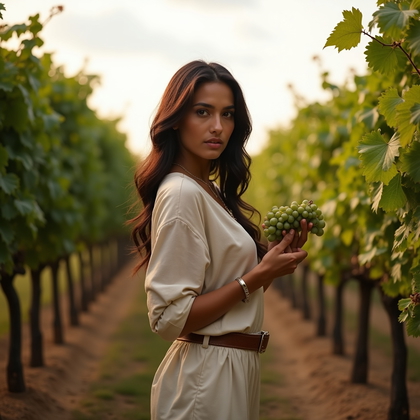
Create photo-style portraits and scenes for websites, campaigns, and creative projects. Choose a setting and framing that fit your layout.



Benefits
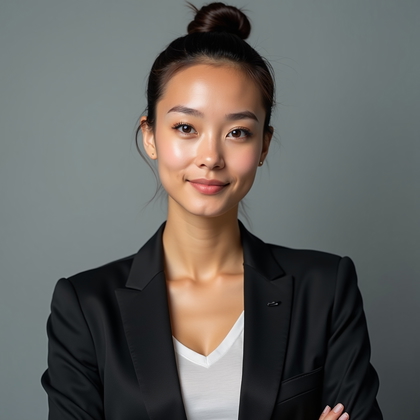
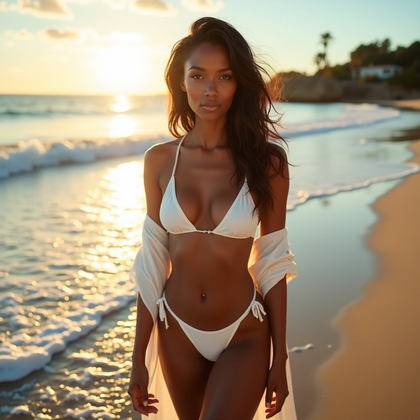
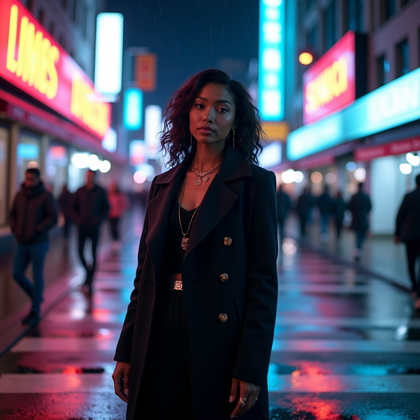
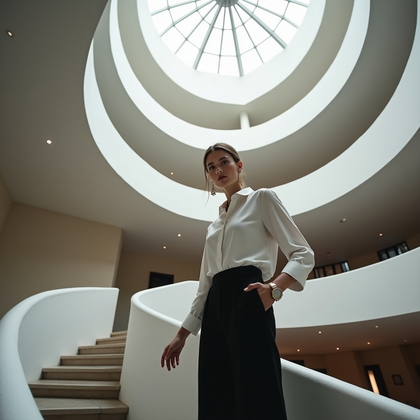
- Create photo-style portraits and scenes for website and campaign layouts.
- Leave room in the composition for headlines or other design elements.
- Choose clothing, setting, and expression to support a visual concept.
- Explore different scene compositions before selecting an image.
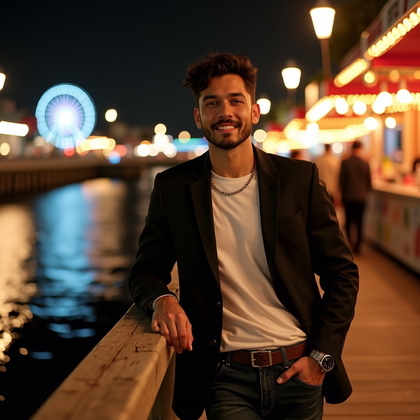
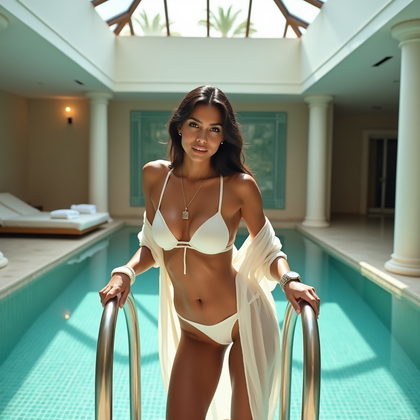
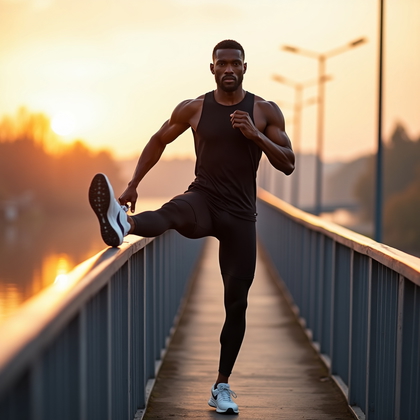
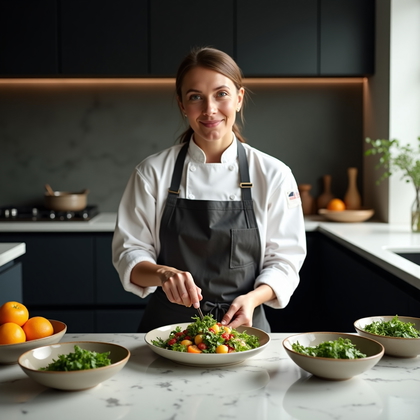
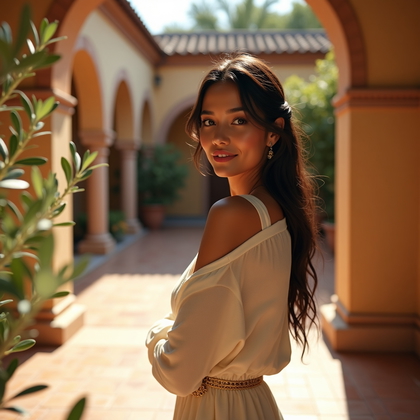
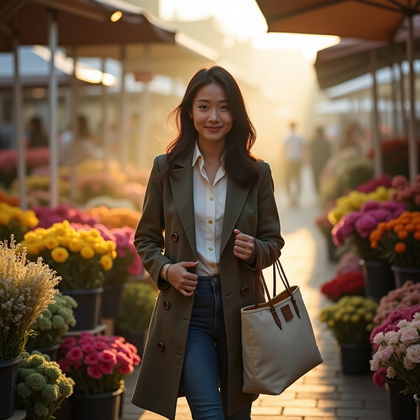
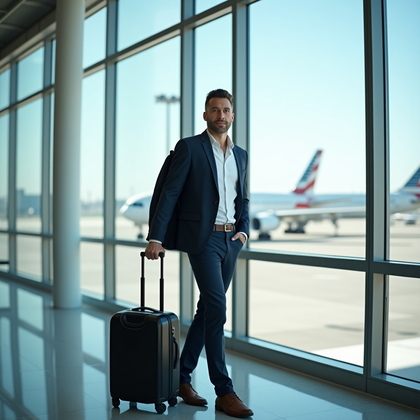
Examples shown were created with My AI Photoshoot.
How It Works
1
Choose your starting point
Start with a photo, reference, or idea.
2
Choose how to create
Try a Preset or Mask, or describe your idea in Studio.
3
Review and create
Check the credit cost, create your result, then download the photos you love.

Plan the image for its placement
- For a website hero, plan a wide scene with space for the headline.
- For a campaign tile, keep the subject and key details clear when the image appears small.
- For a creative project, decide whether the person, the surrounding scene, or their interaction carries the story.
Direct the subject and scene
- Describe a plausible setting and a simple action to give the image a photographic sense of place.
- Choose wardrobe and expression that fit the story rather than adding details that compete for attention.
- Specify a light source and camera distance to guide the mood and how much of the scene appears.


Try a prompt for a campaign image
- Example prompt: "Photo-style image of a florist arranging stems at a worktable, linen shirt, overcast window light, focused expression, medium-wide framing, room on the right for a headline."
- Replace the worktable and headline placement with details from the campaign or page you are making.
Review the result in its final layout
- Inspect faces, hands, objects, and shadows for details that disrupt the photographic look.
- Check visible lettering and marks on signs or props for errors.
- View the image in its intended layout to see whether the crop, subject, and text space still work.

Questions Before You Start
Can I start without a photo?
Yes. A text prompt can describe an invented subject and scene. To depict a specific person, use a photo or reference for identity cues; text alone does not establish their likeness.
Can I change the setting shown in a reference image?
You can use a reference for visual cues while describing a different setting or wardrobe, then review whether the result fits your concept.
Will every detail in my prompt appear exactly?
Not necessarily. Treat the prompt as creative direction and check each result for details that are missing or changed.
Can I make several images for one campaign?
You can describe a recurring visual mood across variations, then select images that work well together.
Create your next look
Explore Presets and Masks, or create something new in Studio.