AI Photobooth
Create realistic AI photobooth portraits from selfies with custom prompts, reusable styles, and looks for profiles, events, campaigns, and content.
Personal AI model photos: $0.03 per image·Personal AI model training from $5.99
Low-cost AI photosNo subscription requiredPowered by Flux


Benefits
- Create event-style AI photobooth portraits without props, sets, or a physical booth.
- Control outfits, backdrops, lighting, framing, expressions, and themes with custom prompts.
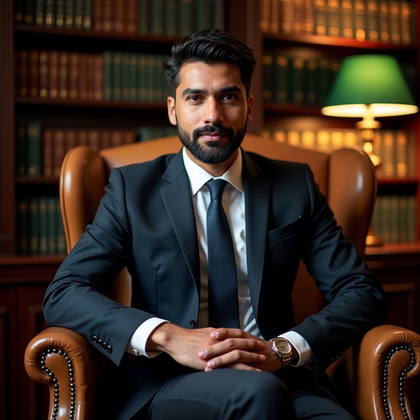
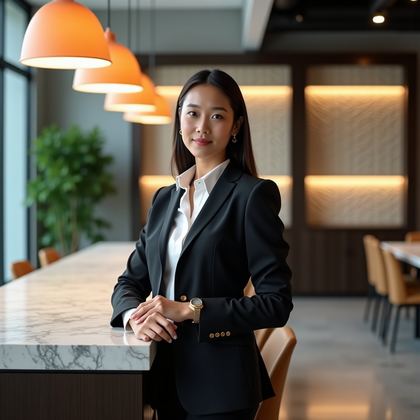
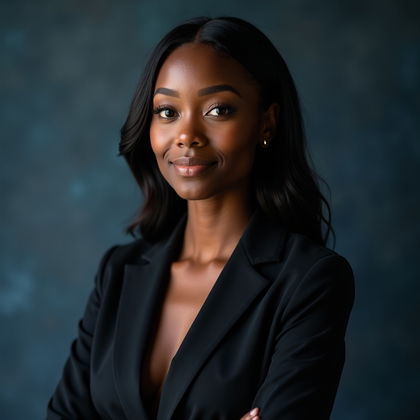
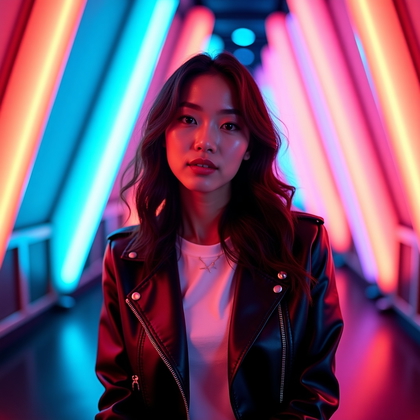
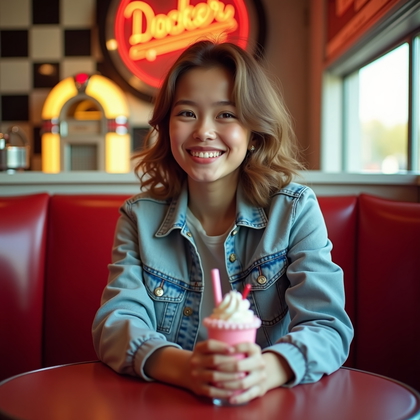
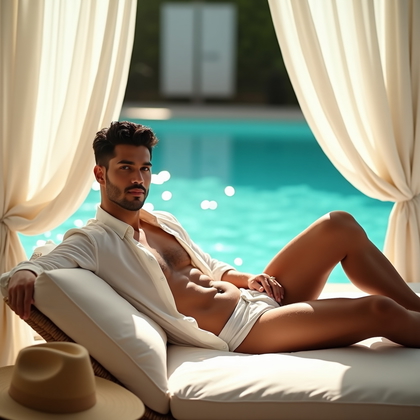
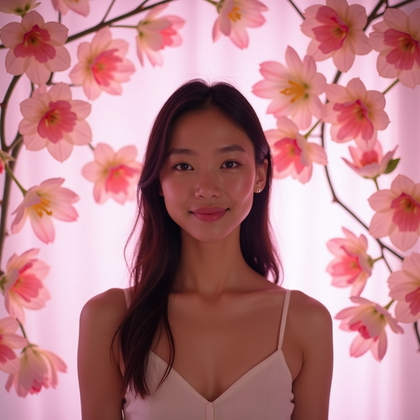
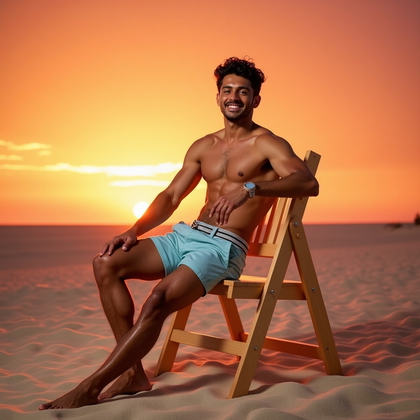
- Generate realistic AI portraits in professional, playful, editorial, or retro booth styles.
- Reuse one portrait setup across profile photos, creator content, campaign visuals, and event promos.
- Make prompt variations when you need a new pose, background, crop, or mood.
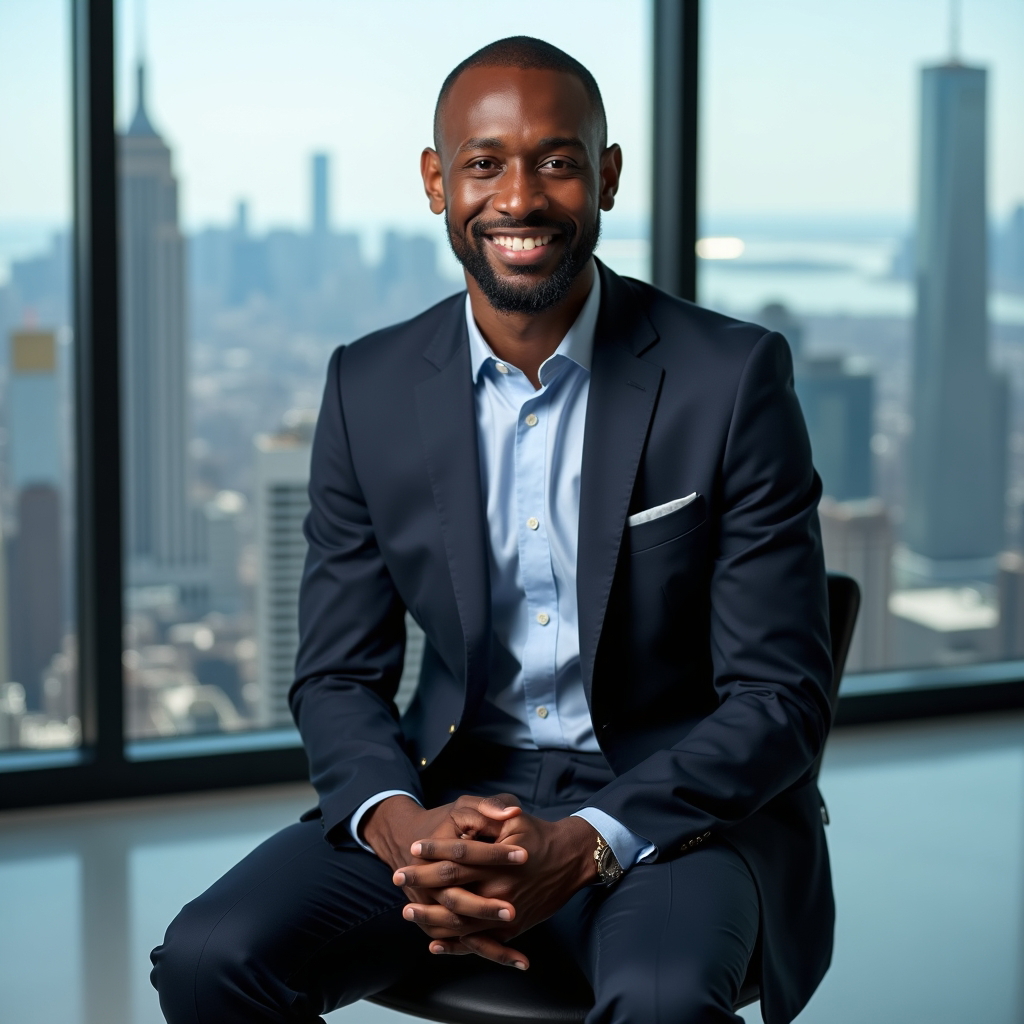
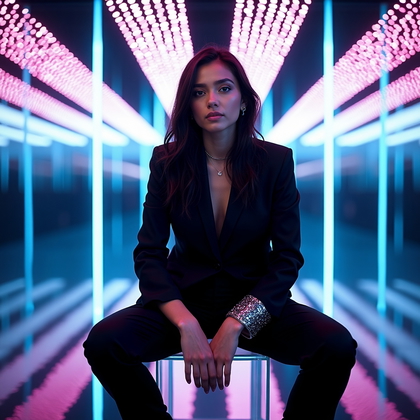
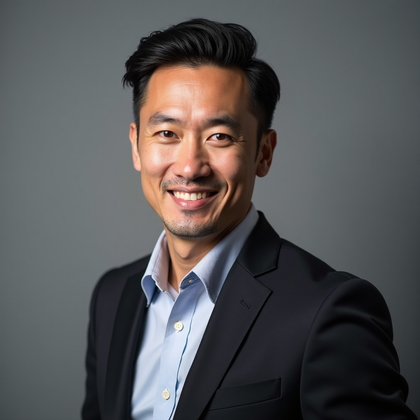
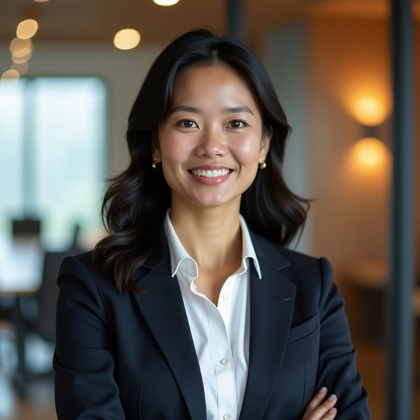
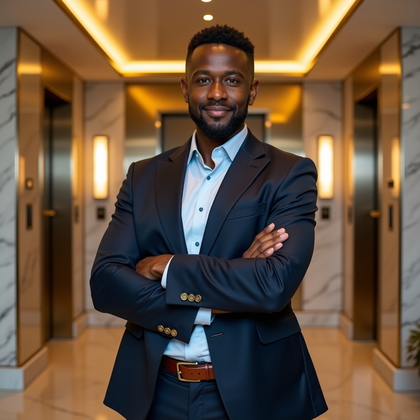
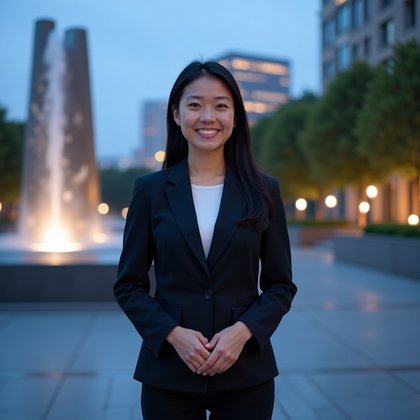
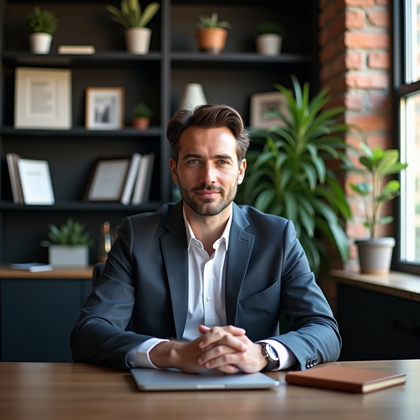
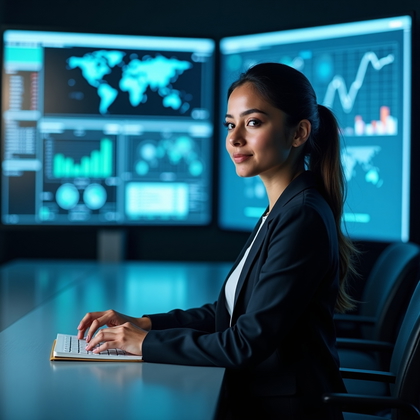
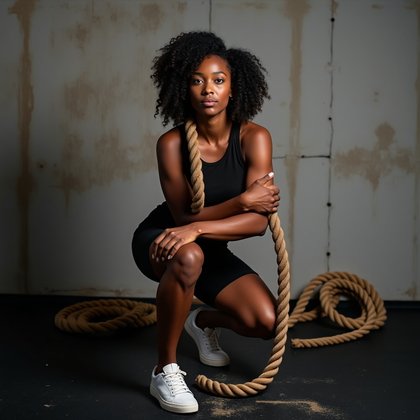
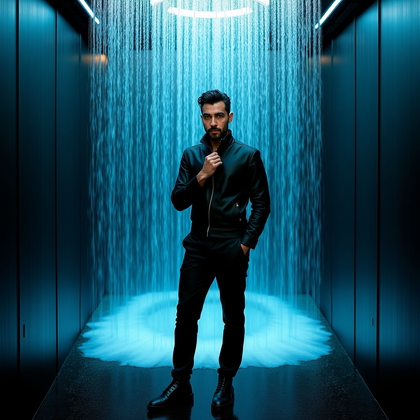
All examples shown were generated by our AI from user selfies.
How It Works
1
Upload 10-20 selfies (about 5 minutes)
Use clear existing photos or take a few new selfies.
2
Train your AI model (about 2 minutes)
We train a personal model so new images look like you.
3
Generate and download favorites (about 5 minutes)
Create different looks, then save the images you like best.
Why AI Photobooth Helps
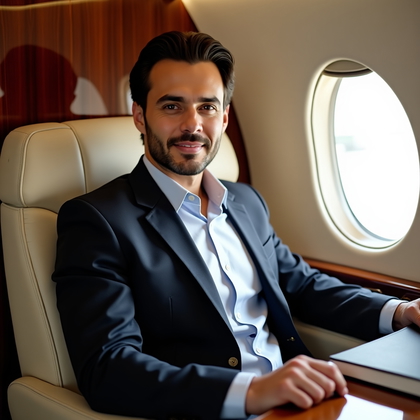
- An AI photobooth gives you a virtual photo booth for static portrait images.
- Use it when a standard selfie does not fit the setting you need, such as a polished profile, themed event portrait, or campaign visual.
- You can change the scene, outfit, lighting, crop, and mood without arranging a new photo setup.
Who This Is For
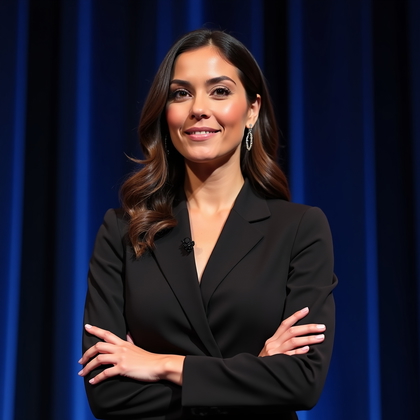
- An AI photo booth suits creators, founders, professionals, event hosts, marketers, and community organizers who need portrait variations.
- Use it for profile pictures, speaker bios, creator thumbnails, personal brand assets, event promos, newsletters, and social posts.
- It also helps individuals explore new looks for dating profiles, avatars, or seasonal portraits.
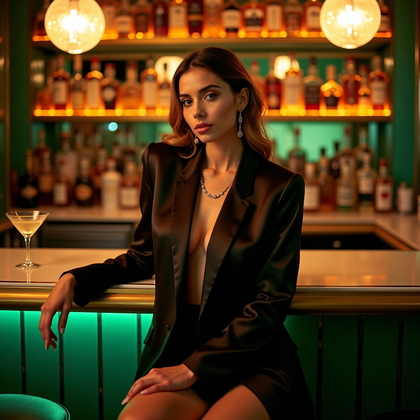
Control the Photobooth Style
- Write prompts for a clean studio headshot, retro booth print, editorial portrait, black-and-white image, cosplay-inspired look, or holiday theme.
- Prompt details can specify wardrobe, props, backdrop, expression, camera angle, lens feel, and color palette.
- You can also adapt prompt ideas from a public gallery when you want a strong starting point.
Realistic Portrait Quality
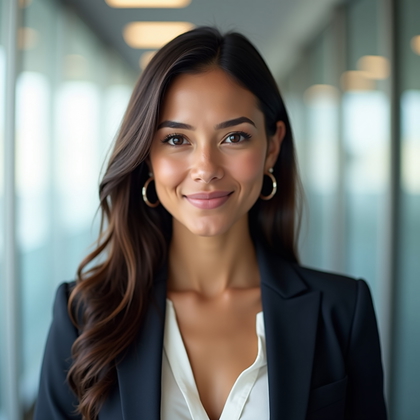
- Strong AI portrait results depend on clear source selfies that show your face plainly.
- Good lighting, sharp focus, simple backgrounds, and natural framing give the model better reference detail.
- The output can preserve a recognizable likeness while changing the environment and styling described in your prompt.
Reusable Image Outcomes
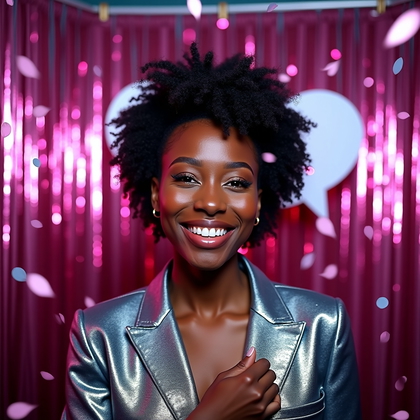
- One AI photobooth setup can support multiple image needs because each prompt targets a different context.
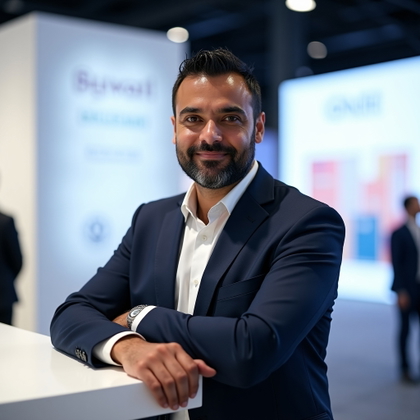
- Create a formal headshot for work, a relaxed avatar for social profiles, and a themed portrait for event content from the same base identity.
- Keep prompt wording consistent when you need a matched set across thumbnails, banners, announcements, or profile updates.
Objections Handled
• An AI photobooth is best for static images, not live capture, video, or interactive booth hardware.
• You do not need design experience to direct a result; clear text prompts describe the style and setting.
• If a portrait misses the mark, make variations by tightening the prompt, changing the pose, simplifying the background, or adjusting the crop.
Questions Before You Start
What is an AI photobooth?
An AI photobooth creates custom portrait images from your selfies using text prompts. It is useful for realistic headshots, themed portraits, avatars, event-style images, and social content.
What selfies should I use as input?
Use clear, well-lit selfies with your face visible and not heavily covered. Mix angles and expressions when possible, and avoid busy backgrounds or harsh shadows.
Can I write my own prompts and choose styles?
Yes. Describe the style, outfit, background, lighting, pose, expression, and crop you want. You can request looks such as studio portrait, retro photo booth, corporate headshot, editorial fashion, or seasonal themes.
Can I reuse prompts from a public gallery?
Yes. Gallery prompts can give you a starting point. Edit the wording to match your face, theme, channel, or visual style.
How can I improve results or create retakes?
Start with clear lighting, uncluttered backgrounds, and face-forward framing. For variations, keep the parts you like in the prompt and change a few details, such as backdrop, outfit, pose, or crop.
Do I own the generated images?
Yes. You own 100% of the images you generate and can reuse them across personal profiles, business materials, event assets, and content.
Simple Pay-As-You-Go Pricing
- Personal AI model training from $5.99
- Personal AI model photos: $0.03 per image
- No subscription. Pay only for what you create.