AI LinkedIn Headshot Generator
Create an AI headshot for your LinkedIn profile and connection requests, choosing attire that fits your role or job search.
Create in 1K with one-time credits, or use Pro or Max for higher resolutions and access to optional personal AI model training.
One-time credits availablePro: up to 2K + optional training accessMax: up to 4K + optional Full training access



Benefits
- Create a face-forward image for your LinkedIn profile and its smaller previews.
- Choose a visual tone that fits your current role or job search.
- Explore attire, expressions, and backdrops before settling on a direction.
- Compare candidates before choosing an image for networking.
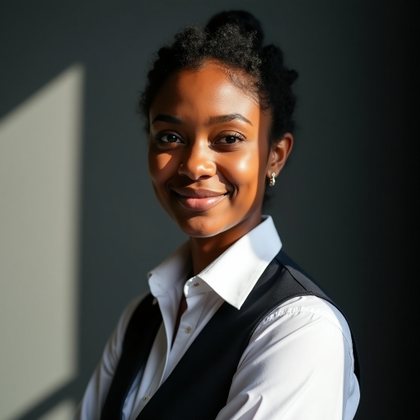
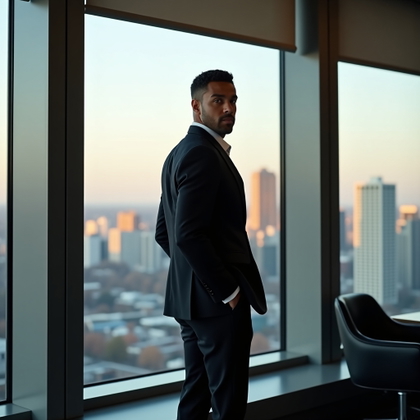
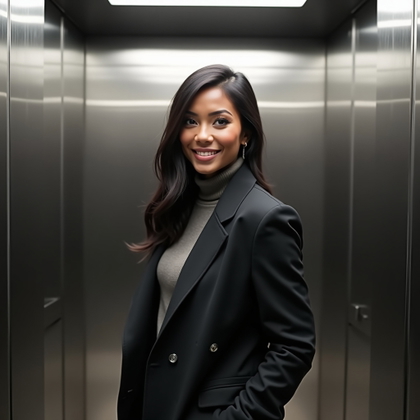
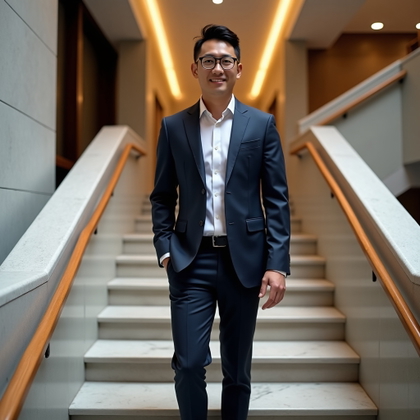
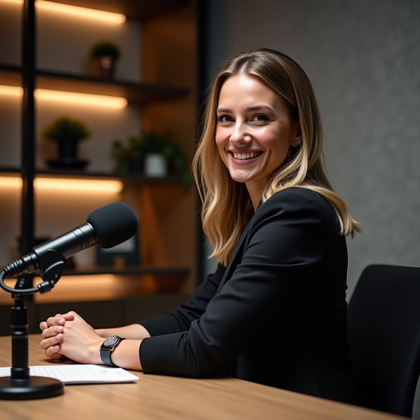
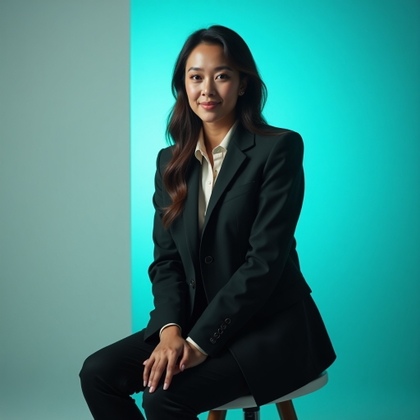
Examples shown were created with My AI Photoshoot.













How It Works
1
Choose your starting point
Start with a photo, reference, or idea.
2
Choose how to create
Use a preset or AI Mask, or describe the result you want in Studio. Choose faster or higher-quality generation before you create.
3
Review and create
Check the credit cost and any plan requirement, create your result, then download the images you want to keep.

Plan for your LinkedIn profile and smaller previews
- Your LinkedIn headshot appears on your profile and in smaller views beside activity and connection requests.
- Plan for a clear view of your face and enough space around your head and shoulders to test a circular preview.
- Choose a background that will not compete with your face when the image is displayed small.
Set a direction that fits your professional profile
- Choose clothing that fits the work you do or the roles you are pursuing.
- Decide whether a neutral backdrop or a subtle workspace better suits the impression you want to make.
- Select an expression you would be comfortable using for a professional introduction.

Write a usable LinkedIn headshot prompt
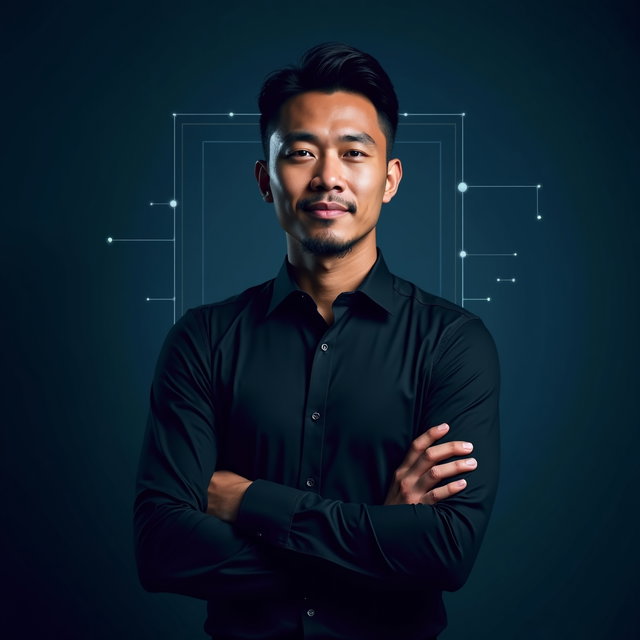
- Example: "Using my reference photo for identity cues, create a LinkedIn headshot with a charcoal blazer, light blue shirt, relaxed expression, muted background, and head-and-shoulders framing."
- Adjust the example's clothing to match what you would wear when meeting someone in your field.
- Try a second version with a different expression or backdrop so you can compare the two.
Review the headshot before adding it to LinkedIn
- Check whether the face resembles the intended person and whether recognizable details such as hair and glasses look right.
- Inspect the eyes, clothing edges, and background for distortions or stray objects.
- Preview the image at a small size to make sure your face remains easy to see.
- View it beside your LinkedIn headline and experience to catch any misleading suggestion about your role or workplace.

Questions Before You Start
Can a text prompt make a LinkedIn headshot that looks like me?
Text can describe the look you want, but it cannot establish your likeness. Use a photo or reference for identity cues, then check the result yourself.
Is it okay to use an AI-generated headshot on LinkedIn?
Check any current platform or workplace requirements that apply to you. Choose an image that represents you honestly and does not imply a role or affiliation you do not have.
Do I need a professional photo to get started?
A photo or reference can provide identity cues without being a studio headshot. You can describe the clothing and setting you want separately.
Can I use the same image on my resume or company bio?
You can consider it for those uses too, but preview it in each layout and check that the attire and expression suit the context.
Pick the access that fits your goal
Credits never expire. Subscriptions add recurring credits, higher resolutions, and access to optional personal AI model training.
- One-time credits: eligible 1K generation and editing
- Pro: up to 2K + access to optional Standard training
- Max: up to 4K + access to optional Full training