AI Images of Myself
Make realistic AI self-portraits for personal pages, social posts, or creative projects; choose a setting and expression that suit the moment.



Benefits
- Create a photo-like self-portrait for a personal page or post.
- Explore a scene you have not had a chance to photograph.
- Choose clothing and expression that fit the story you want to tell.
- Frame the image with space for a page heading or post text.
- Compare variations before choosing one that feels right to you.
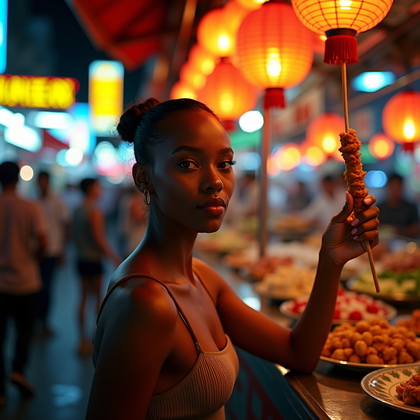
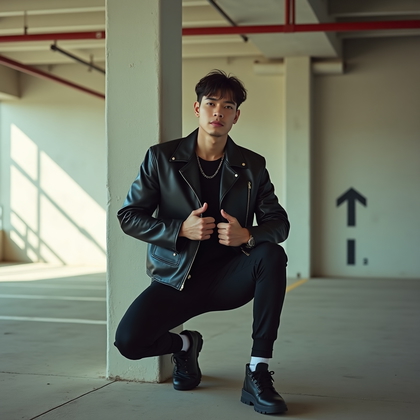
Examples shown were created with My AI Photoshoot.
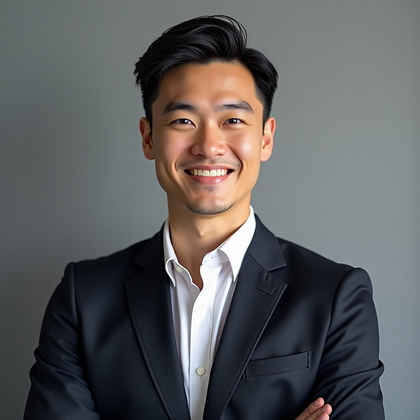
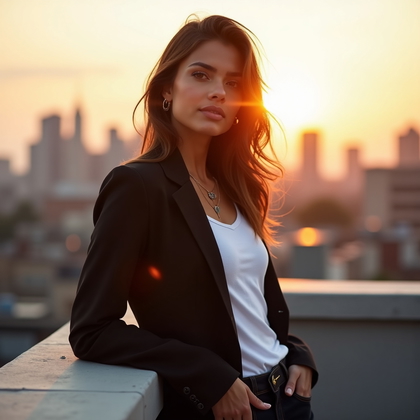
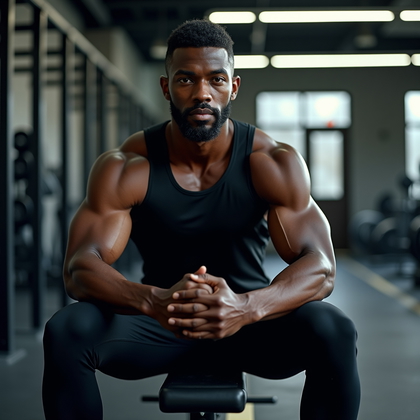
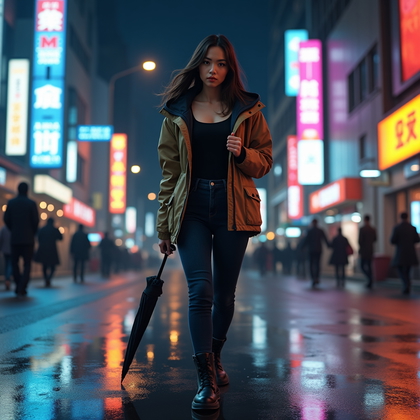
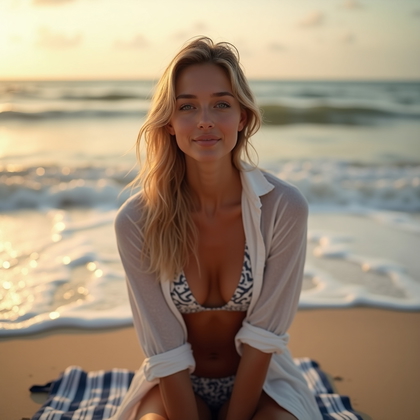
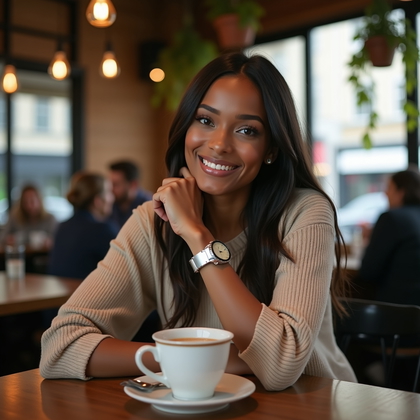
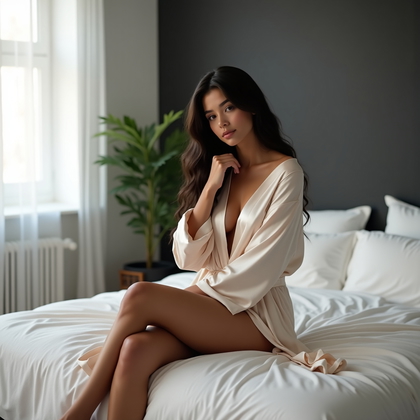
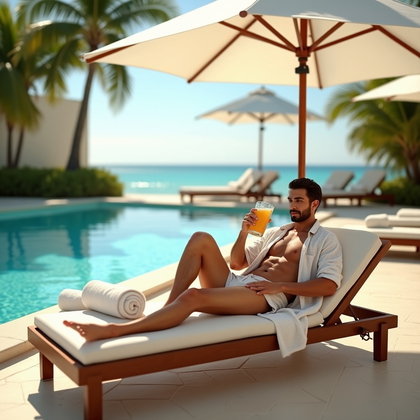
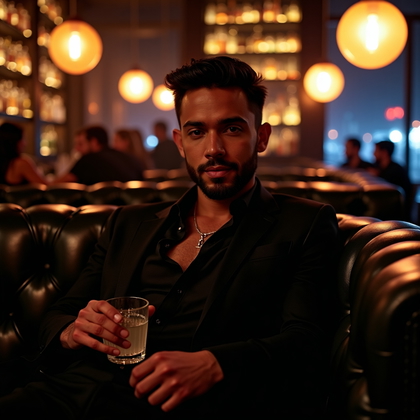
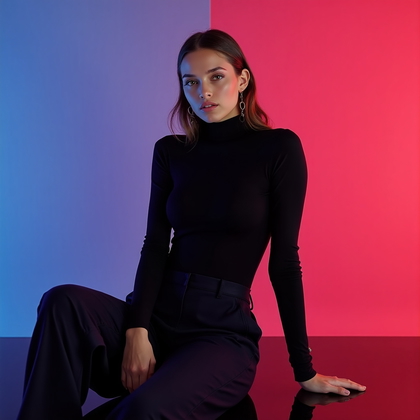
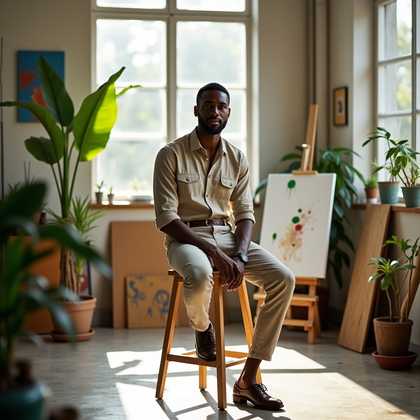
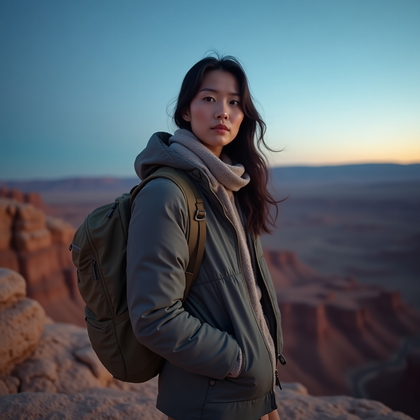
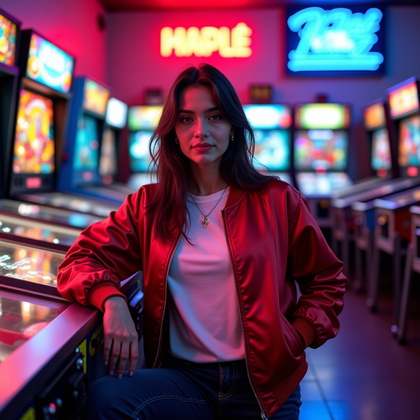
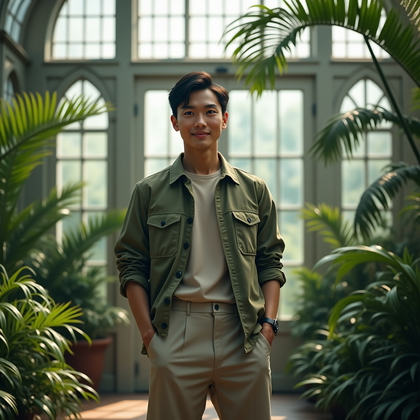
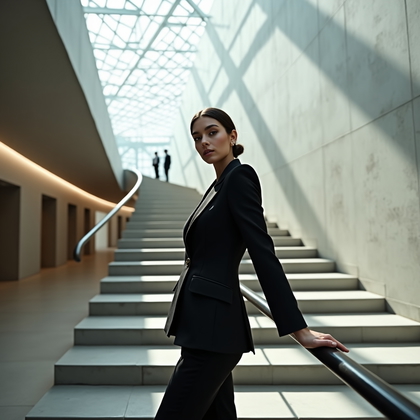
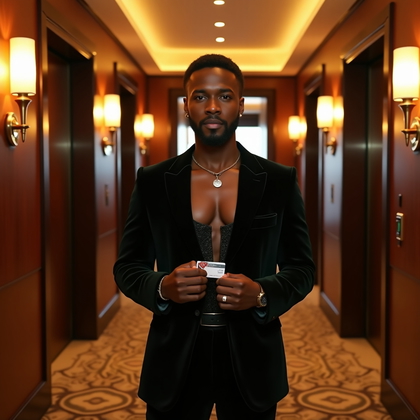
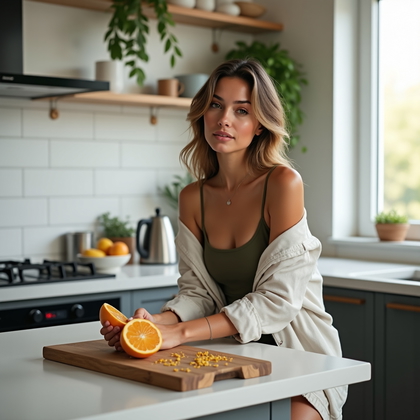
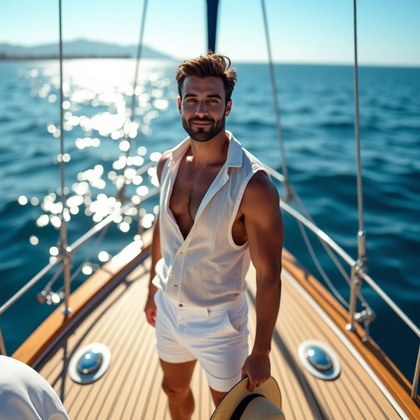
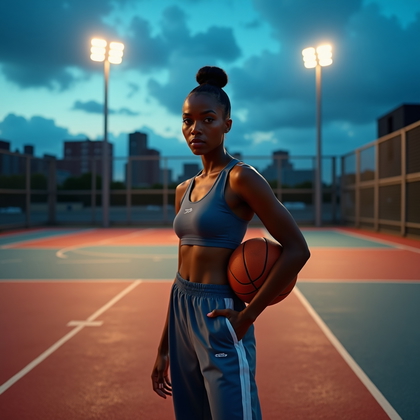

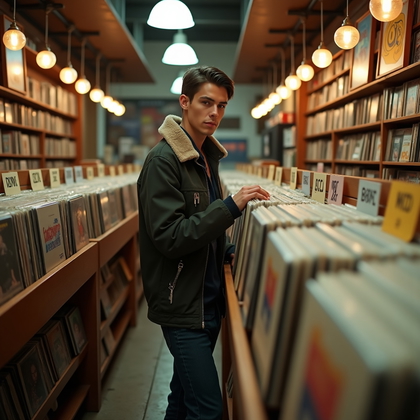
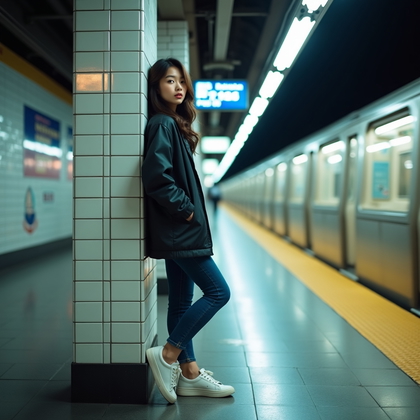
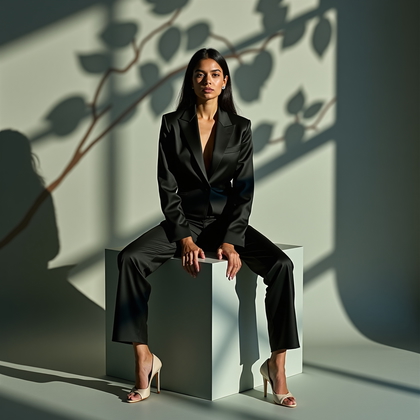
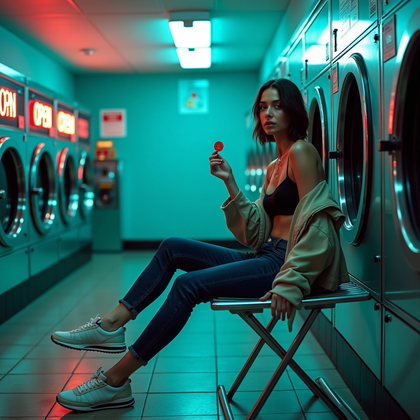
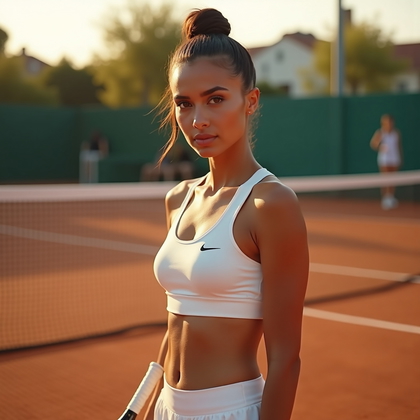
How It Works
1
Choose your starting point
Start with a photo, reference, or idea.
2
Choose how to create
Try a Preset or Mask, or describe your idea in Studio.
3
Review and create
Check the credit cost, create your result, then download the photos you love.

Match your self-portrait to where it will appear
- For a personal About page, choose a clear view of your face and enough space around you for the page layout.
- For a social post or creative project, decide whether the image should introduce you or help tell a story.
- Check the destination's shape before choosing a vertical, square, or wider composition.
Choose a scene that still feels like you
- Choose a setting that adds context without pulling attention away from your face.
- Describe clothing and expression together so the portrait has a coherent mood.
- If the image is meant to depict you, provide a photo or reference for appearance cues.


Try a reference-led self-portrait prompt
- Try: "Using my reference photo for appearance cues, create a realistic waist-up portrait of me in a sunlit home studio, wearing a navy sweater, with a relaxed half-smile and room on the right for text."
- Change one element at a time, such as the setting or expression, to compare directions.
Review the portrait before you use it
- Compare facial features and hairstyle with your reference; a realistic style does not guarantee a close likeness.
- Inspect hands, clothing edges, and background details for distracting distortions.
- Preview the image at its intended size and crop before using it.

Questions Before You Start
Do I need a photo to make an image that looks like me?
A photo or reference image provides cues about your appearance. Text alone cannot establish your likeness, and you should review the results rather than assume they will match.
Can I show myself in a place I have not visited?
Yes. Describe the scene you want and use a photo or reference for appearance cues, then check whether the result still feels appropriate for how you plan to use it.
How can I make a set of self-portraits feel consistent?
Use the same reference and keep key details, such as hairstyle and clothing palette, consistent while varying the setting or expression.
What if the result looks too polished?
Try asking for natural skin texture, softer styling, or a more relaxed expression, then compare new results with your reference.
Create your next look
Explore Presets and Masks, or create something new in Studio.