AI Headshot Generator
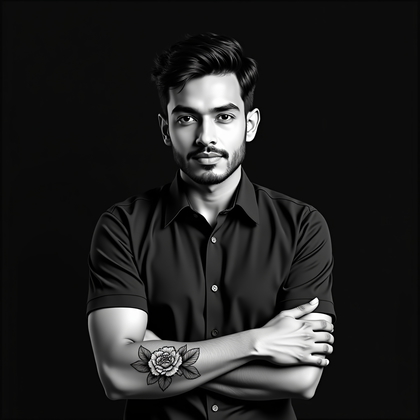
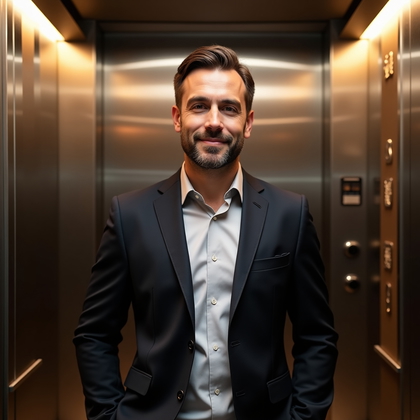
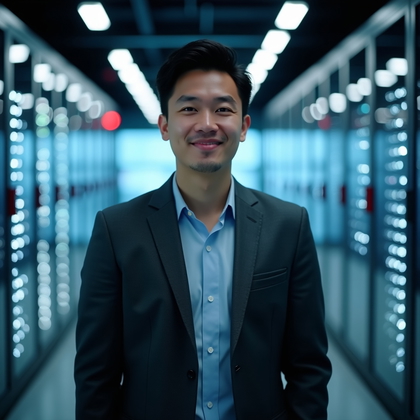
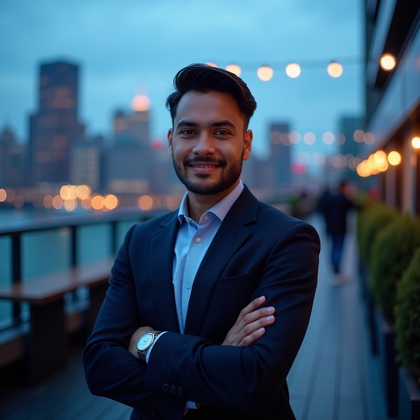
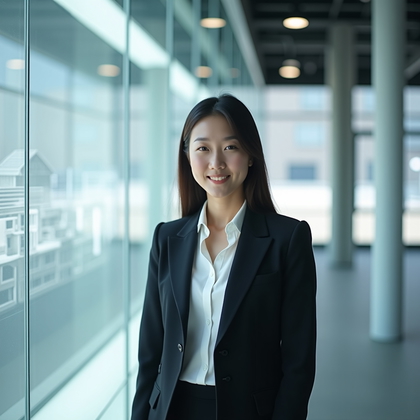
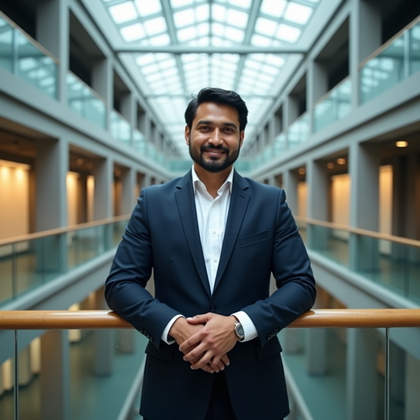
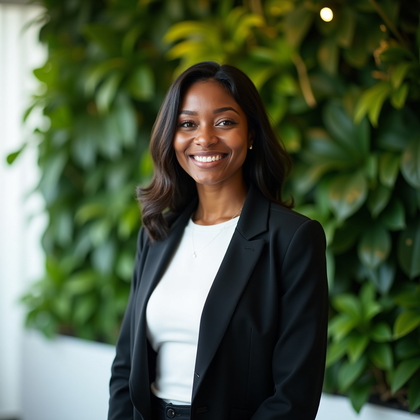
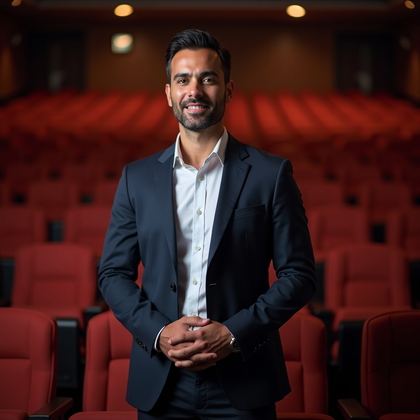
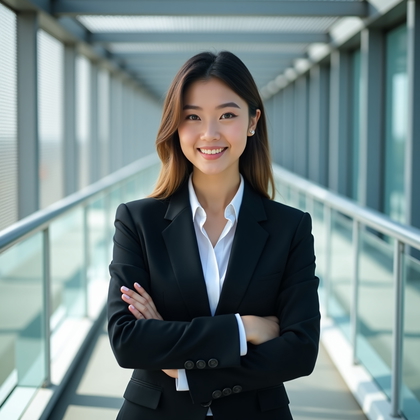
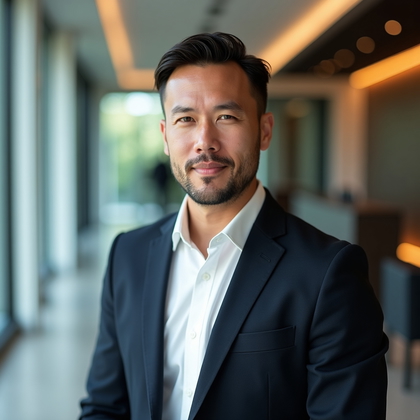
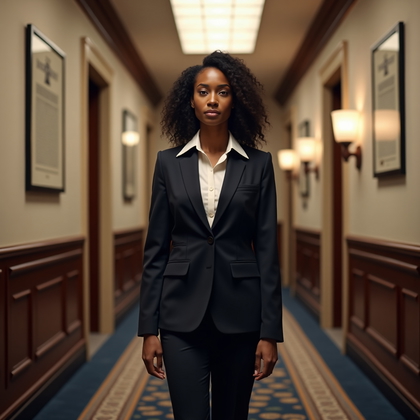
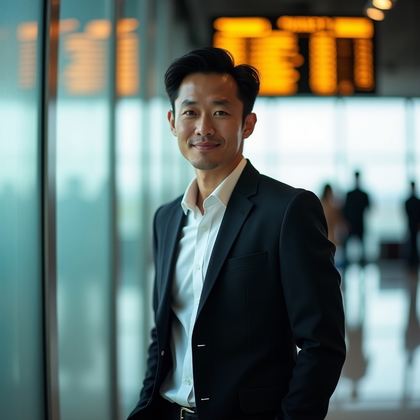
Create AI headshots for profiles, resumes, and team pages from a photo or reference. Choose attire, expression, and a backdrop to fit the use.


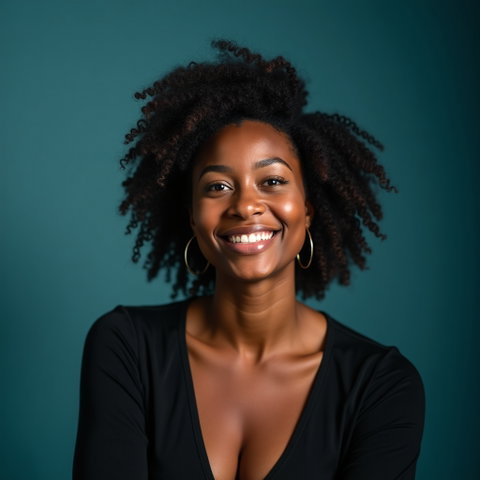
Benefits
- Create face-focused images for profiles, bios, and portfolios.
- Choose a formal or relaxed look to suit where the headshot will appear.
- Compare clothing, expressions, and backdrops before selecting a version.
- Find an image that remains clear in both page layouts and small profile tiles.
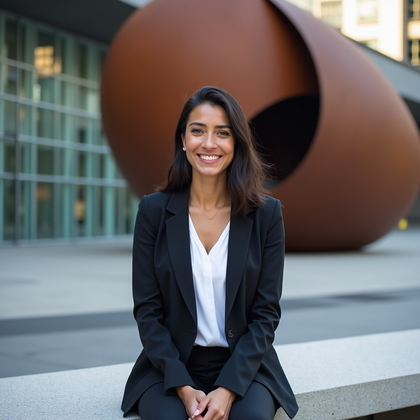
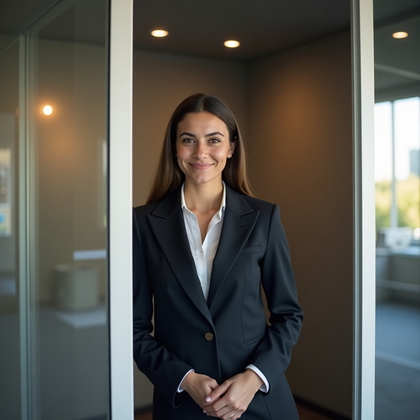
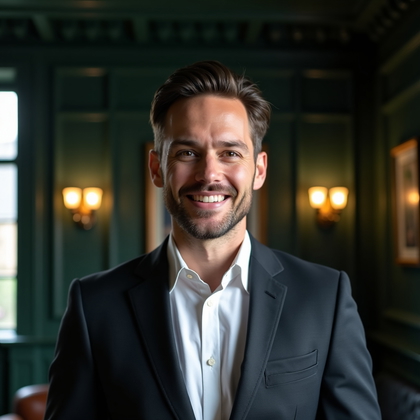
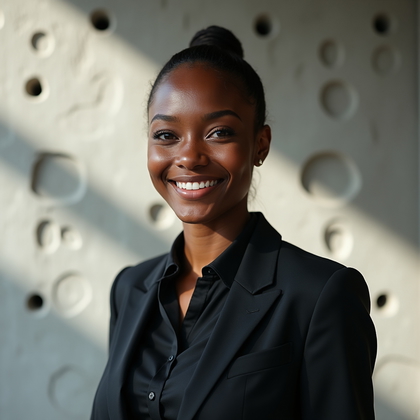
Examples shown were created with My AI Photoshoot.
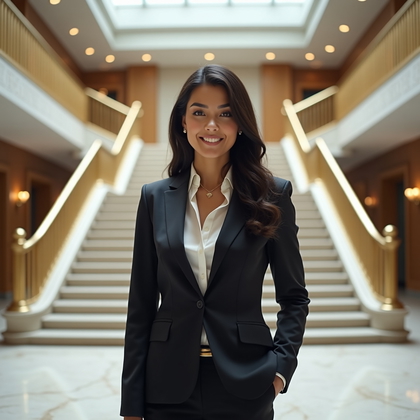
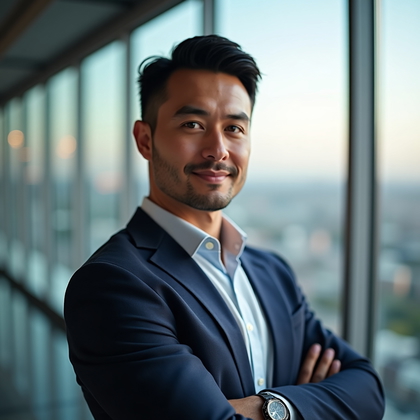
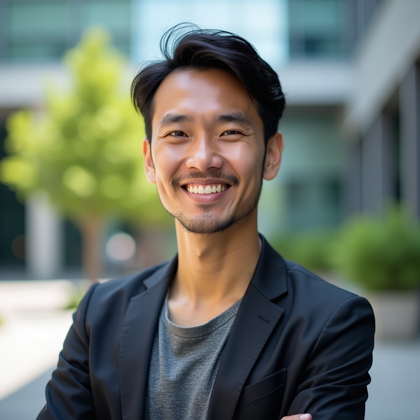







How It Works
1
Choose your starting point
Start with a photo, reference, or idea.
2
Choose how to create
Try a Preset or Mask, or describe your idea in Studio.
3
Review and create
Check the credit cost, create your result, then download the photos you love.
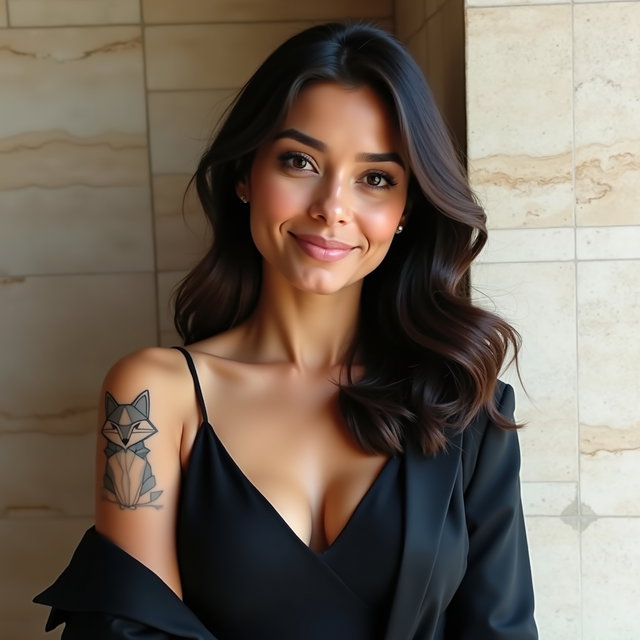
Choose where the headshot will appear
- Profile tiles need a face that remains clear when the image is displayed small.
- A resume or speaker bio may call for a simple background that does not compete with the text.
- For a team page, consider the site's level of formality so the headshot fits alongside other portraits.
Set the attire, expression, and backdrop
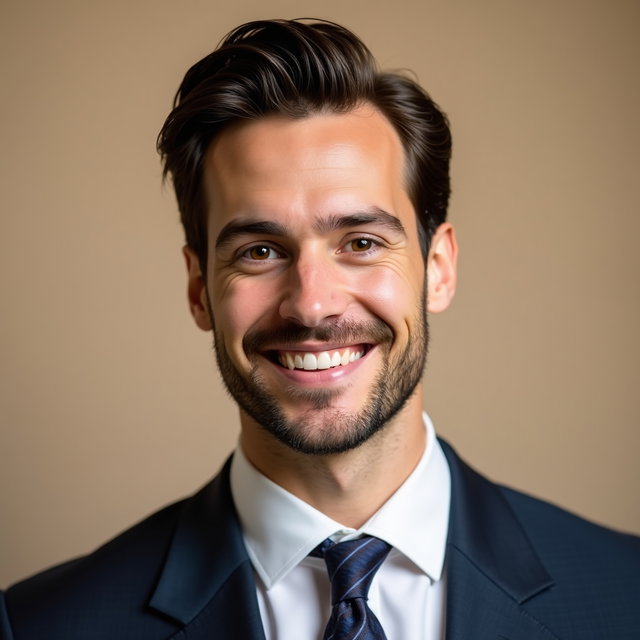
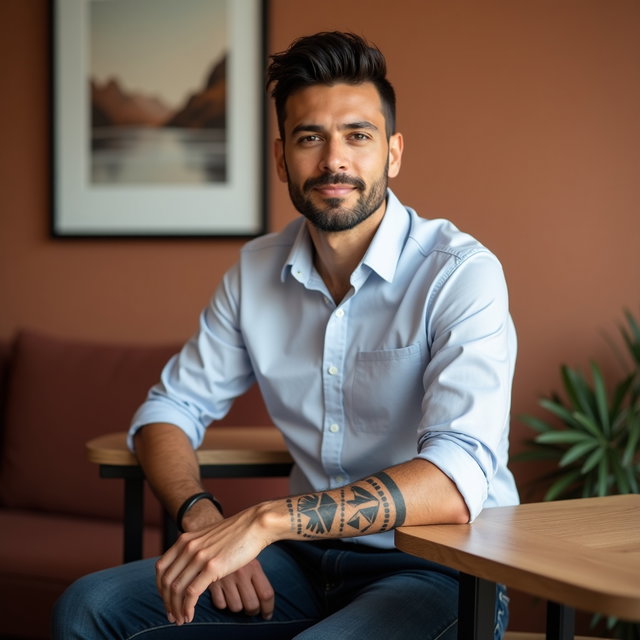
- Describe clothing that fits the role or context in which the image will appear.
- Choose a plain backdrop for a formal bio or a softly detailed setting for a creative portfolio.
- Specify an expression and lighting that keep facial features visible.
Try a headshot request with a reference
- Try: "Using this reference photo, create a head-and-shoulders headshot in a navy shirt against a warm gray background, with soft daylight, a relaxed expression, and space around the head."
- Change one choice at a time, such as the shirt or backdrop, to compare results.
Check identity and layout fit before using the image
- Compare the face with the reference, especially features that make the person recognizable.
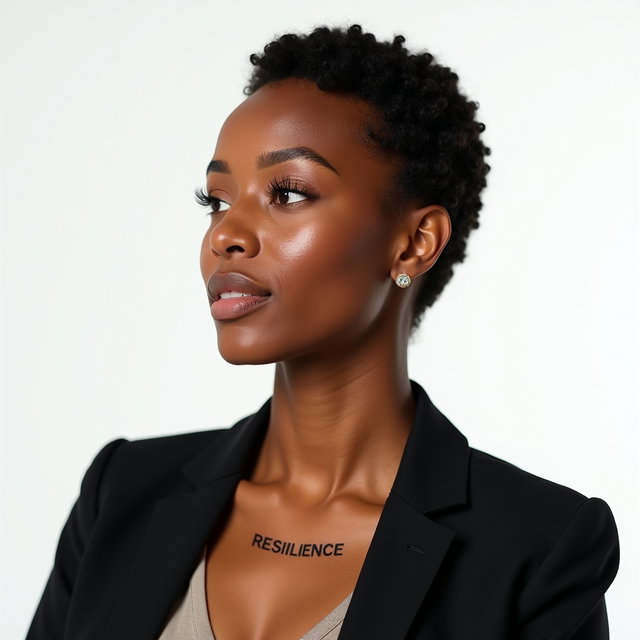
- Inspect eyes, teeth, hair edges, and clothing for distracting distortions.
- Preview the image at the size and crop used by the profile, resume, or team page.
Questions Before You Start
Can a text prompt alone make a headshot of me?
Text can describe a headshot's appearance, but it does not establish your likeness. Use a photo or reference to provide identity cues.
Will a headshot made from my photo look exactly like me?
An exact likeness is not guaranteed. Compare the result with your photo, especially the features that make you recognizable.
Can the headshot be less formal than a corporate portrait?
Yes. You can describe relaxed clothing and a setting suited to a creative portfolio or personal bio while keeping the face easy to see.
Create your next look
Explore Presets and Masks, or create something new in Studio.