AI Dating Profile Picture Generator
Create photos for dating app profiles from a photo, reference, or prompt, and choose clothing and settings that reflect your style.
Create in 1K with one-time credits, or use Pro or Max for higher resolutions and access to optional personal AI model training.
One-time credits availablePro: up to 2K + optional training accessMax: up to 4K + optional Full training access


Benefits
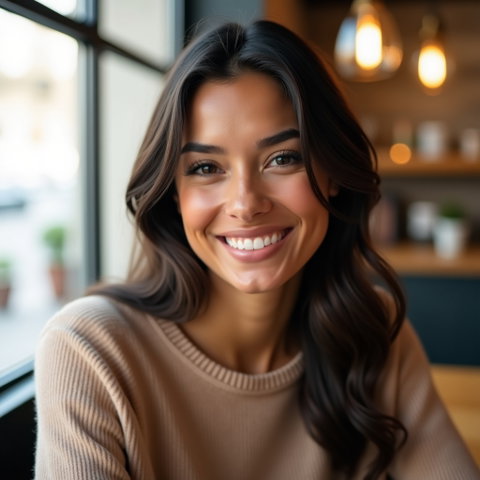
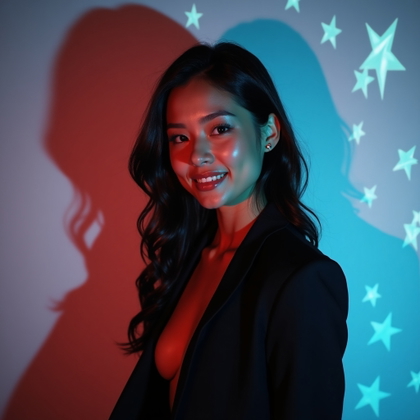
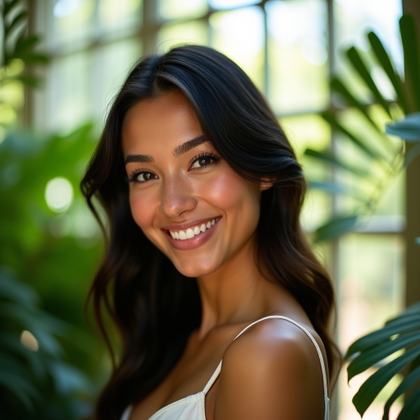
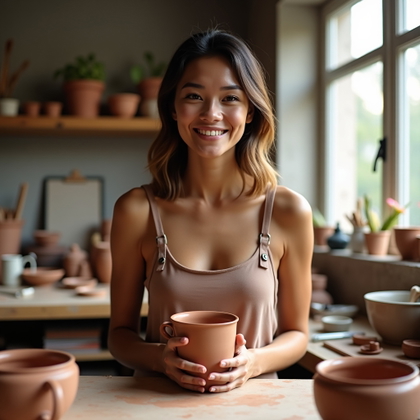
- Create a lead image with a clear face and an inviting expression.
- Build a varied set of photos instead of repeating the same portrait.
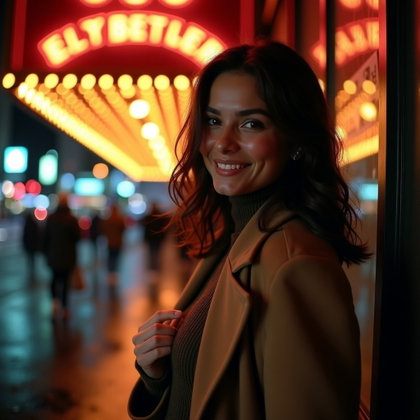
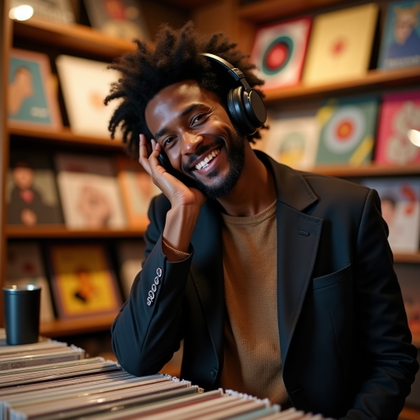
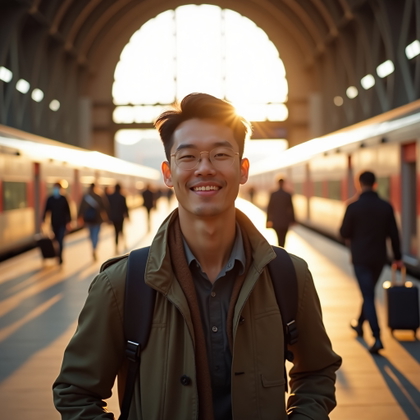
- Explore clothing and settings that reflect your usual style.
- Compare options before choosing what represents you on a dating app.
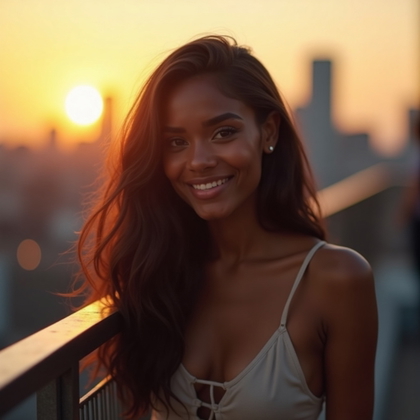
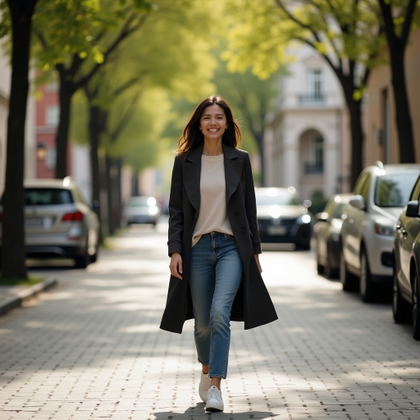
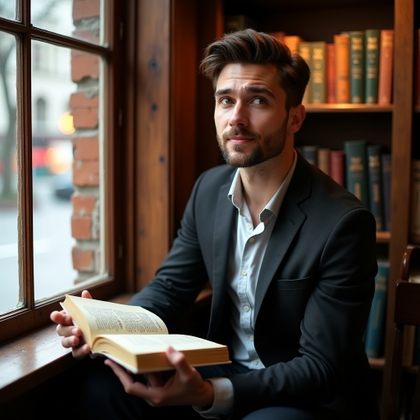
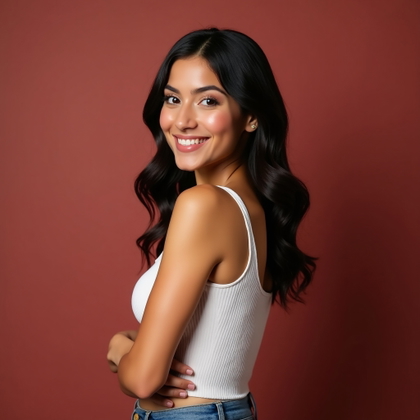
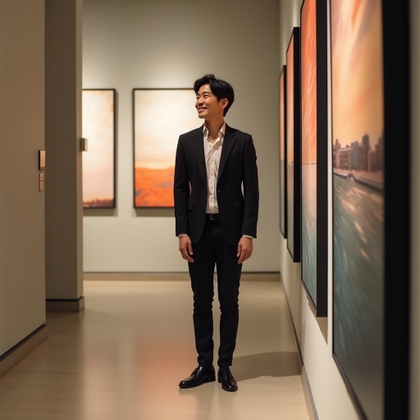
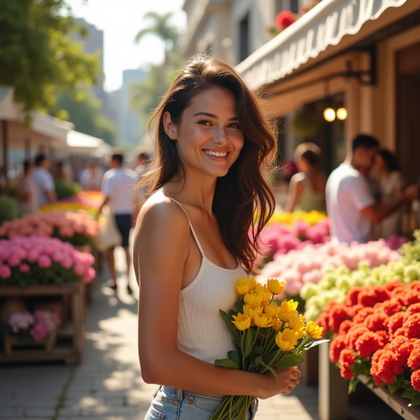
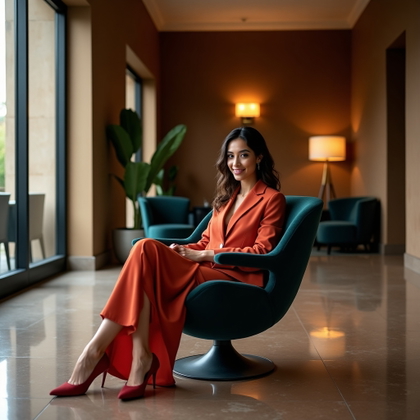
Examples shown were created with My AI Photoshoot.




How It Works
1
Choose your starting point
Start with a photo, reference, or idea.
2
Choose how to create
Use a preset or AI Mask, or describe the result you want in Studio. Choose faster or higher-quality generation before you create.
3
Review and create
Check the credit cost and any plan requirement, create your result, then download the images you want to keep.
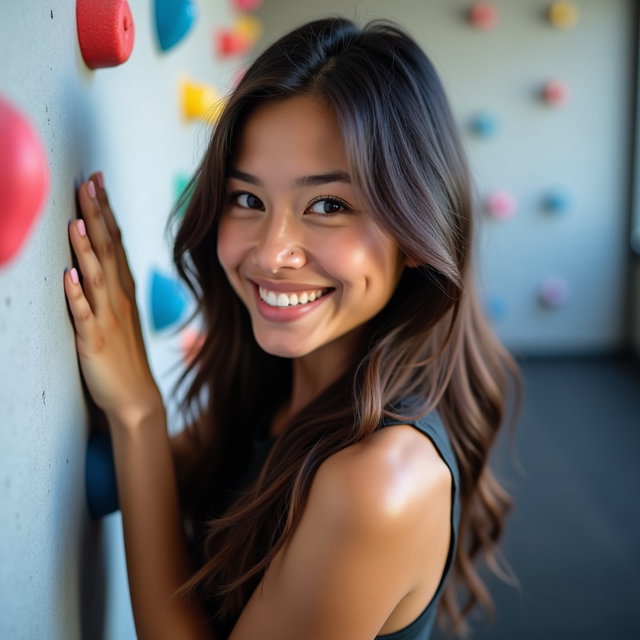
Choose a lead photo for your dating profile
- Dating app lead photos often appear as small previews, so prioritize a visible face and an uncluttered frame.
- Aim for an expression that feels conversational rather than the formal look of a work headshot.
Plan supporting photos that add context
- Use a supporting image to show your outfit or a familiar activity instead of making every photo a close-up.
- Choose settings that reflect places you enjoy rather than implying trips or hobbies you have never had.
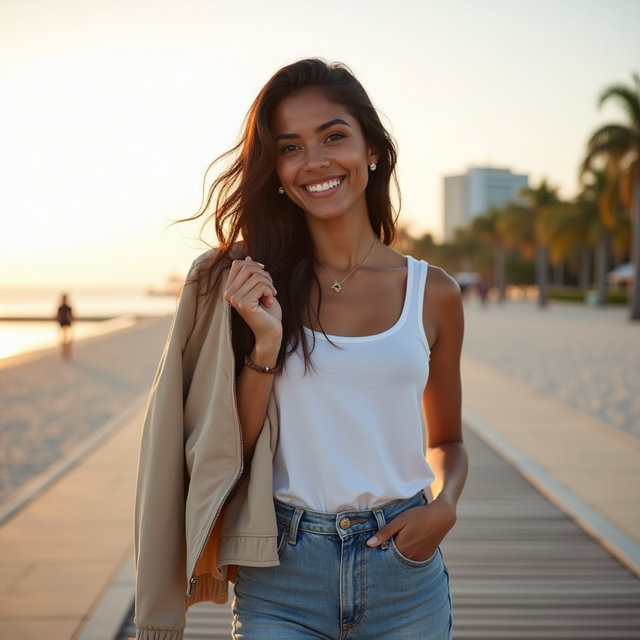
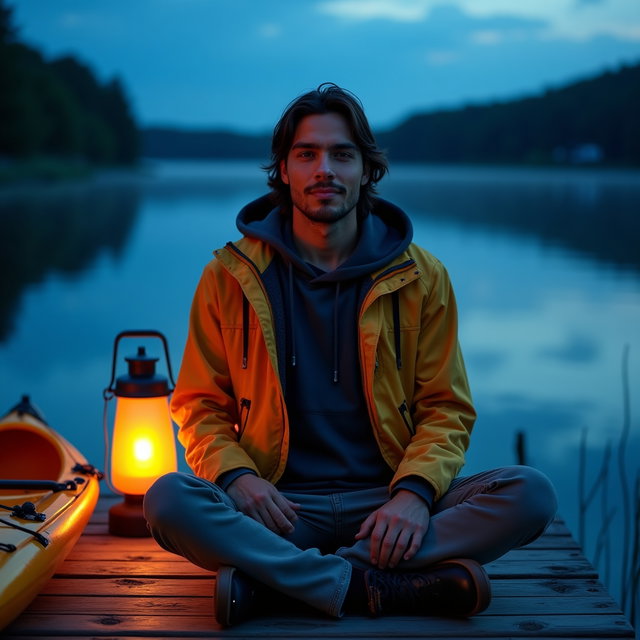
Set a style that feels like you
- Describe clothes you would actually wear on a date, then choose a setting with a similar level of formality.
- Ask for a relaxed posture if a posed studio look does not fit how you want to come across.
Try a prompt for a casual profile photo
- Start with a photo or reference if you want the image to depict you, since text alone cannot establish your likeness.
- Try: "Using my reference photo as identity guidance, create a waist-up dating profile photo at an outdoor book market, wearing a dark denim jacket and a plain T-shirt, with an easy smile, overcast daylight, and my face clearly visible."
- Replace the market and outfit with details that reflect your own life.
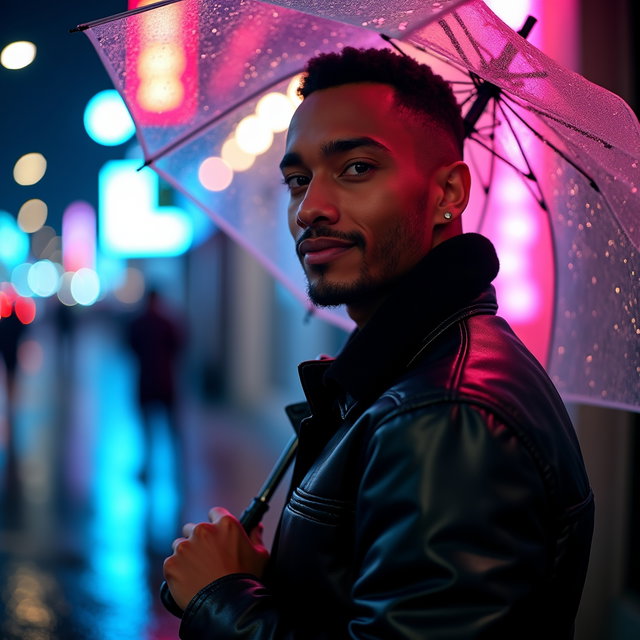

Review a photo before adding it to your profile
- Compare the face, hairstyle, and body proportions with your current appearance.
- Inspect hands, teeth, accessories, and background lettering for visual errors.
- Check that the scene does not suggest experiences you have not had, and preview the image at profile size.
Questions Before You Start
What if the generated photo doesn't look like me?
Try a clearer, current photo or reference and simplify the scene description. Likeness is not guaranteed, so skip results that misrepresent your appearance.
Can people tell whether a dating photo is AI-generated?
Visual errors or inconsistent features may raise questions, but appearance alone is not a reliable test. Choose images that represent you honestly.
Do dating apps allow AI-generated profile pictures?
Rules can vary by app and change over time, so check the app's current guidance before posting.
Can I change just one detail in a photo idea?
Keep the scene description the same and change one detail in your next prompt, such as the outfit. Other parts of the result may still vary.
Pick the access that fits your goal
Credits never expire. Subscriptions add recurring credits, higher resolutions, and access to optional personal AI model training.
- One-time credits: eligible 1K generation and editing
- Pro: up to 2K + access to optional Standard training
- Max: up to 4K + access to optional Full training