AI Business Headshot Generator
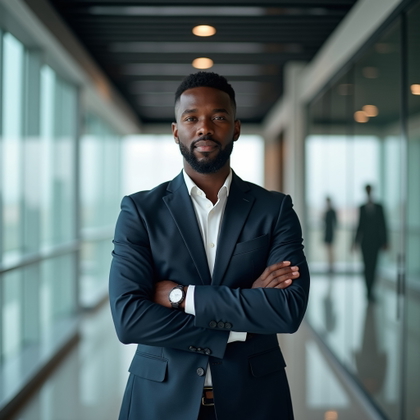
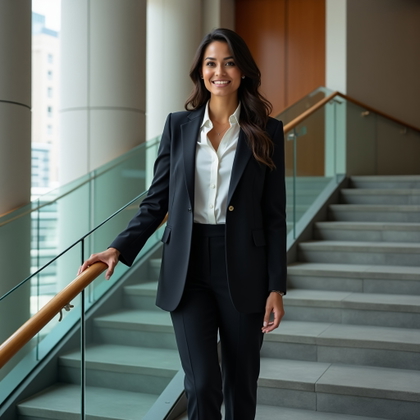
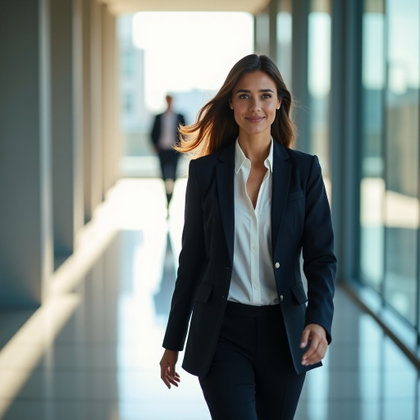
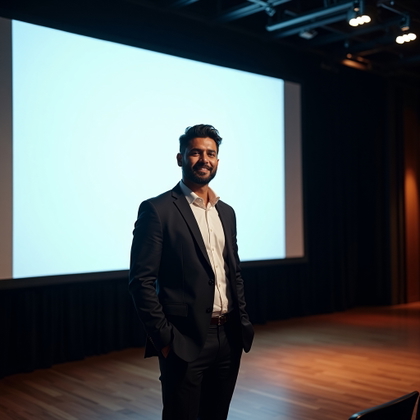
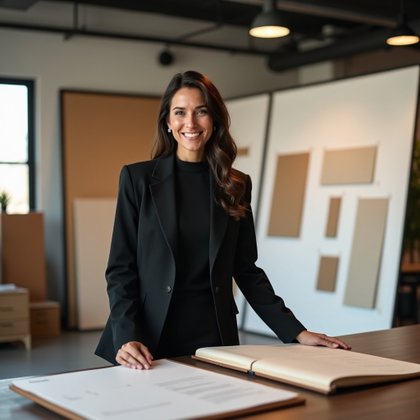
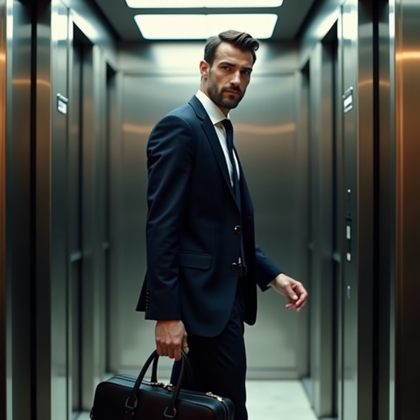
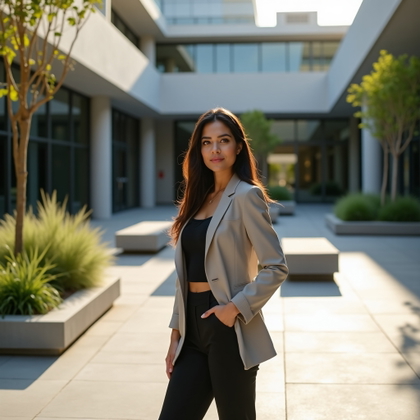
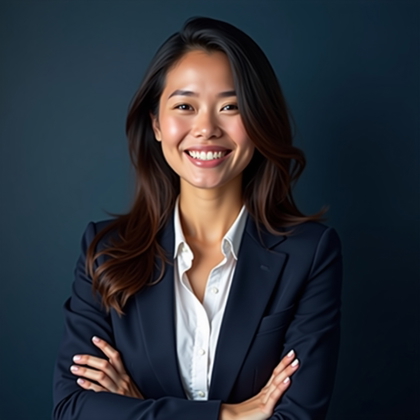
Create realistic AI business headshots for resumes, company bios, profiles, and sales materials with prompt-level control over style.


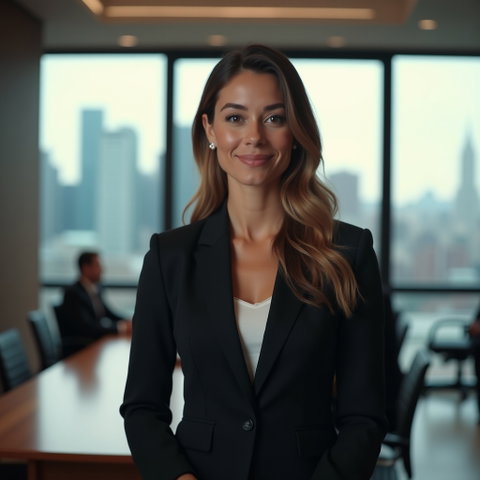
Benefits
- Create polished corporate headshots without booking a photo shoot
- Control attire, background, framing, expression, and tone with prompts
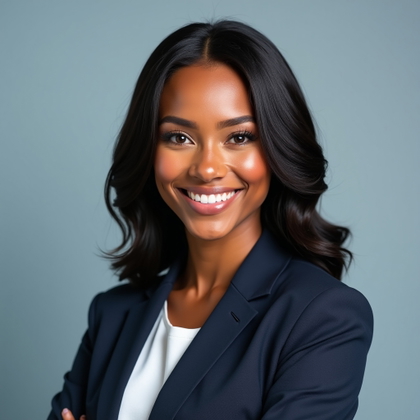
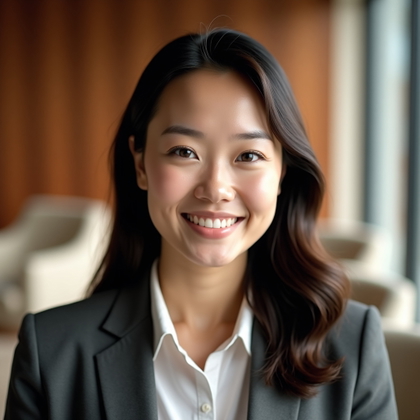
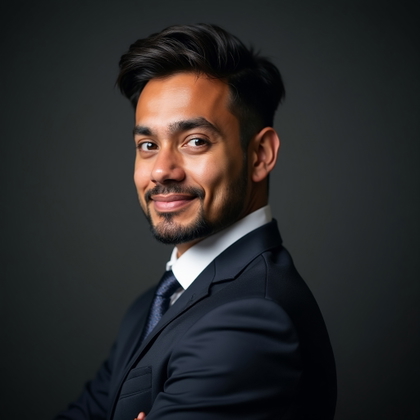
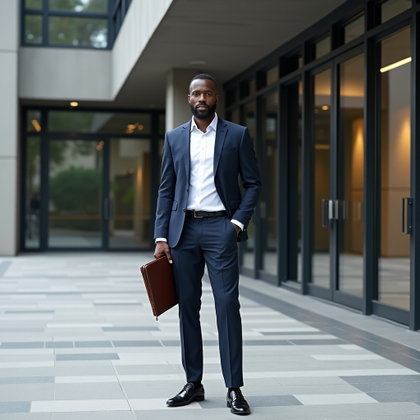
- Generate realistic professional portraits for profiles, resumes, and bios
- Produce multiple headshot variations for different roles or industries
- Reuse a consistent professional image across business materials
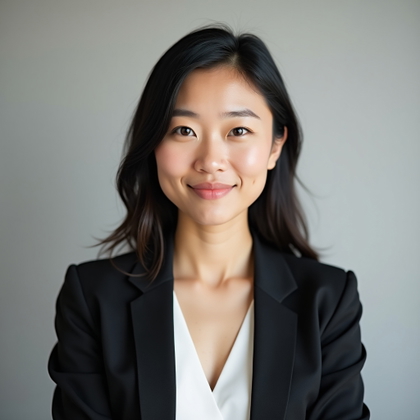
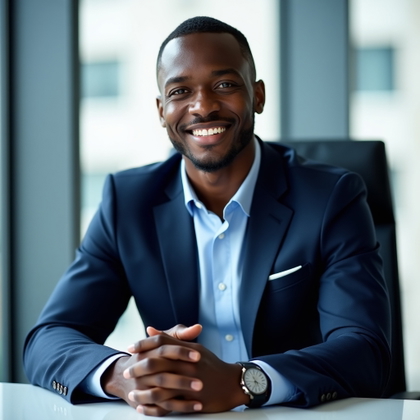
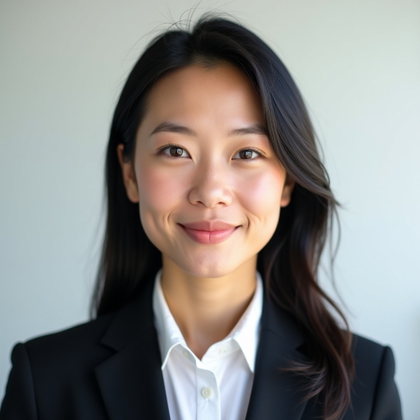
Examples shown were created with My AI Photoshoot.


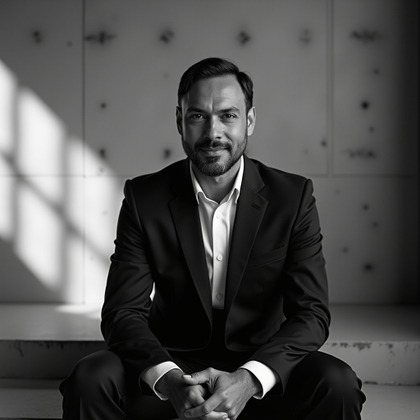
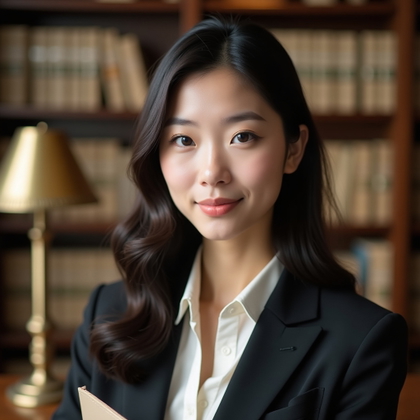
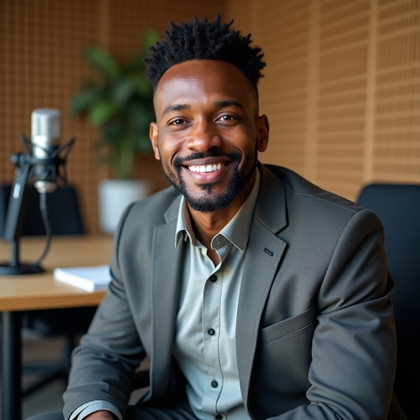
How It Works
Choose your starting point
Start with a photo, reference, or idea.
Choose how to create
Use a preset or AI Mask, or describe the result you want in Studio. Choose faster or higher-quality generation before you create.
Review and create
Check the credit cost and any plan requirement, create your result, then download the images you want to keep.
Why AI Business Headshot Generator Helps
- Professional photos shape first impressions before a call, interview, or client meeting.
- An AI business headshot generator helps you create portraits that match your role, industry, and personal brand.
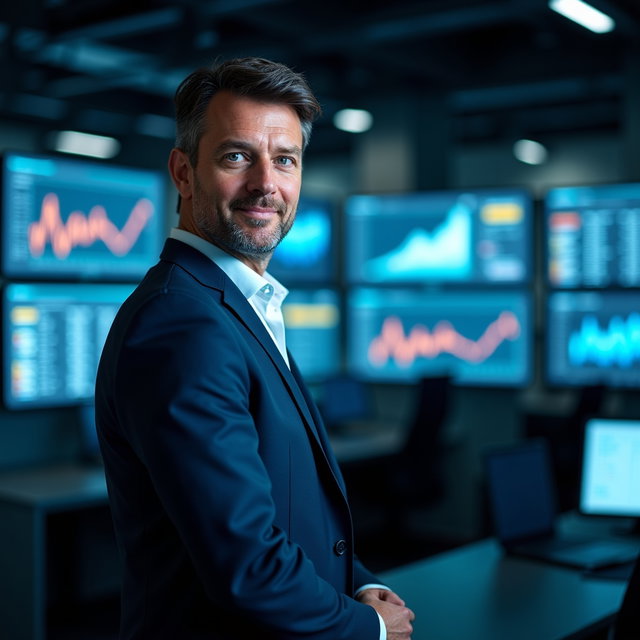
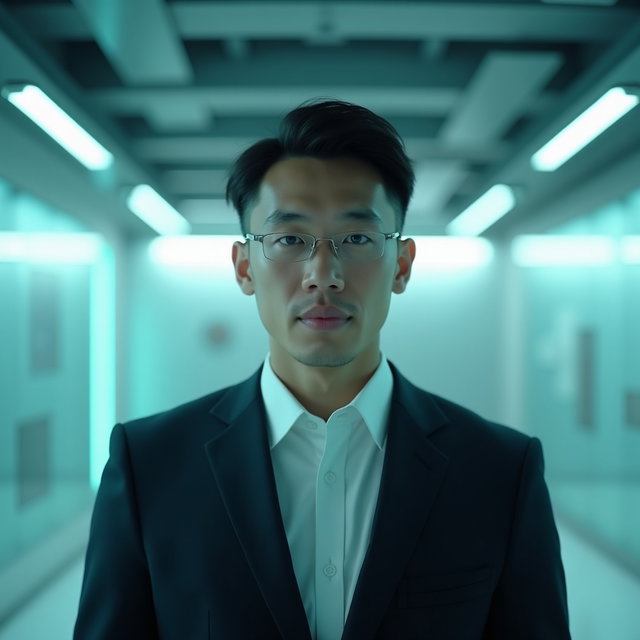
- You can prompt for a studio backdrop, office setting, formal attire, approachable expression, or executive look.
Professional Photos Without a Traditional Shoot
- Business headshots often need different crops, backgrounds, and styles for different uses.
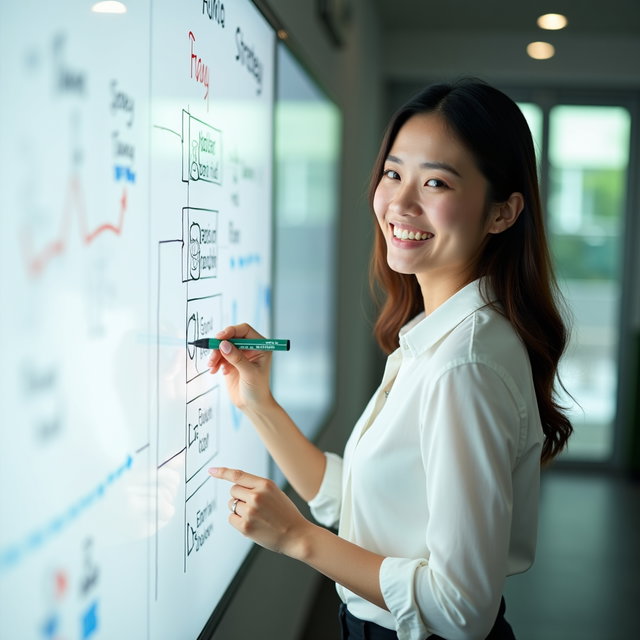
- AI-generated headshots help you create profile photos, corporate portraits, and resume-ready images from prompts.
- Use them when you need a clean, current image without coordinating a photographer, location, wardrobe, and edits.
Control the Look of Your Corporate Portrait
- Write prompts that describe clothing, backdrop, lighting, camera angle, and facial expression.
- Choose a modern office, neutral studio, soft natural light, or more formal boardroom style.
- Adjust details across new variations until the headshot fits the professional context.
Built for Real Business Use
- Use generated professional headshots in resumes, personal websites, internal directories, speaker bios, email signatures, and marketing materials.
- Create separate looks for client-facing sales, consulting, recruiting, executive communications, or creative portfolios.
- Align the image with the impression you want to make, such as confident, warm, formal, technical, or approachable.
Objections Handled
• AI business portraits work best when your prompt is specific and your reference selfies are clear, well lit, and framed from the front.
• The output can vary, so creating multiple options helps you choose the most natural result.
• You own 100% of the generated images, so you can use selected headshots for professional and commercial purposes.
Questions Before You Start
Can I write my own prompt for a business headshot?
Can I reuse prompts from a public gallery?
What input photos work best?
What styles can I create?
Can I create variations or retakes?
Who owns the generated business headshots?
Pick the access that fits your goal
Credits never expire. Subscriptions add recurring credits, higher resolutions, and access to optional personal AI model training.
- One-time credits: eligible 1K generation and editing
- Pro: up to 2K + access to optional Standard training
- Max: up to 4K + access to optional Full training