AI Avatar Generator
Make an AI avatar for a social profile, chat icon, or gaming account. Choose an illustrated or photo-like style to fit your online presence.
Create in 1K with one-time credits, or use Pro or Max for higher resolutions and access to optional personal AI model training.
One-time credits availablePro: up to 2K + optional training accessMax: up to 4K + optional Full training access


Benefits
- Make an avatar for social profiles, chats, or gaming accounts.
- Choose an illustrated or photo-like look to suit the space.
- Shape the avatar's clothing and expression around your persona.
- Compare variations before choosing a profile icon.
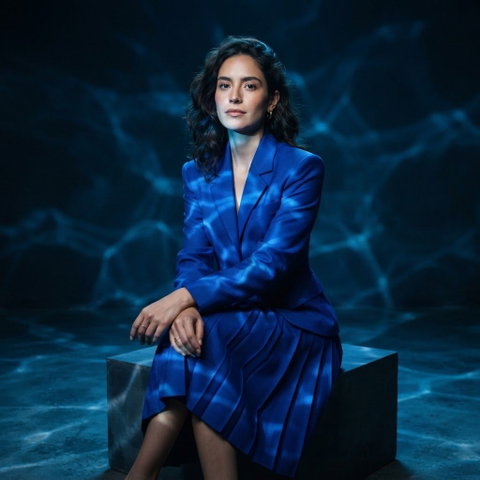
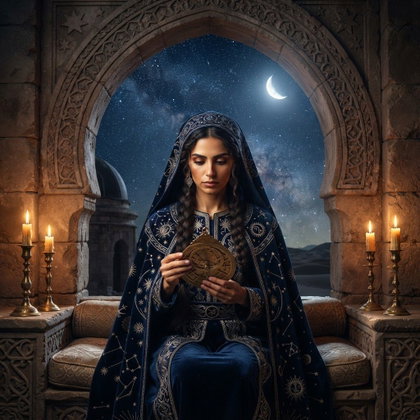
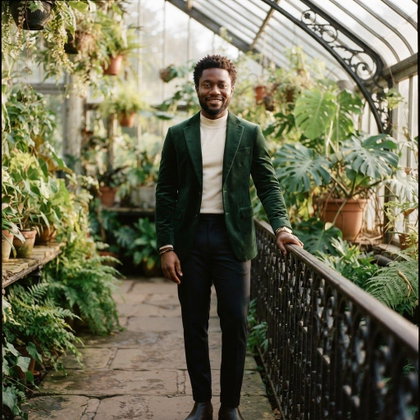
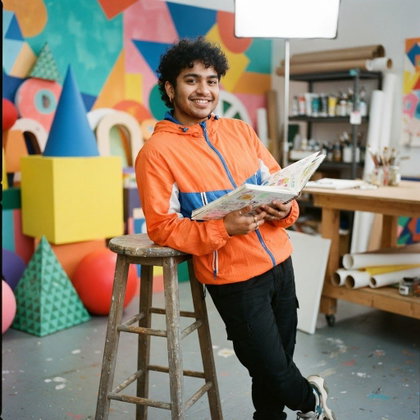
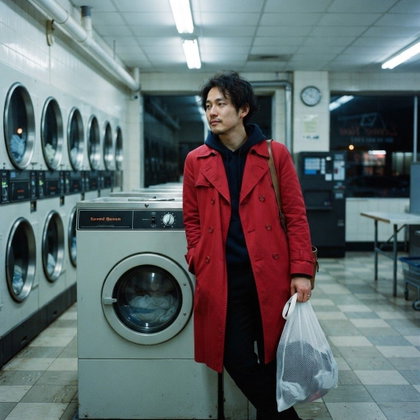
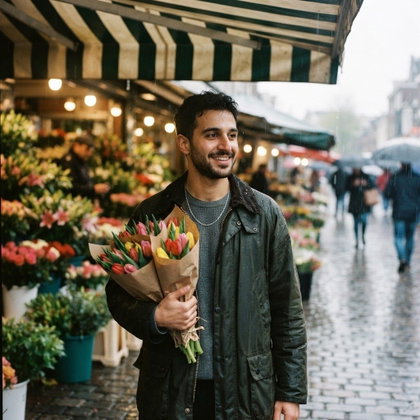
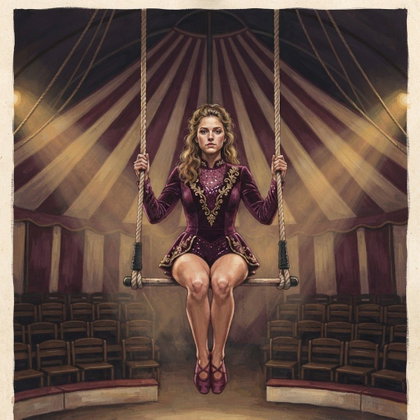
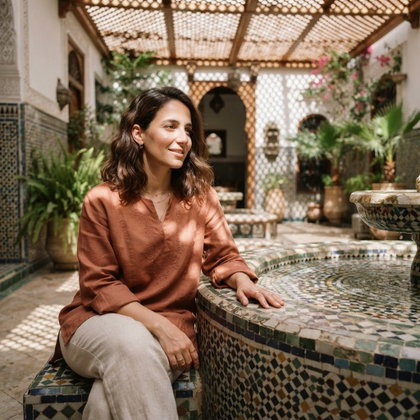
Examples shown were created with My AI Photoshoot.

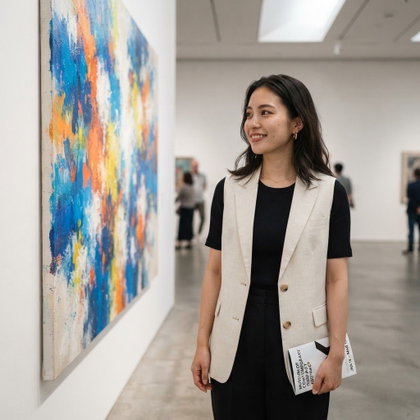
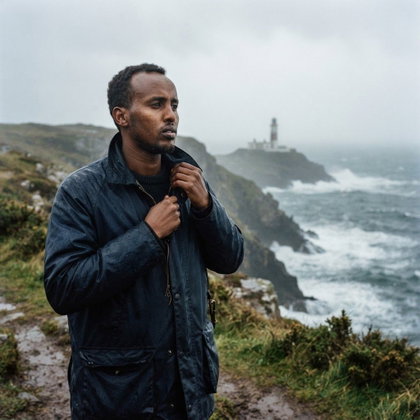

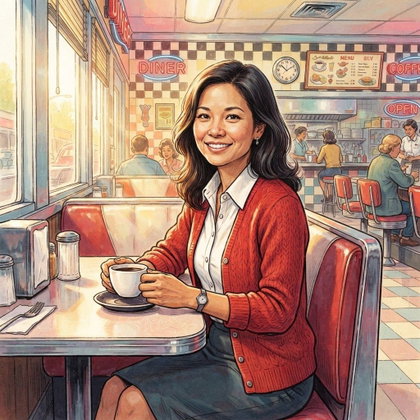
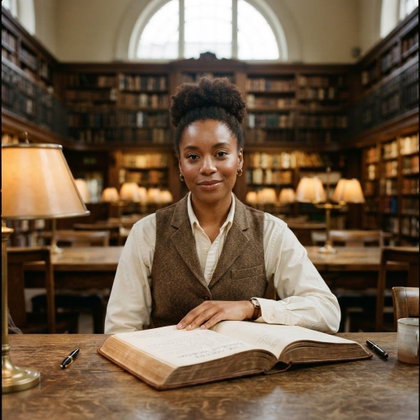


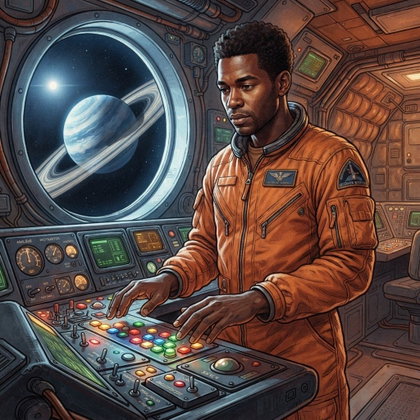
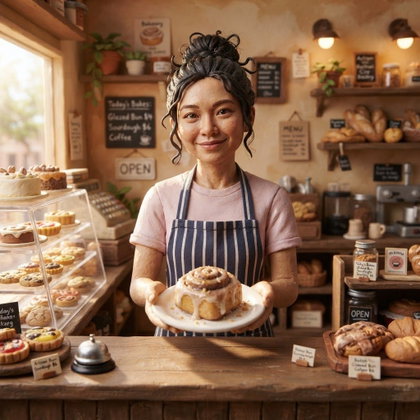
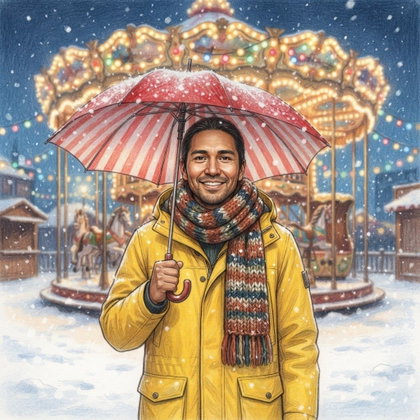
How It Works
1
Choose your starting point
Start with a photo, reference, or idea.
2
Choose how to create
Use a preset or AI Mask, or describe the result you want in Studio. Choose faster or higher-quality generation before you create.
3
Review and create
Check the credit cost and any plan requirement, create your result, then download the images you want to keep.
Plan an avatar for a profile icon
- Keep the face or character as the focal point so it remains readable in a small account icon.
- Leave room around the head if the profile will display the avatar in a circle.
- Decide whether the account calls for a portrait of you, a stylized persona, or a fictional character.
Choose a look for your online persona
- An illustrated look can emphasize bold colors and recognizable shapes for a chat or gaming profile.
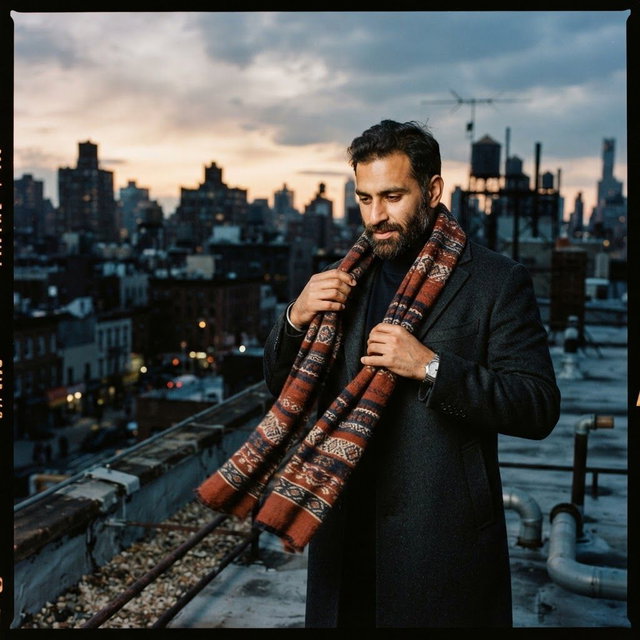
- A photo-like look with simple clothing and a quiet background may suit a more conventional social profile.
- Choose an expression that fits how you want to appear where the avatar will be used.
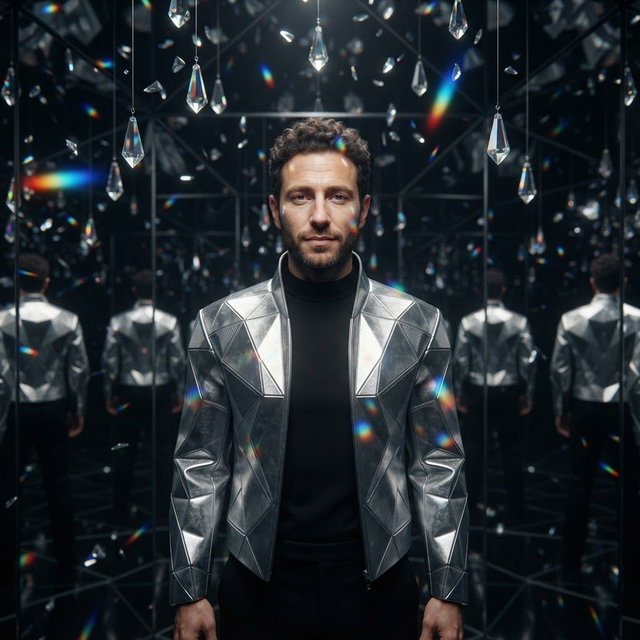
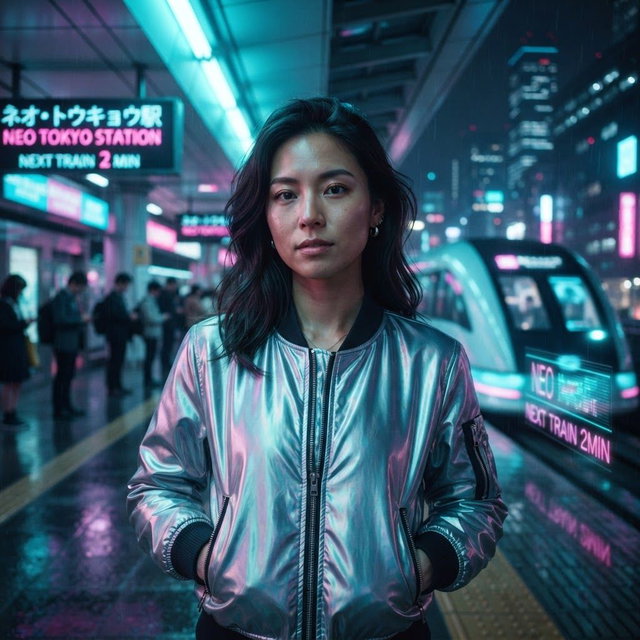
Prompt a single avatar concept
- Describe the subject, style, expression, clothing, background, and framing in one short request.
- Example: "Create an illustrated avatar of a cheerful space explorer in a navy jacket, with a plain orange background and a centered face with room for a circular crop."
- If the avatar should suggest your appearance, provide a photo or reference for identity cues rather than relying on text alone.
Check the avatar before using it
- View the result at icon size to check whether the face and expression remain clear.
- Preview the intended crop to see whether it cuts off hair, accessories, or other defining features.
- Check facial details and the background for distracting artifacts before choosing a version.
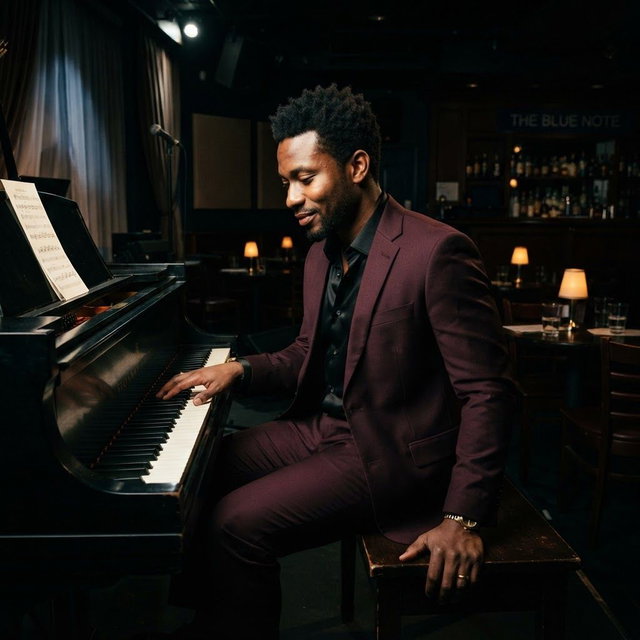
Questions Before You Start
Can I create an avatar with only a text prompt?
Yes. Text works for a fictional character or a loosely described persona, but it does not establish a specific person's likeness.
Will a photo or reference make the avatar look exactly like me?
A photo or reference can provide identity cues, but an exact likeness is not guaranteed. Compare the result with the source image if it is meant to represent you.
Can my avatar be a mascot instead of a person?
Yes. Describe the mascot's features, expression, and style, then choose a result that still reads clearly as a small icon.
Pick the access that fits your goal
Credits never expire. Subscriptions add recurring credits, higher resolutions, and access to optional personal AI model training.
- One-time credits: eligible 1K generation and editing
- Pro: up to 2K + access to optional Standard training
- Max: up to 4K + access to optional Full training