Underwater Portraits
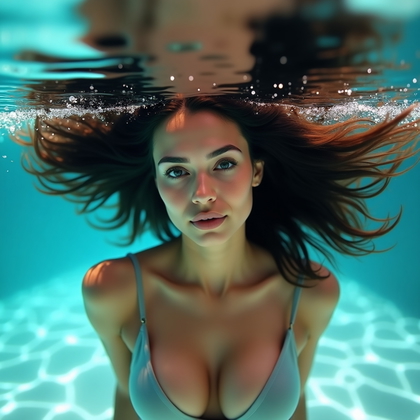
Do your AI underwater portraits look flat, messy, and boring. Do you see amazing underwater art online but your generations feel dead. Do you want AI images that look like elite underwater photography, not random water selfies.
AI photo generation can create powerful underwater portraits if you guide it with clear structure. You do not need a pool. You do not need a camera. You only need the right concepts, the right prompts, and the right visual goals. Underwater portraits are not about water. They are about hair, fabric, light, motion, and emotion.
This article shows you eight underwater portrait styles that actually work in practice. Each style solves a specific problem. Flat hair. Messy outfits. Dead faces. Stiff bodies. Weak light. You can use these ideas in any AI tool that accepts prompts, negative prompts, and style settings. Read each section, then build your own prompt system around it.
Hair-as-Halo Underwater Portraits
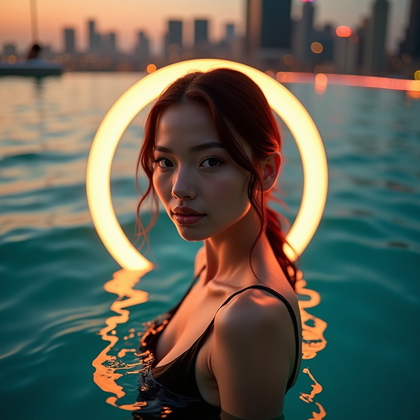
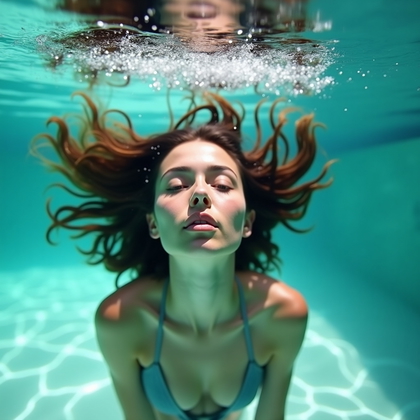
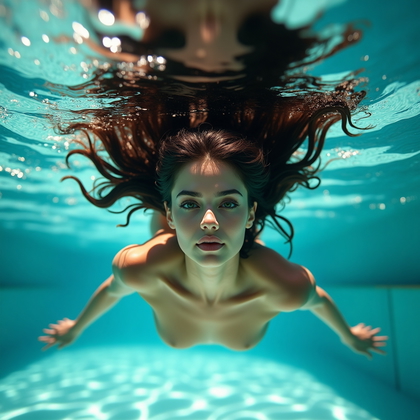
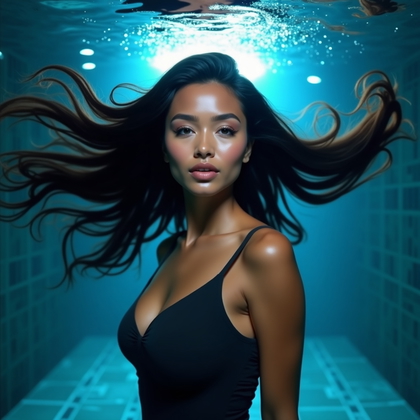
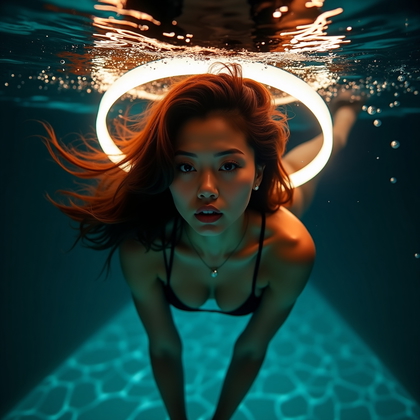
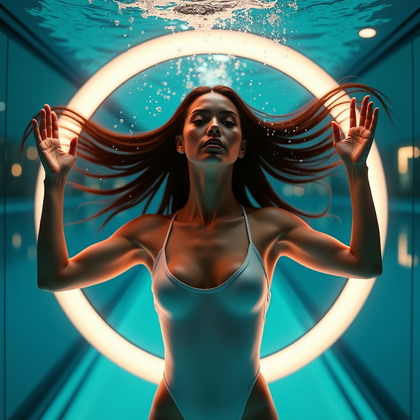
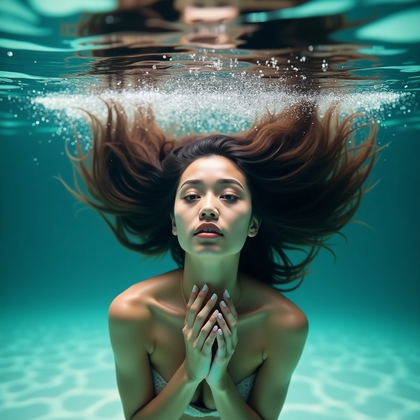
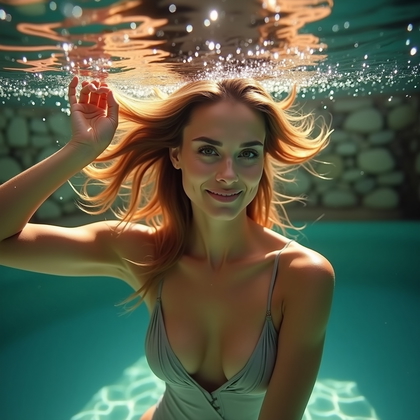
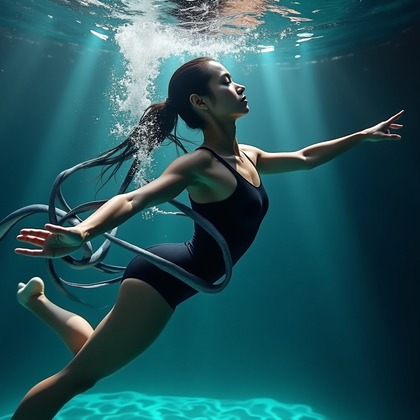
Flat, stuck hair kills underwater portraits. It makes the subject look heavy and dull. In AI, if you do not control the hair, the model often gives wet hair stuck to the skull. This looks cheap and weak. Hair-as-halo underwater portraits fix this problem. You tell the AI to spread the hair around the head like a glowing crown. The hair becomes the frame for the face.
For strong results, focus your prompt on “floating halo of hair around the head” or “hair spread in circular halo”. Ask for long, flowing strands that radiate outward. Keep the face centered and clear. Use clean backgrounds like deep blue, teal, or gradient water. Do not add random sea clutter. Hair is the main design. This style works best for close-up or mid-shot portraits where the face and hair fill the frame. It adds instant drama, depth, and a sense of weightlessness, even at low resolutions.
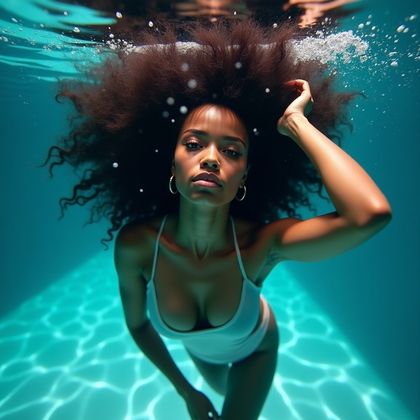
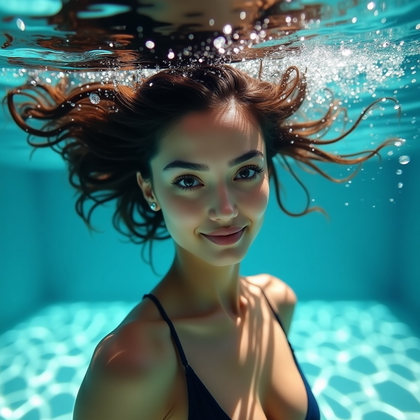
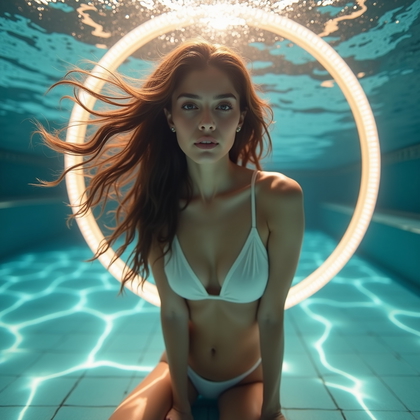
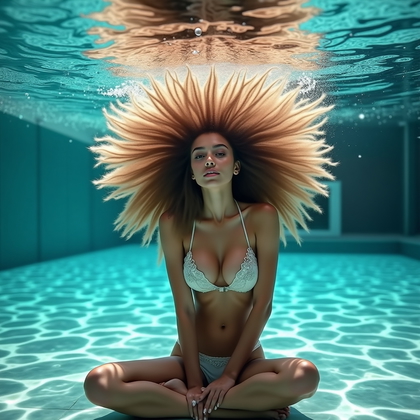
Click on a photo to make it real with your face
Minimalist Swimwear Portraits for Clean Lines
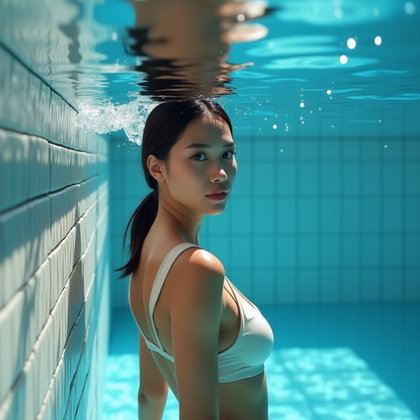
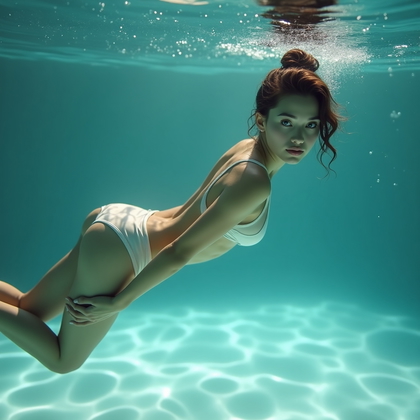
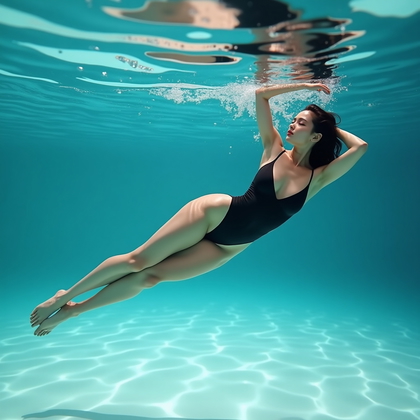
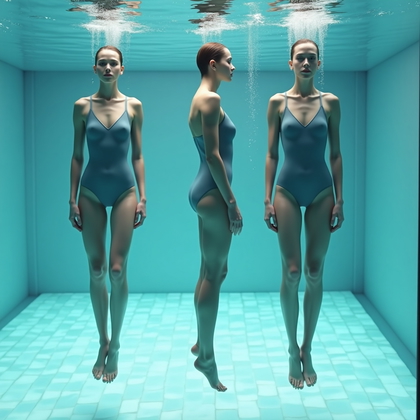
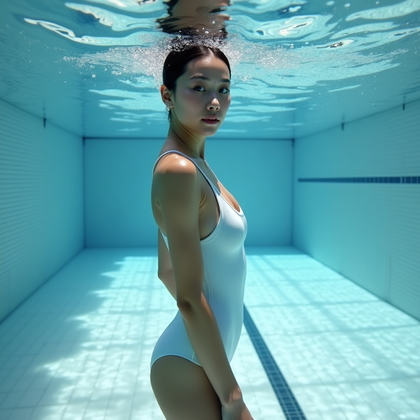
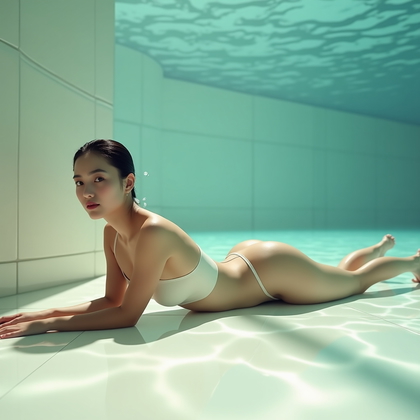
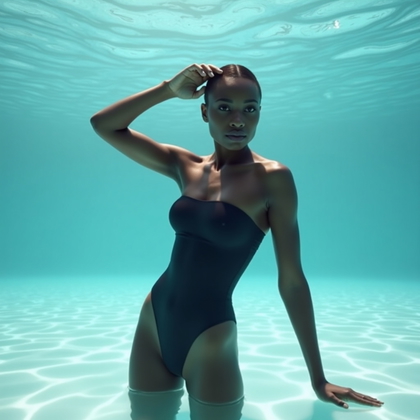
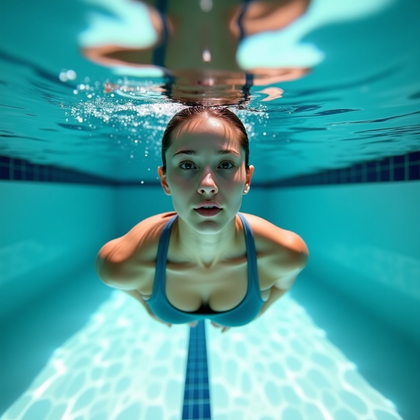
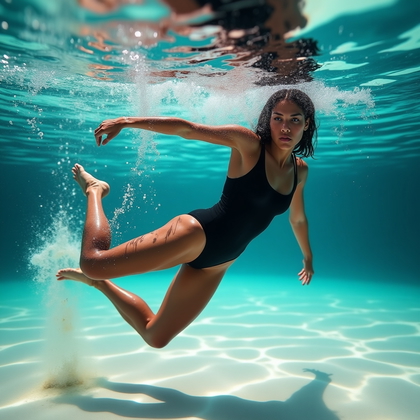
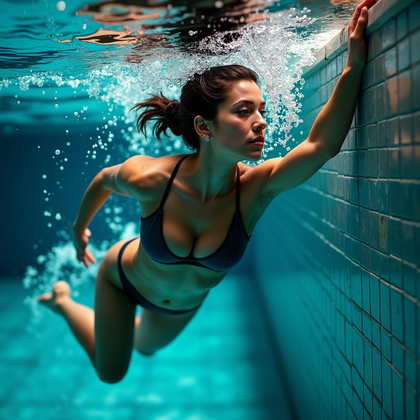
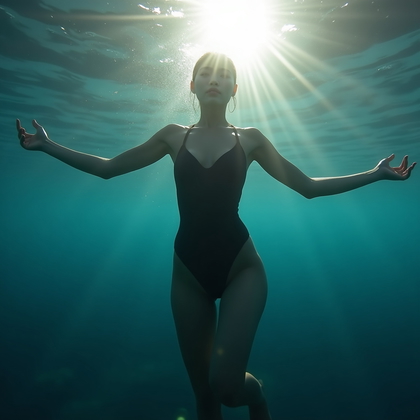
Busy outfits fail underwater. Loose prints, straps, and random accessories create visual chaos. AI models then add more noise, folds, and fake details. The result looks cheap, not elegant. Minimalist swimwear portraits fix this. You use simple, form-fitting pieces with clear shapes. The body becomes the main graphic element. The water is the soft background.
Use prompts like “minimalist one-piece swimsuit, solid color, clean silhouette” or “simple bikini, no patterns, smooth fabric”. Avoid heavy jewelry, busy patterns, and multiple layers. Keep the color palette limited. Black, white, or one bold tone works best. This reduces distractions and makes the pose and body line stand out. In practice, this style gives you more consistent anatomy, better lighting on the skin, and fewer AI artifacts around edges. It is the most reliable base style when you want sharp, modern underwater portraits.
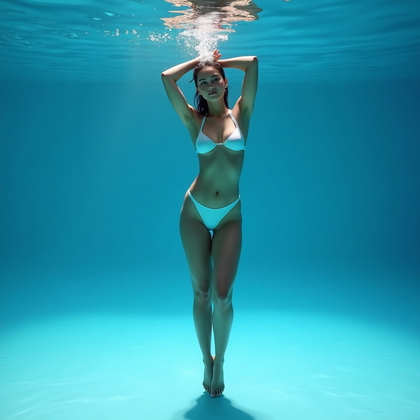
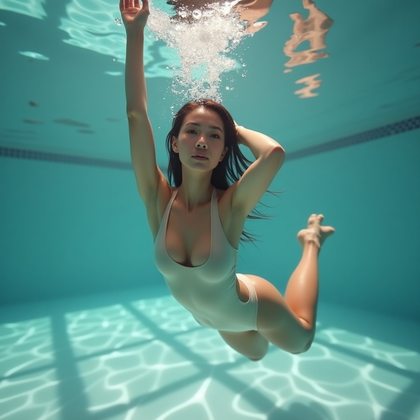
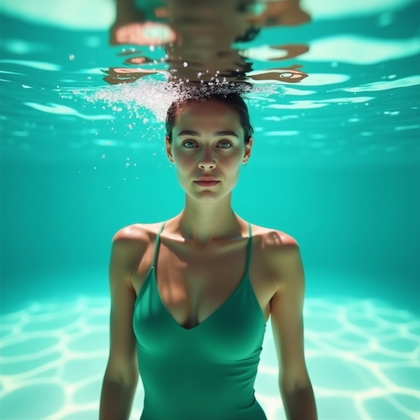
Click on any photo to see yourself in it
Underwater Emotion Series: Calm, Joy, Mystery, Fierce
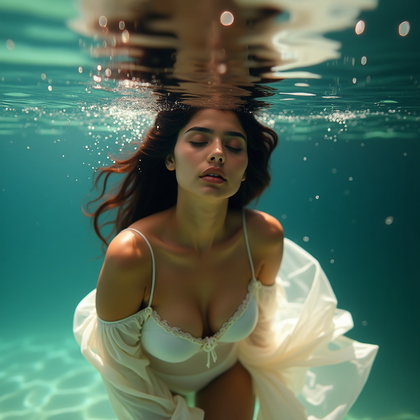
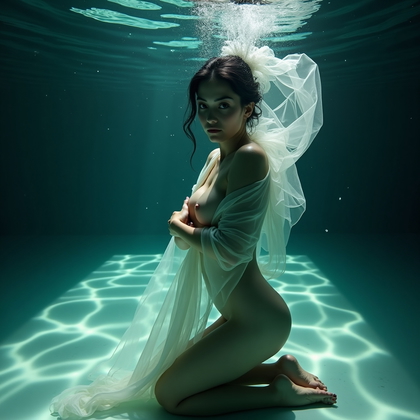
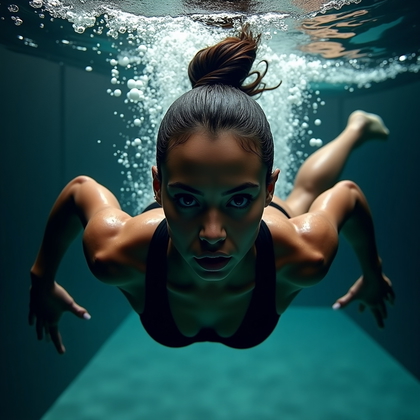
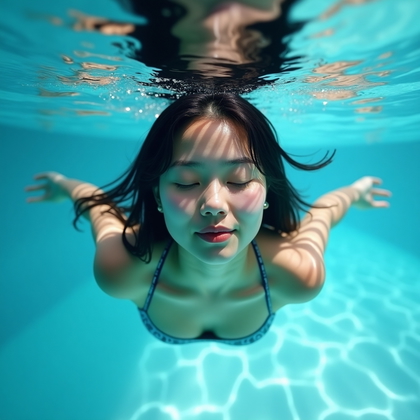
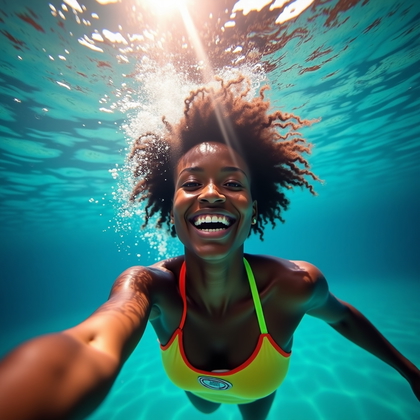
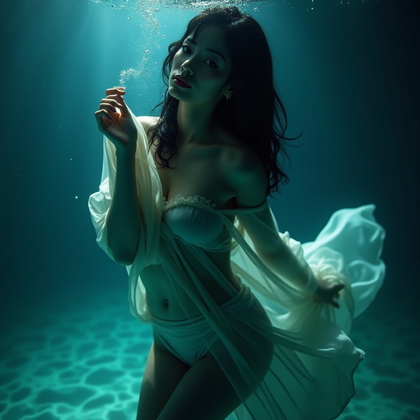
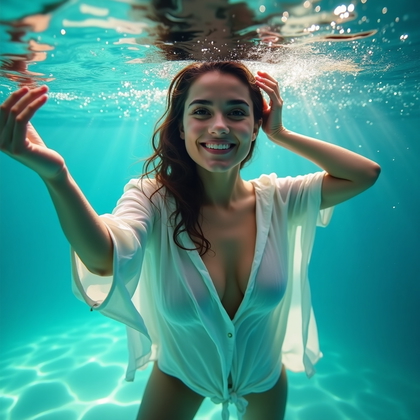
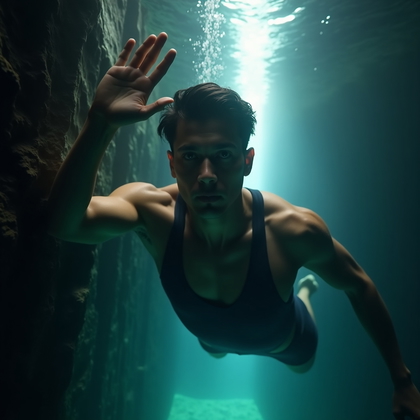
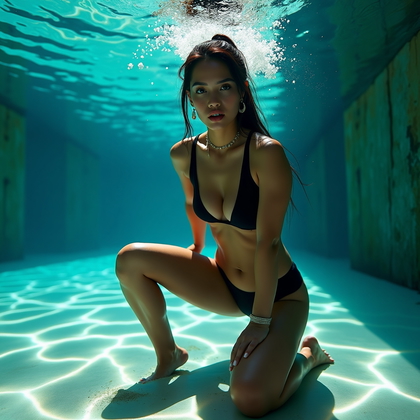
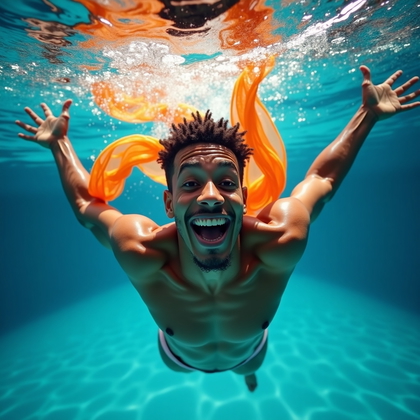
Most AI underwater portraits have empty faces. The expression is vague or confused. This destroys impact. A strong image needs one clear emotion. You do not write “expressive face” and hope for the best. You pick an exact mood and build the whole prompt around it. Calm. Joy. Mystery. Fierce. Each one needs different eyes, mouth, and body tension.
For calm, ask for soft gaze, relaxed mouth, loose hands, slow floating posture. For joy, ask for open smile, bright eyes, upward chin, light body pose. For mystery, ask for half-shadowed face, eyes slightly averted, partially hidden mouth, subtle hand near face. For fierce, ask for intense eye contact, strong jaw, tense shoulders, sharp angles in the body. When you define a clear emotion, AI stops giving random blank looks. The portrait becomes focused and cinematic. You can even generate a series with the same character and four emotions, which is very useful for avatars, covers, and concept sheets for personal branding.
Click on any photo to see yourself in it
Expressive Bubble and Breath Portraits
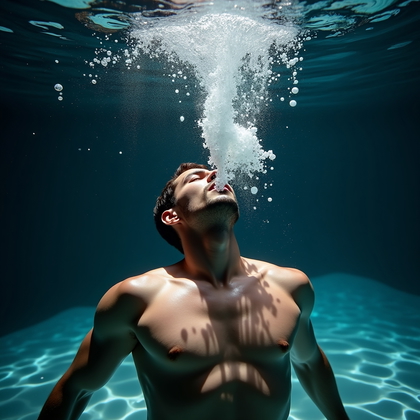
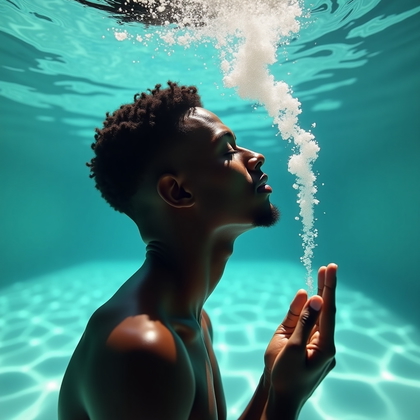
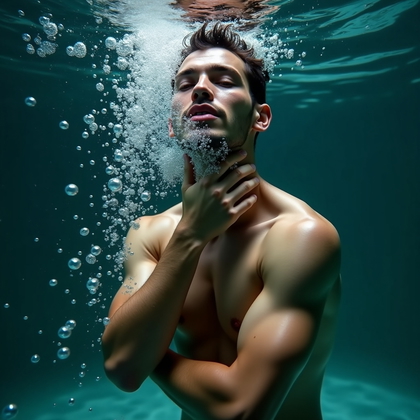
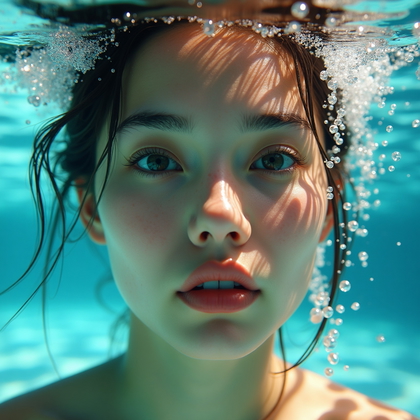
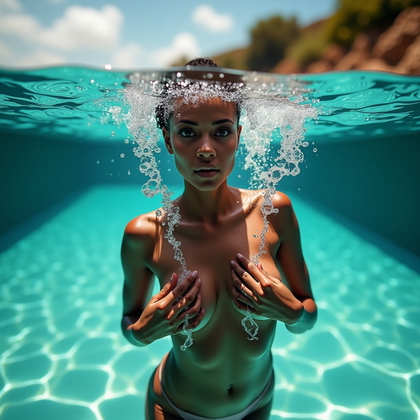
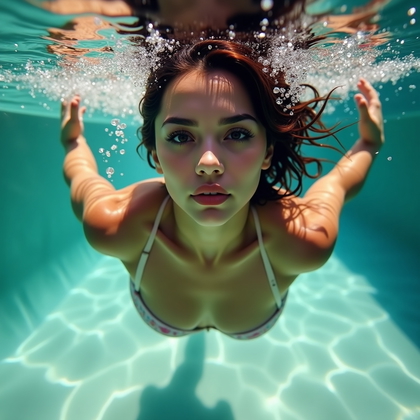
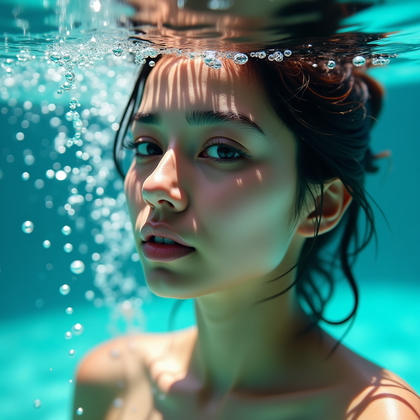
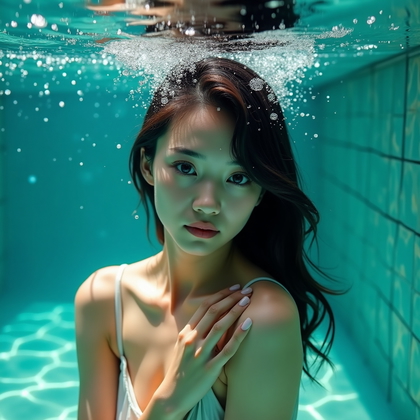
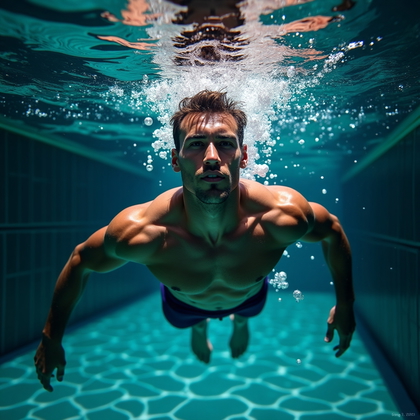
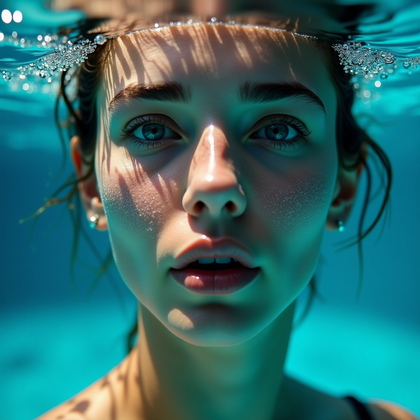
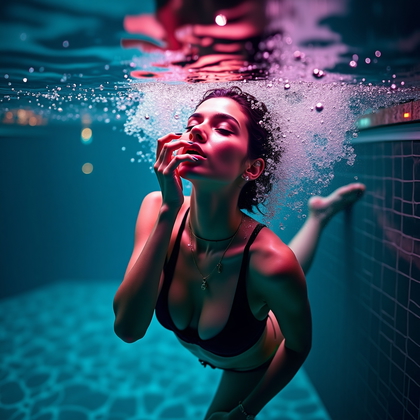
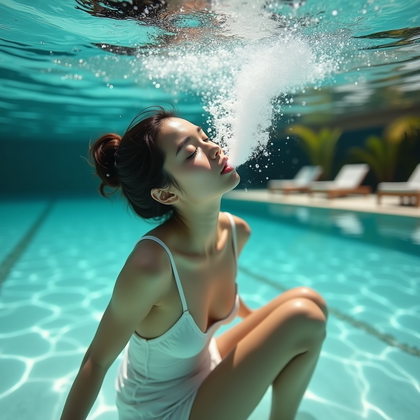
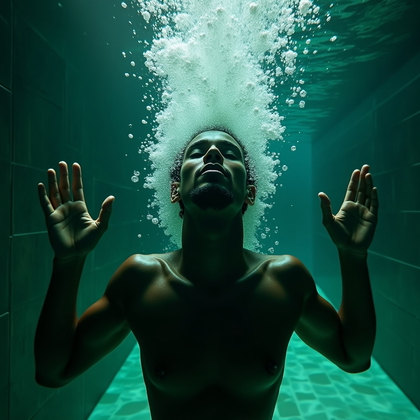
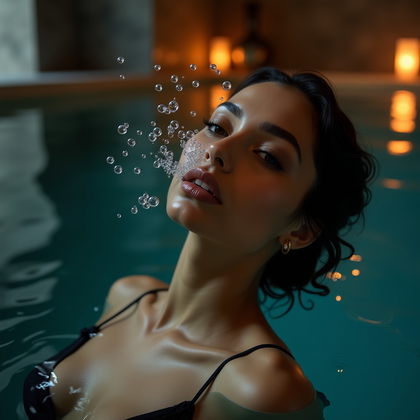
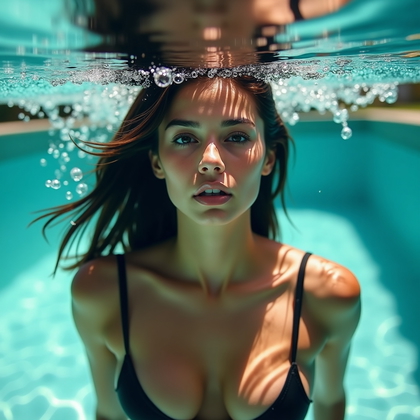
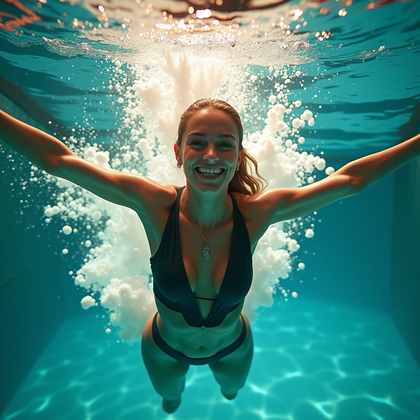
Many underwater AI images look still and lifeless. The model shows a person just floating with no sign of motion. Adding bubbles and breath is a direct way to fix this. Bubbles show action. They show time. They show that the subject is really in water. Expressive bubble and breath portraits use exhaled air as a design tool, not just noise.
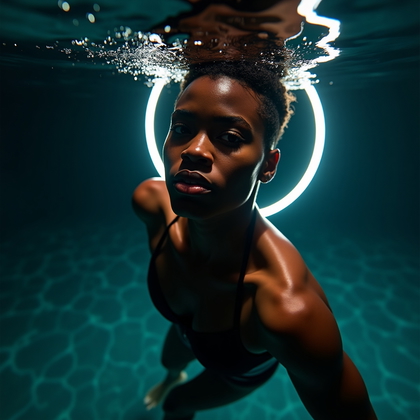
Use prompts like “stream of bubbles rising from mouth”, “bubbles framing the face”, or “burst of silver bubbles around head”. Place the bubbles with intent. Around the cheeks for a fun or joyful look. Around the mouth and nose for a dramatic exhale. Around the whole head for an energetic, chaotic effect. This adds texture and rhythm to the image. It also helps the AI understand depth and direction, so the lighting and focus often improve. The face looks more alive. The portrait stops feeling like a stiff studio shot pasted into water.
Click on a photo to transform it with your face
Motion-Driven Action Portraits: Turns, Kicks, Spins
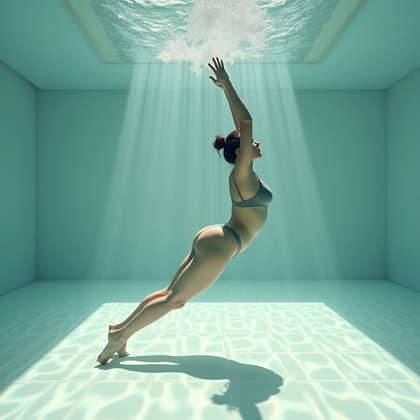
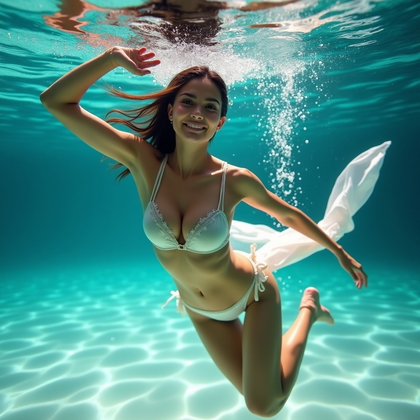
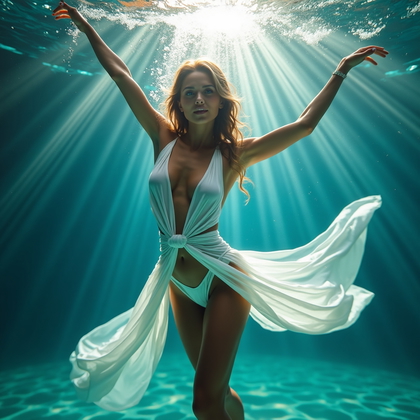
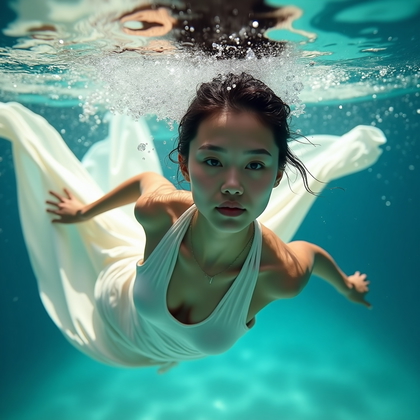
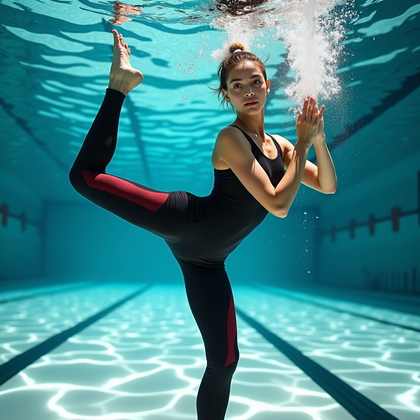
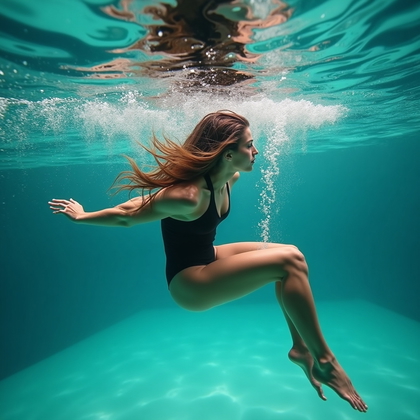
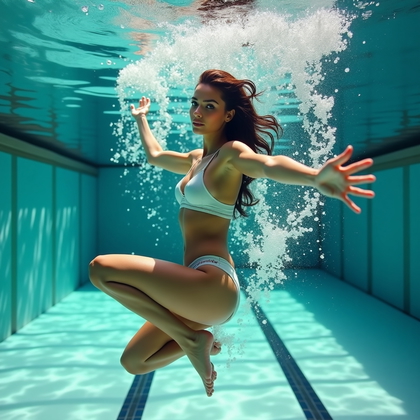
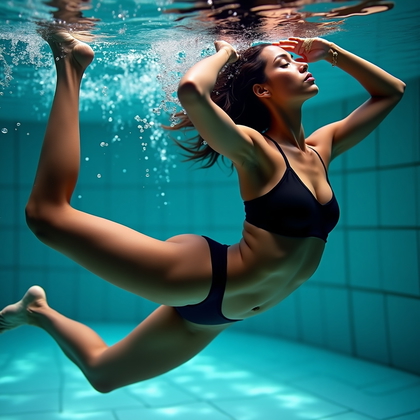
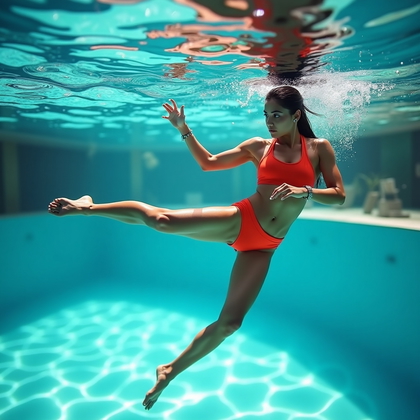
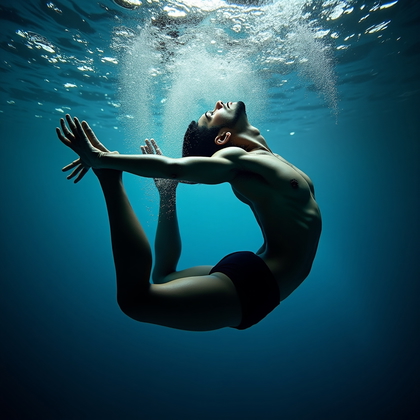
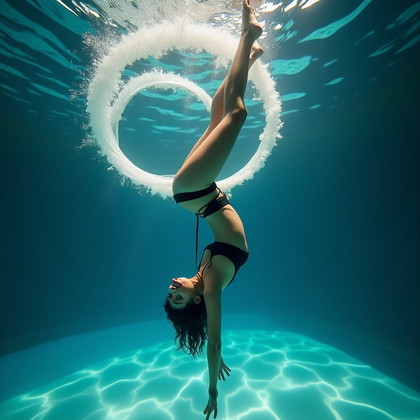
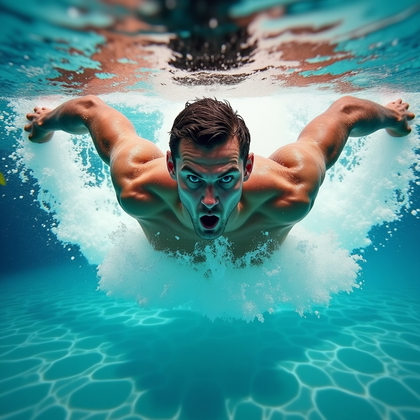
Static underwater poses feel dead. The body hangs without tension. Limbs float in random directions. AI models then struggle with anatomy and perspective. Motion-driven action portraits change this by locking in a clear action: a turn, a kick, a spin. When the model “thinks” the subject is moving, it shapes the body more dynamically and gives better lines.
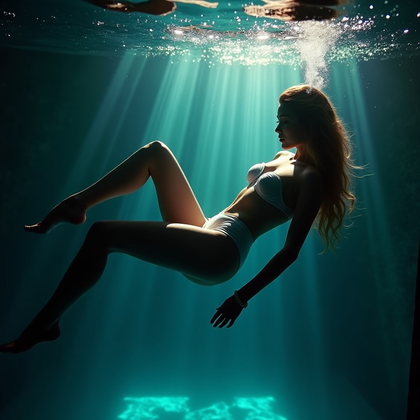
Use clear verbs in your prompt. “Underwater spin”, “dynamic underwater kick”, “twisting turn underwater”. Describe direction: “hair and fabric trailing behind”, “legs extended in powerful kick”, “arms spread in wide turn”. Strong diagonals across the frame work best. Motion creates energy and makes the image feel athletic and alive. In real-world AI use, these prompts reduce the number of awkward limbs and bent joints because the model has a clear movement pattern to follow. It is also ideal for sports, dance, and action-focused character designs.
Click on a photo to insert your face
Dynamic Fabric and Dress Flow Portraits
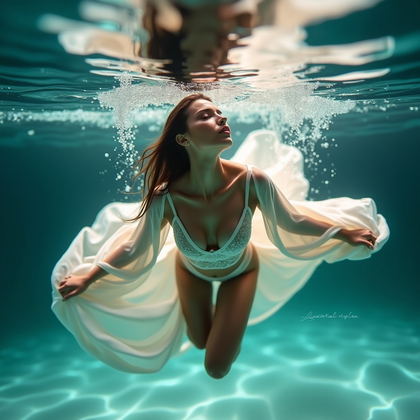
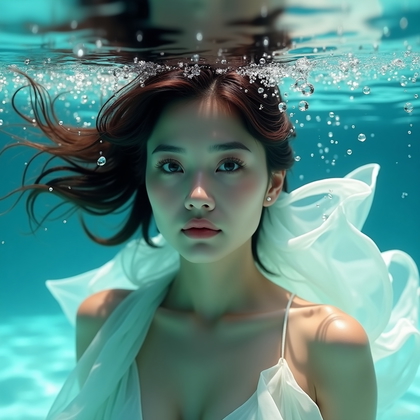
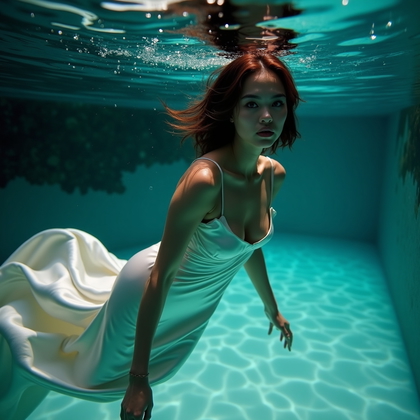
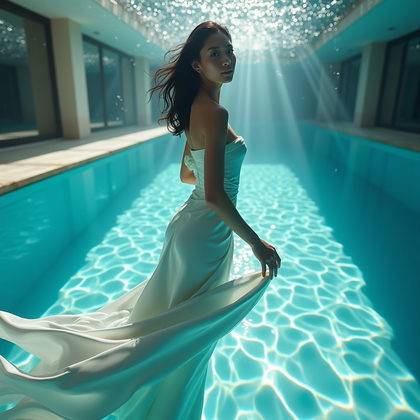
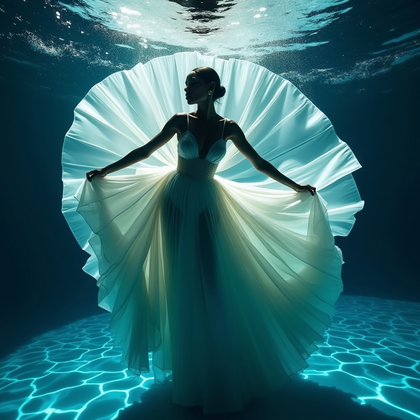
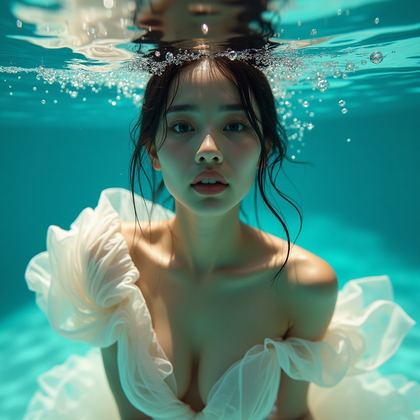
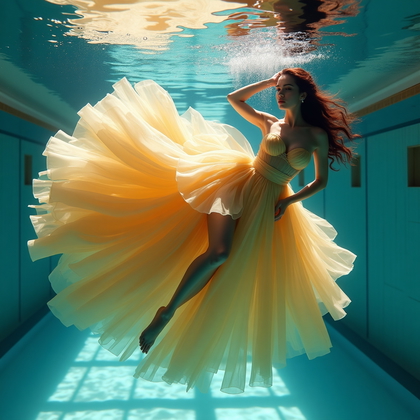
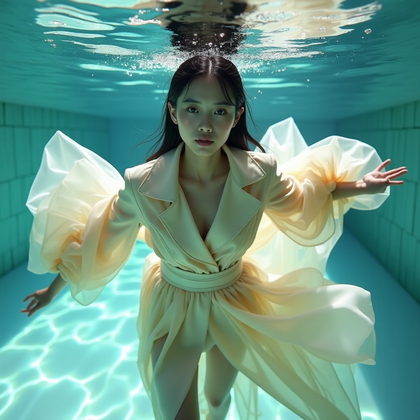
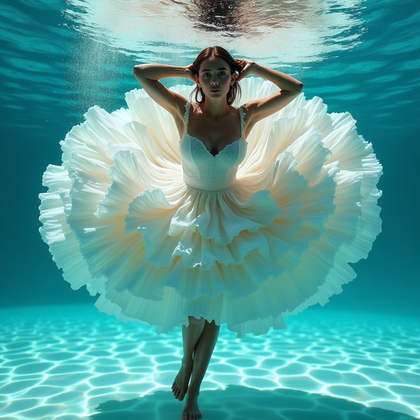
Plain swimsuits can feel too simple when you want epic, cinematic art. Dynamic fabric and dress flow portraits use long dresses, skirts, or loose fabric to build shapes around the body. The water turns fabric into smoke-like trails. This gives you huge visual impact with very simple prompts. It changes a basic underwater portrait into a dramatic poster image.
Ask for “long flowing dress underwater”, “chiffon fabric swirling around body”, or “trailing gown creating fluid shapes”. Emphasize words like “billowing”, “floating”, “swirling”. Keep the dress in one or two colors so the shapes are clear. The fabric should extend far beyond the subject to fill the frame. This style hides minor anatomy issues, adds scale, and gives the AI a strong structure to follow. It works extremely well for fantasy, fashion, and cover art. In practice, it is one of the fastest ways to turn average results into premium-looking visuals.
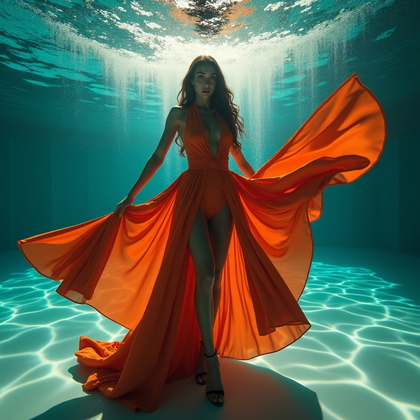
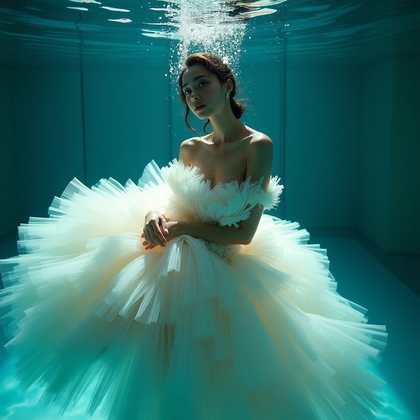
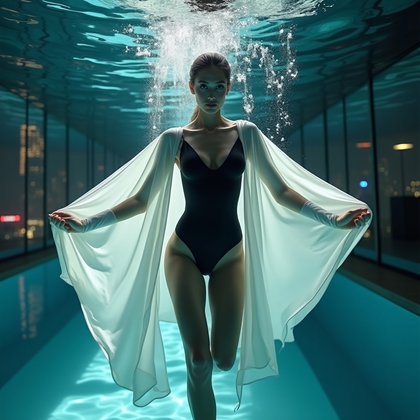
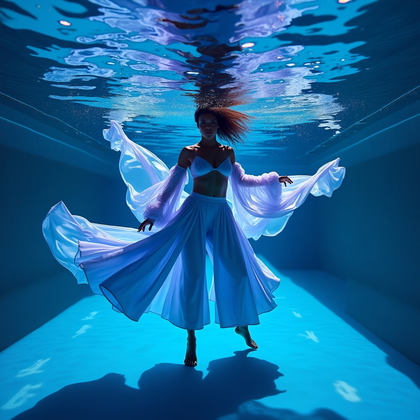
Click on a photo to replace their face with yours
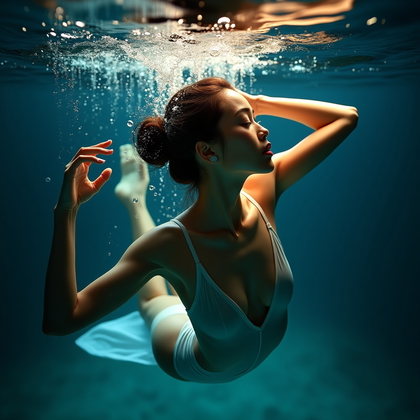
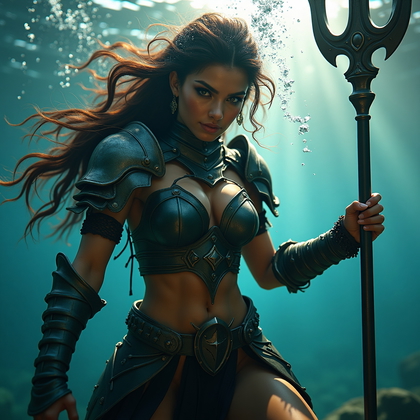
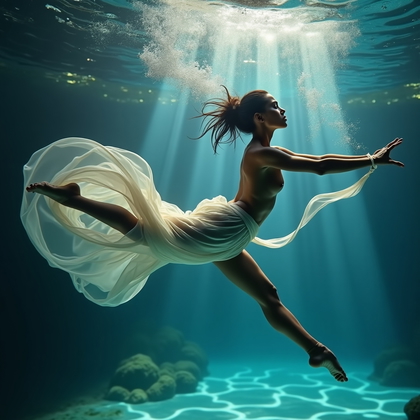
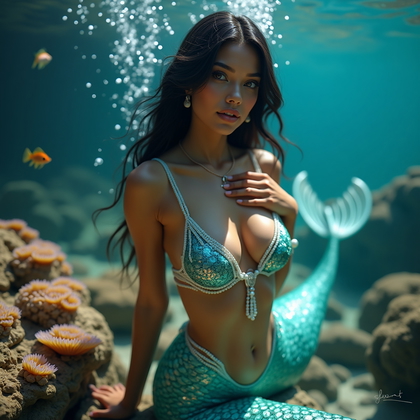
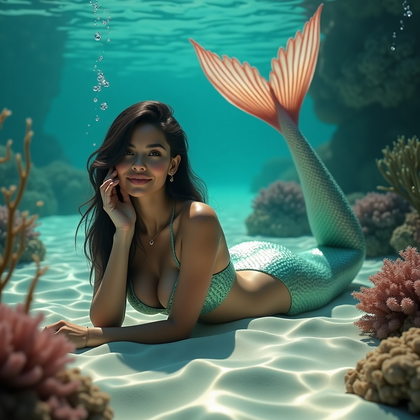
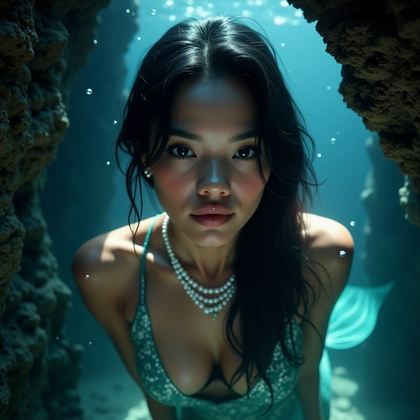
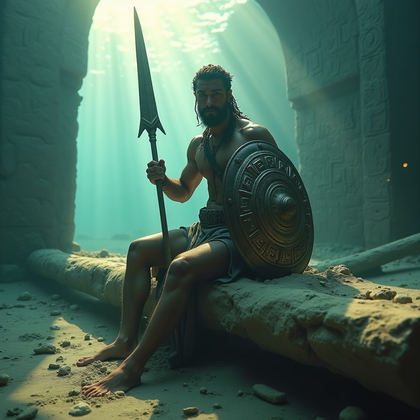
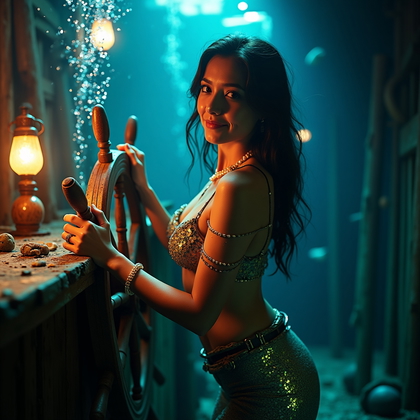
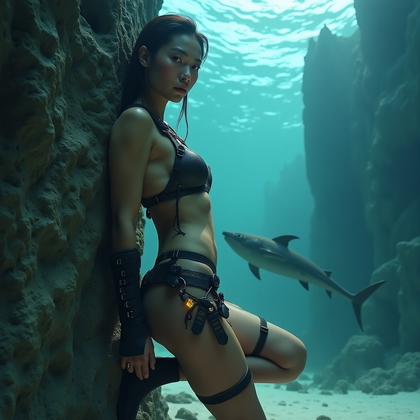
Themed Character Portraits: Mermaid, Dancer, Warrior
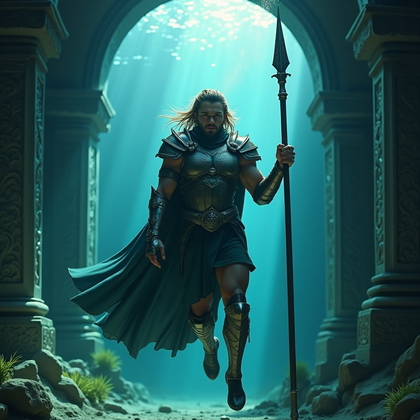
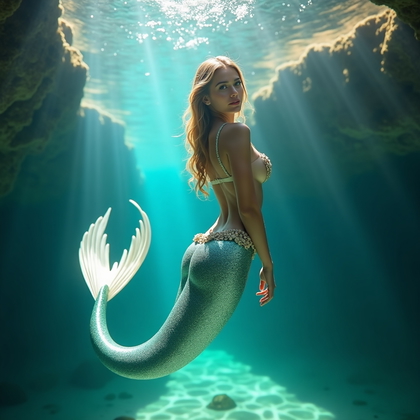
Random underwater people look forgettable. They do not stick in your mind. Themed character portraits fix this by giving the subject a role. Mermaid. Dancer. Warrior. When you tell the AI “who” the person is, it adjusts pose, styling, expression, and props in a consistent way. The image becomes iconic instead of generic.
For mermaid, focus on “mermaid tail”, “pearls”, “long flowing hair”, “elegant, graceful pose”. For dancer, use “underwater ballet pose”, “pointed toes”, “extended arms”, “poised body line”. For warrior, ask for “underwater warrior”, “strong stance”, “armor pieces”, “intense stare”, “weapon floating or held firmly”. Each character type guides the whole composition. This leads to more intentional images and less random detail. In real-world AI workflows, character-driven prompts save time because you get usable, stylized results faster. You can reuse the same character across many underwater scenes for your personal projects and visual stories.
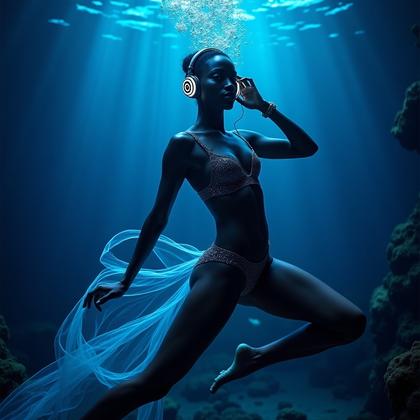
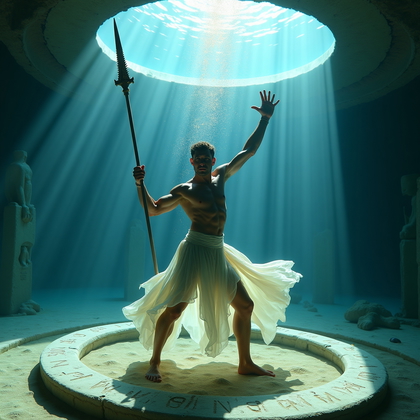
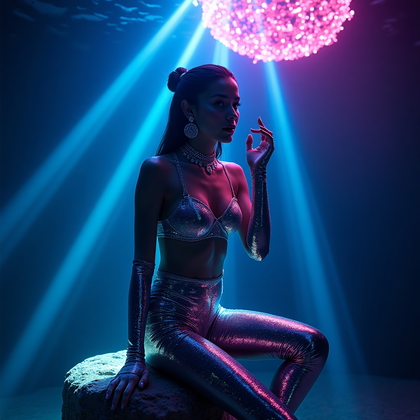
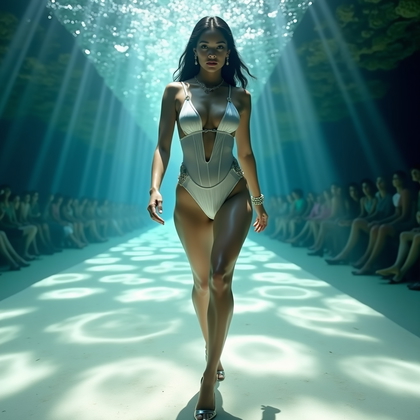
Click on a photo to try this look
Backlit Silhouette and Rim-Light Portraits
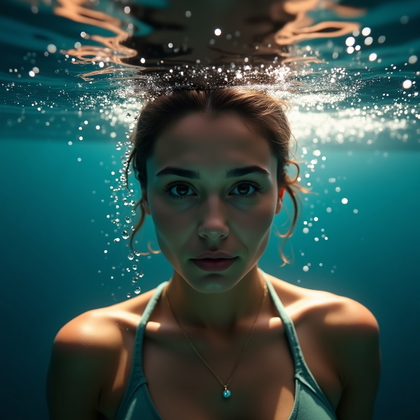
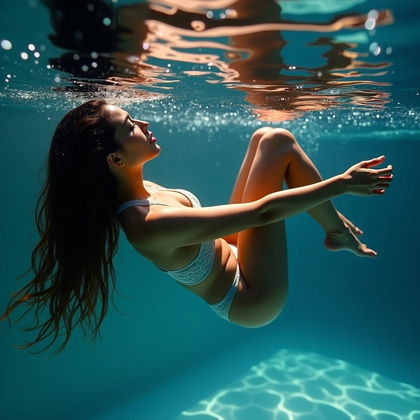
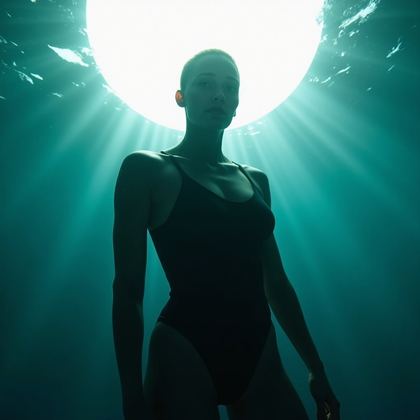
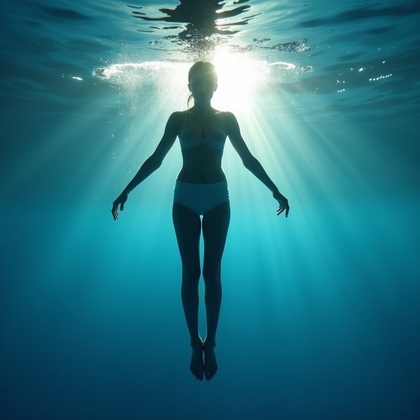
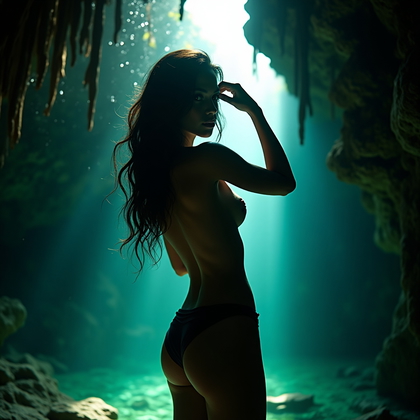
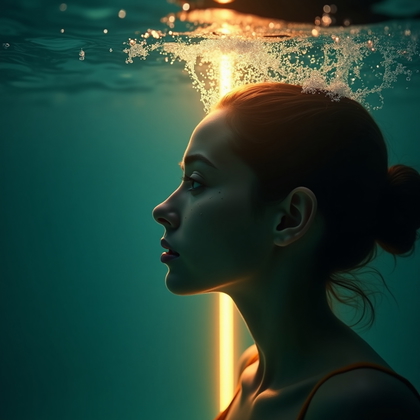
Flat lighting kills depth in underwater AI shots. The face and body blend into the background. There is no structure. Backlit silhouette and rim-light portraits solve this by using a strong light source behind the subject. The body becomes a dark shape with glowing edges. The water amplifies the light and creates powerful outlines.
Use prompts like “underwater backlighting”, “bright light behind subject”, “strong rim light along hair and shoulders”, or “silhouette against glowing surface”. This style is very forgiving. It hides facial flaws and minor anatomy problems because the main focus is the outline, not the details. It also looks expensive and cinematic. You get a strong graphic impact even at small sizes, which is ideal for thumbnails, banners, and covers. In practice, backlit and rim-lit underwater portraits are one of the most reliable ways to get dramatic, high-end results from weak base prompts.
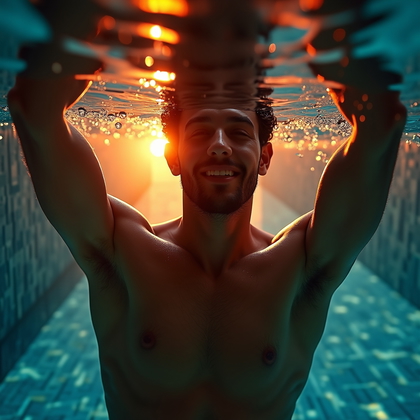
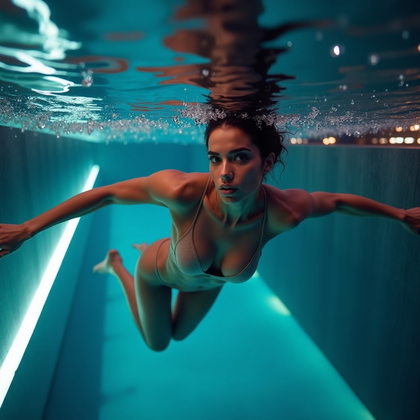
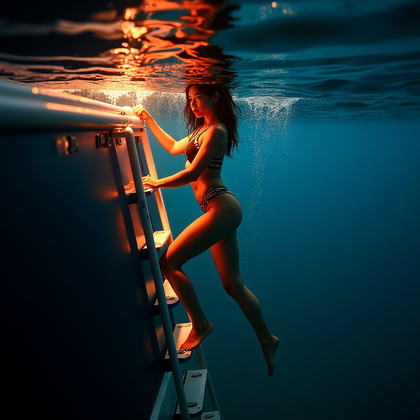
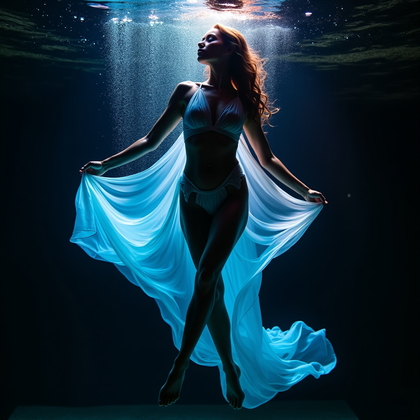
Click on a photo to make it real with your face
Conclusion: Build Underwater Portraits That Actually Work
Effective underwater AI portraits are not an accident. They follow clear rules. Hair must float and frame the face. Outfits must be simple if you want clean lines. Emotion must be specific, not vague. Motion must be defined, not random. Bubbles, fabric, and light are tools, not decoration. Characters need clear roles. Backlight shapes the body when details fail.
Use each style in this article as a separate prompt pattern. Hair-as-halo for drama. Minimalist swimwear for sharp anatomy. Emotion series for expressive faces. Bubbles for life and motion. Action poses for athletic energy. Flowing fabric for cinematic power. Themed characters for strong identity. Backlit silhouettes for bold outlines. Combine them with intent, test variations, and keep what looks strong. This is how you turn AI underwater portraits from weak simulations into focused visual assets you can use for your own projects, branding, and creative work.