Gaming Avatar Portraits
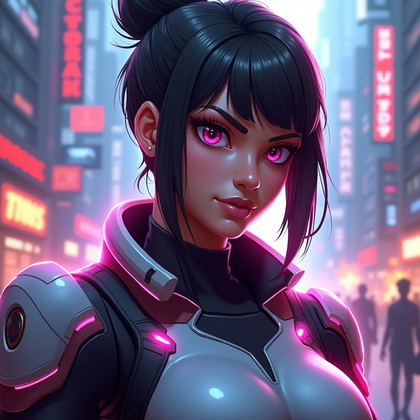
Do you want a gaming avatar that actually gets clicks and respect in lobbies and profiles, not just another soft, blurry face
Do you want AI-generated portraits that look sharp in tiny icons and still look powerful in full size
Do you want an avatar style you can control, repeat, and upgrade any time
AI photo generation lets you build a full set of gaming avatars from simple text prompts and a few base photos. You can control lighting, pose, color, style, and mood. You can match your look to how you really play, not how a random filter thinks you look.
This article breaks down the most effective gaming avatar portrait types. Every section shows what works, why it works, and how to use it for your own advantage. You can combine these ideas, build a full avatar pack, and switch looks fast for different games and platforms.
The goal is not to be “safe” or “generic.” The goal is maximum visual impact, instant recognition, and a look that fits your actual gaming personality. Use these concepts with any strong AI photo generator and basic, clean reference photos of your face.
Heroic Close-Up Portrait (Face-Focused Avatar Crop)
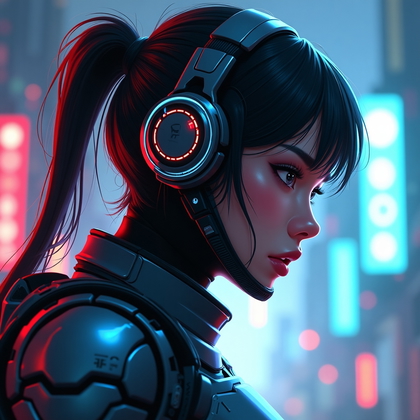
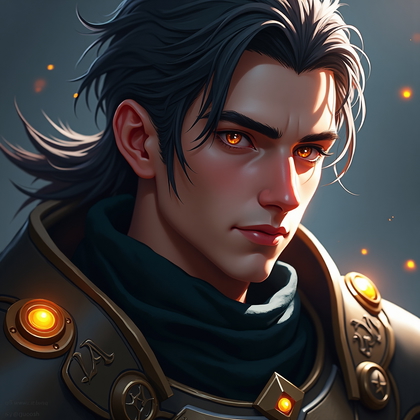
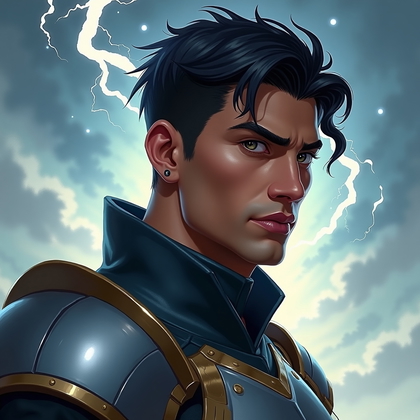
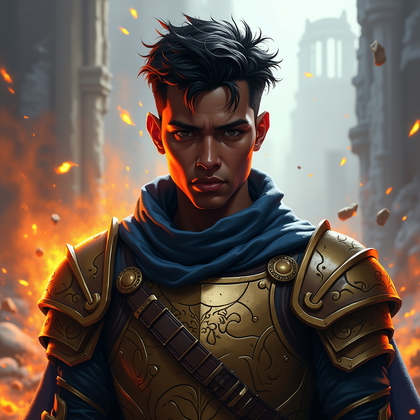
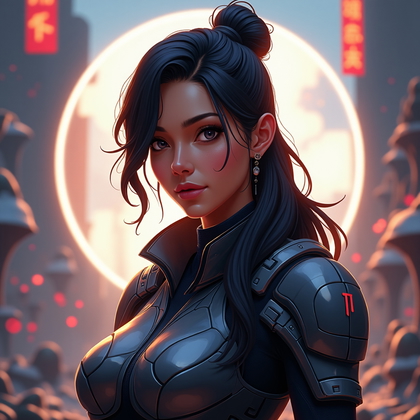
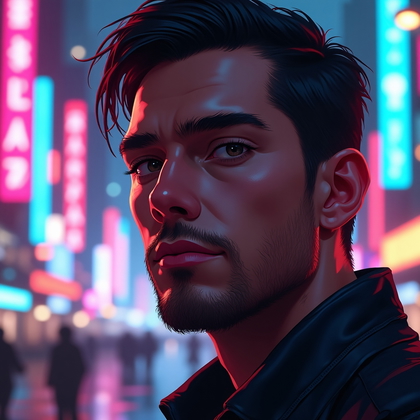
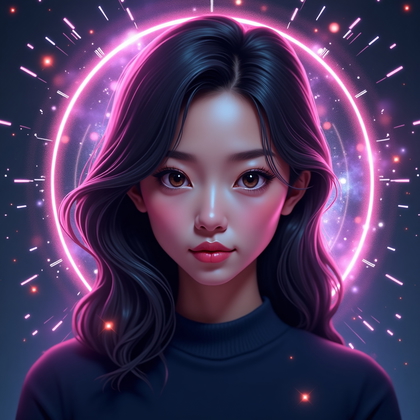
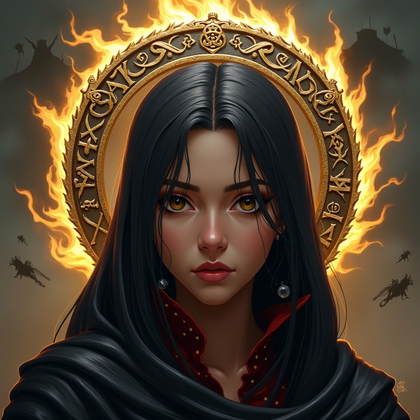
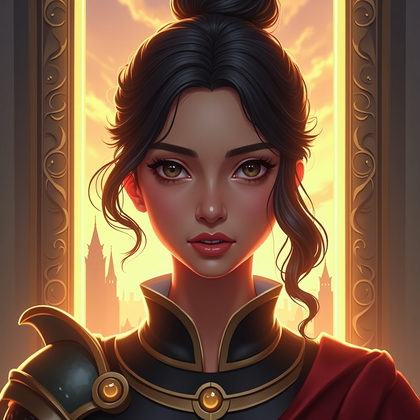
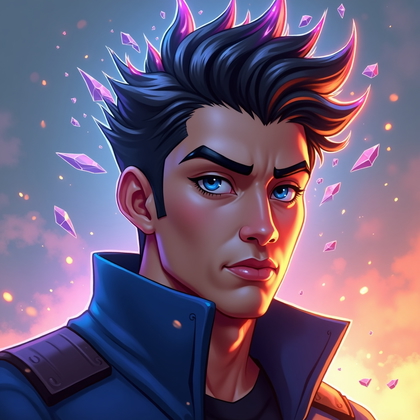
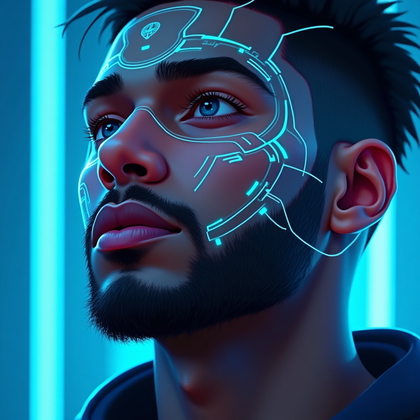
This is the base avatar that everyone should have. It is a tight head-and-shoulders shot. Strong eye contact. Clean background. No clutter. This style reads instantly at small sizes and in circular crops. It puts your face and your intensity in front.
In practice, this is the most effective style for platforms where your avatar is tiny. You want clear eyes, sharp contrast, and simple framing. Avoid busy hair covering your eyes. Avoid dark shadows over your face. Tell the AI to center your face, use a clean background, and keep the crop tight. This gives you an iconic “hero” look that is easy to reuse and upgrade.
Click on any photo to see yourself here
Moody Dramatic Lighting Portrait
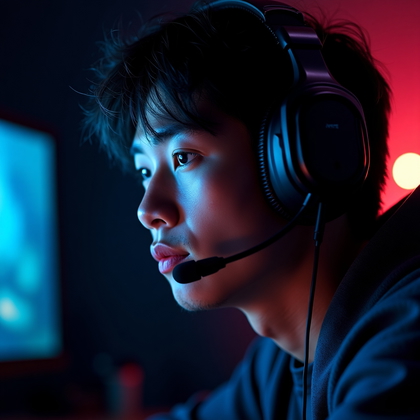
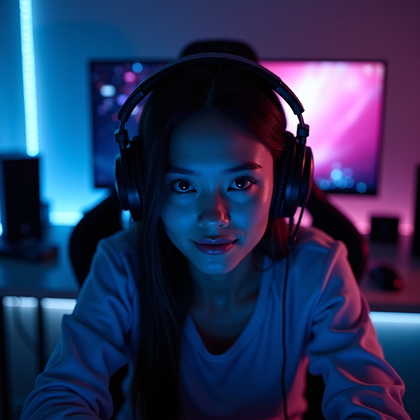
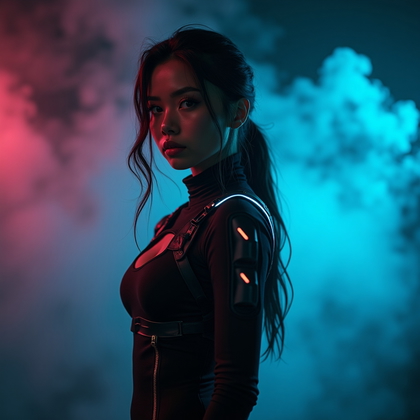
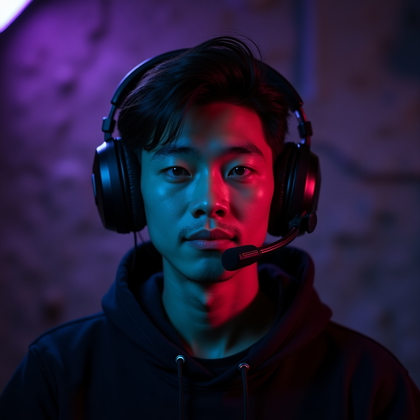
Moody lighting works when you want to look serious and dangerous. Strong directional light from one side. Shadow on the other. Dark background. This creates depth and contrast. It looks expensive and cinematic, even with simple prompts.
Use this style when you play intense games or want to project focus and threat. Tell the AI to use split lighting, Rembrandt lighting, or strong rim light. Add phrases like “dark background,” “high contrast,” and “cinematic portrait.” This type of avatar jumps out in dark UI themes and gives you a no-nonsense presence.
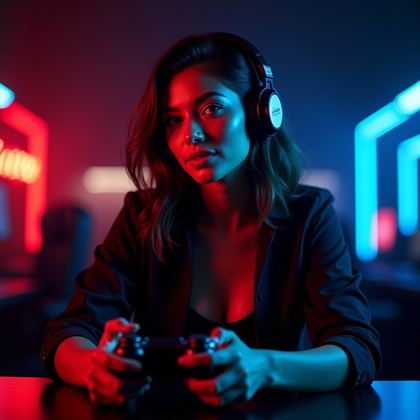
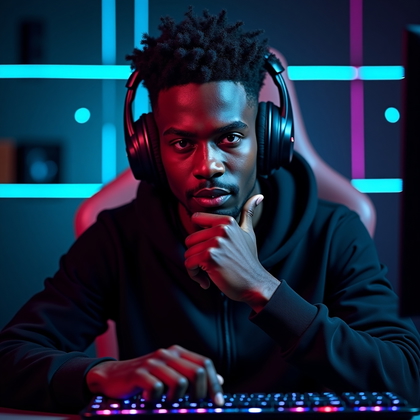
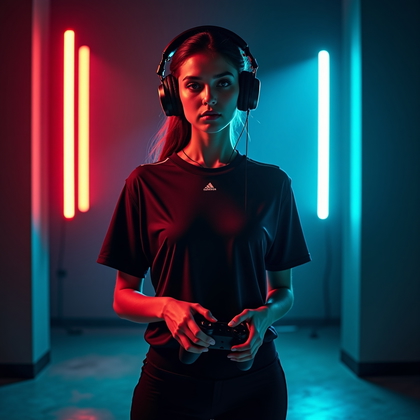
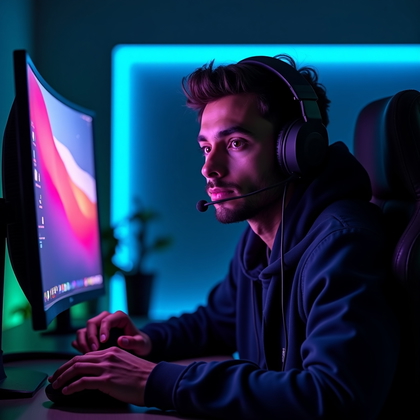
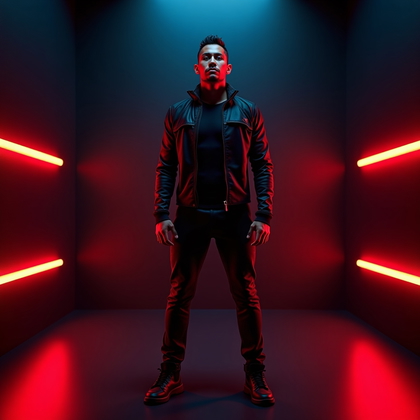
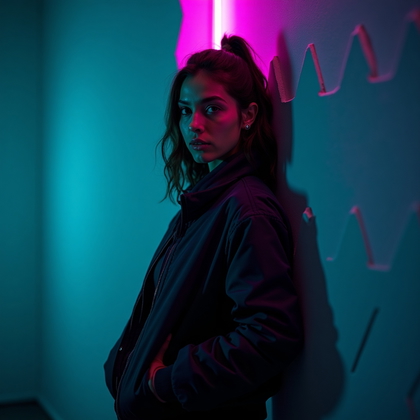
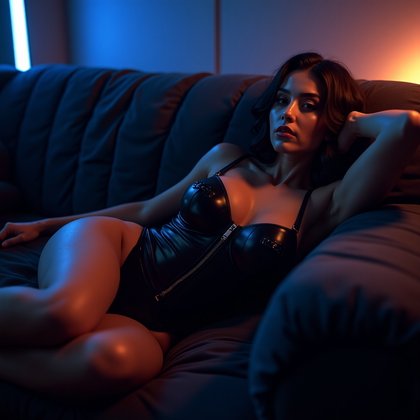
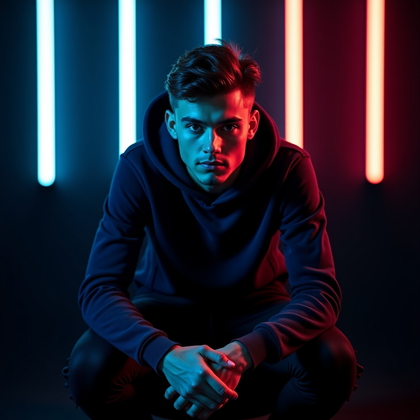
Click on a photo to replace their face with yours
Character-Class-Inspired Look (Subtle Costume, Real Person)
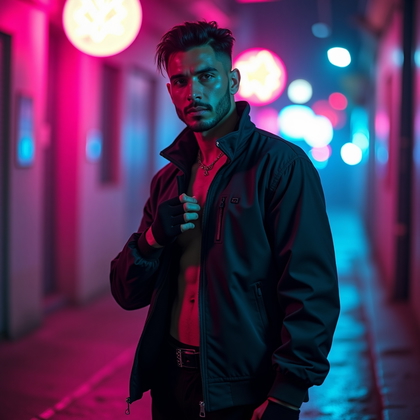
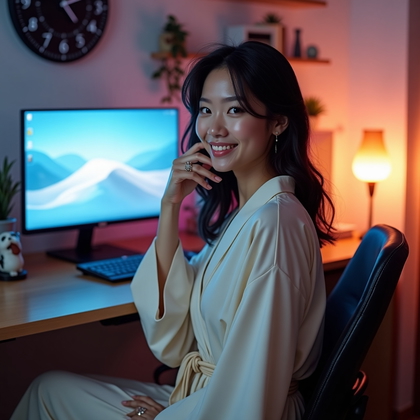
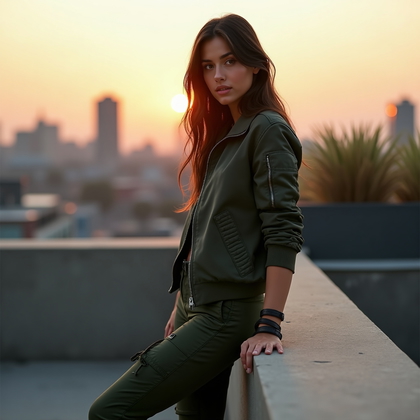
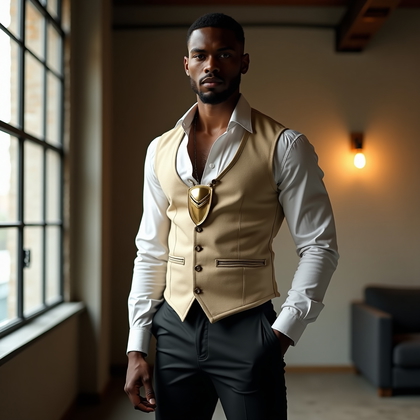
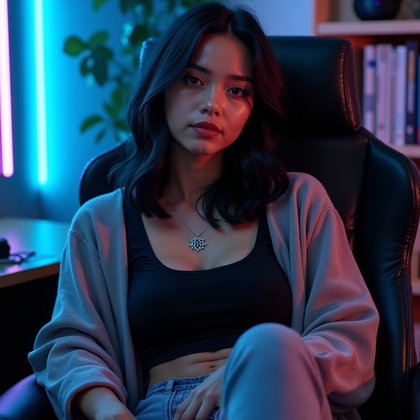
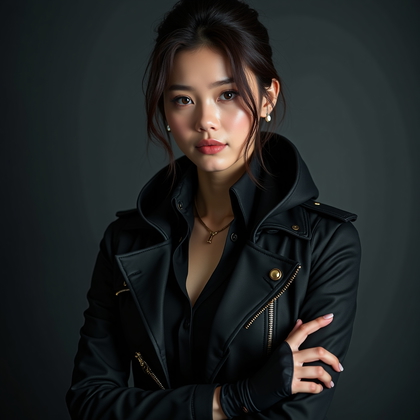
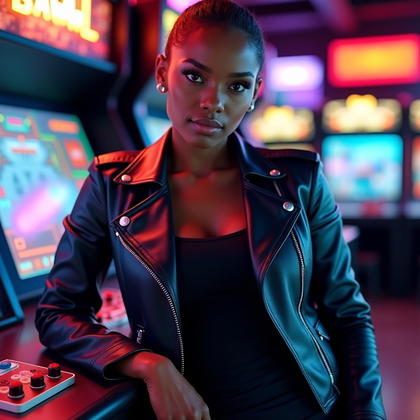
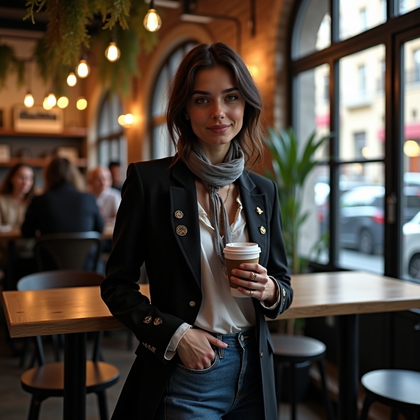
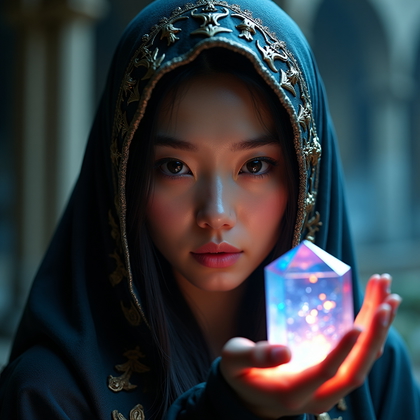
This style lets you match your avatar to your main class without going full costume. You stay recognizable as a real person, but your clothes and details show your role. A heavy jacket or armor hint for tanks. Hood and shadows for rogues. Soft glow and simple robes for healers. Tech gear or tactical headset for snipers.
In practice, subtle wins. Full cosplay often looks fake in small icons. One or two clear elements are enough. Tell the AI to keep your normal face but add “tank-inspired clothing,” “rogue-inspired hood,” or “mage-inspired subtle robes.” This keeps the avatar grounded while still telling other players exactly what kind of role you represent in-game.
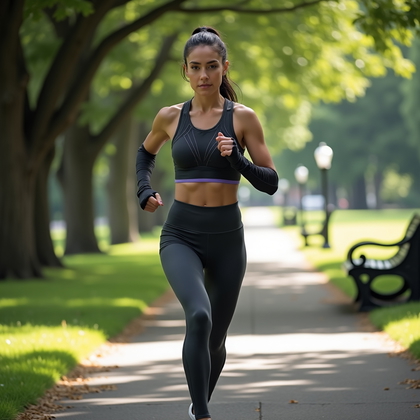
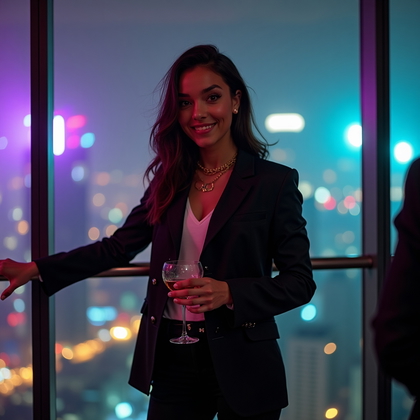
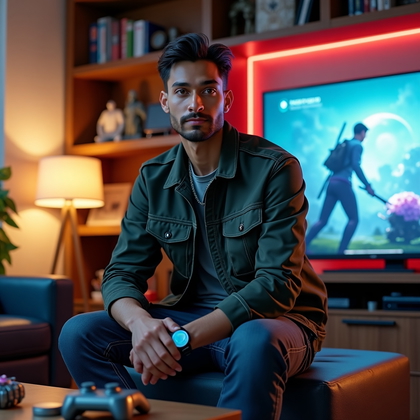
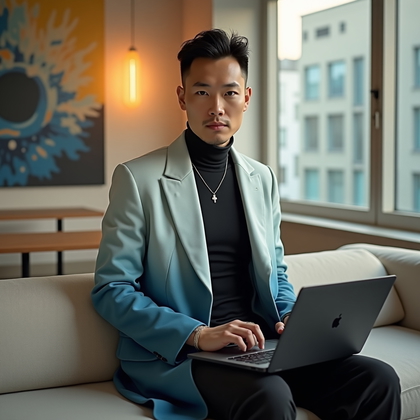
Click on a photo to try your face in it
Expression-Driven Persona Shot (Your In-Game Attitude)
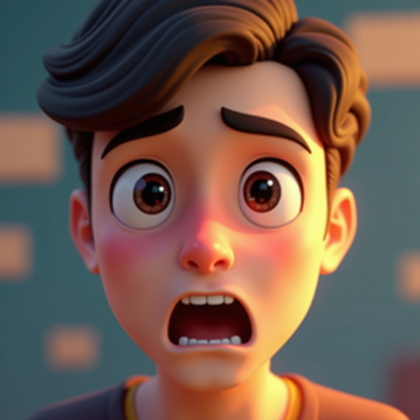
Your face expression matters more than any background. A cocky smirk sends one signal. A cold, serious stare sends another. A relaxed smile reads friendly and low-pressure. A “try me” look with slightly narrowed eyes and a calm mouth is ideal for confident, skilled players.
The most effective move is to generate a small set of expressions with the same lighting and framing. Change only the face. This gives you options. You can choose the expression that matches how you really behave in-game. For ranked and sweaty games, use focused, intense looks. For chill co-op or story games, pick relaxed or amused expressions.
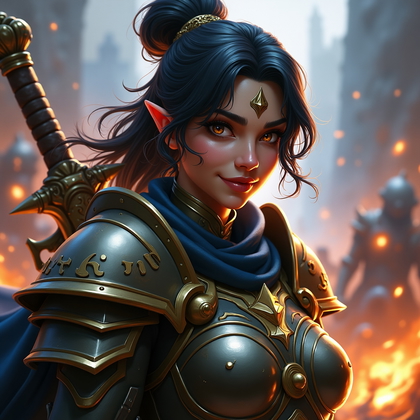
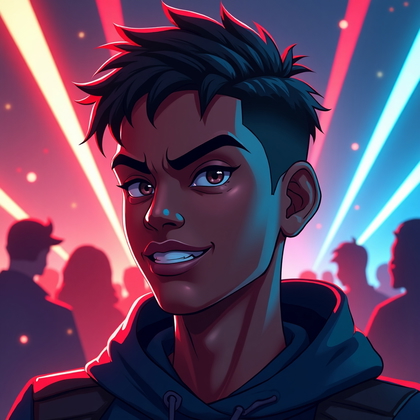
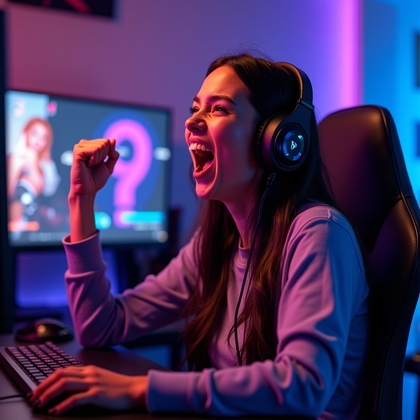
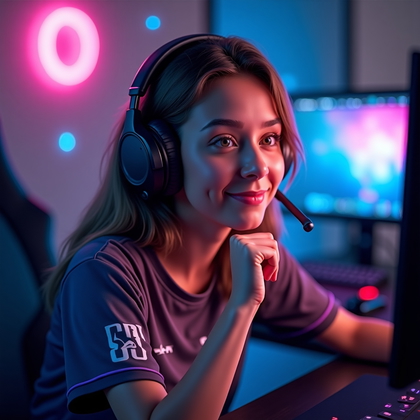
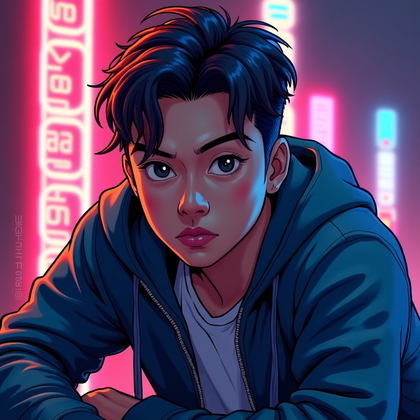
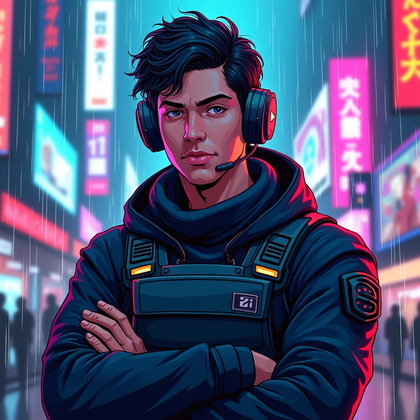
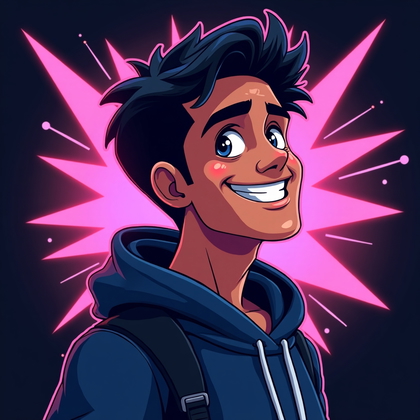
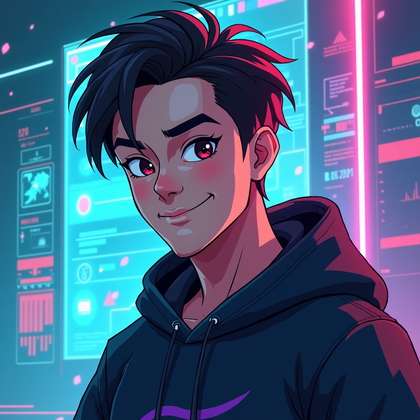
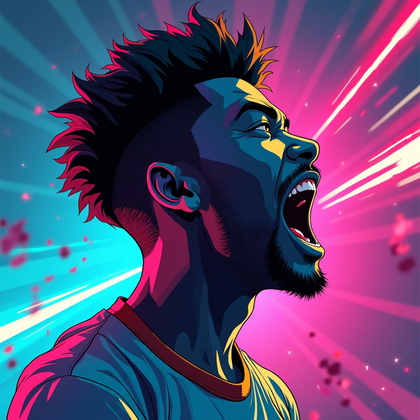
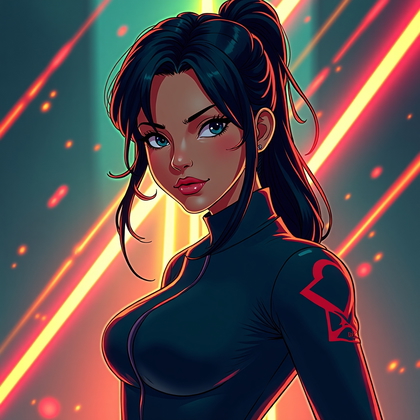
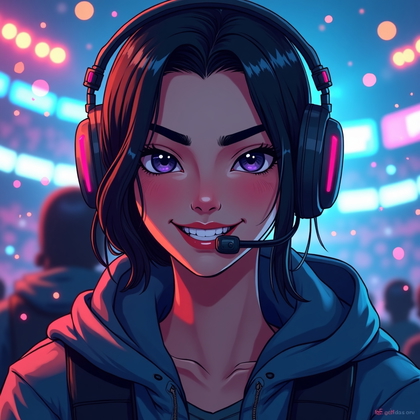
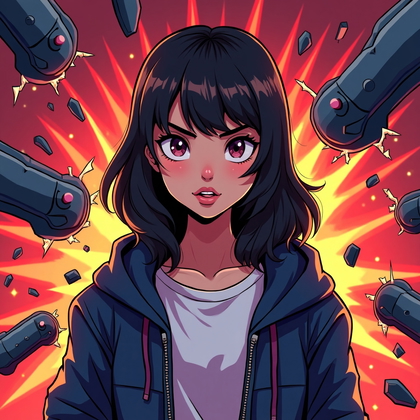
Click on a photo to swap your face in
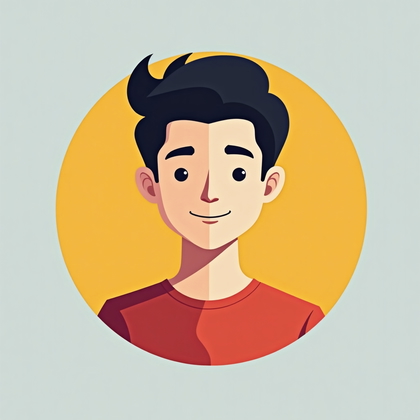
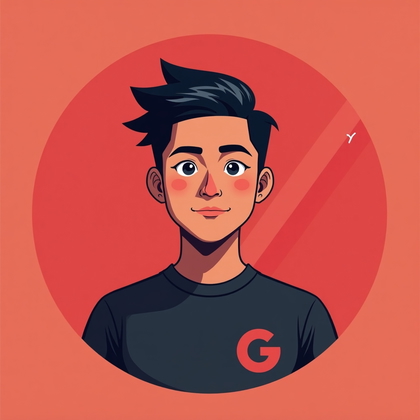
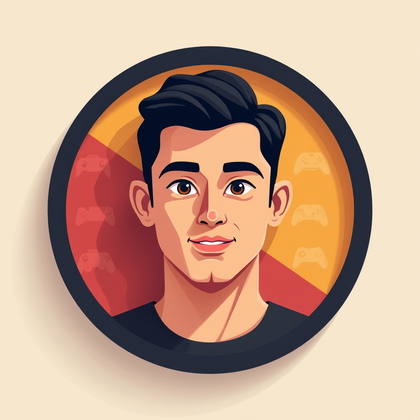
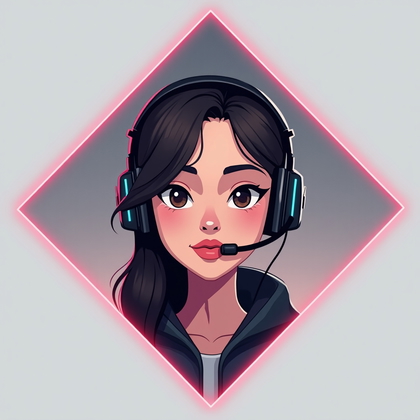
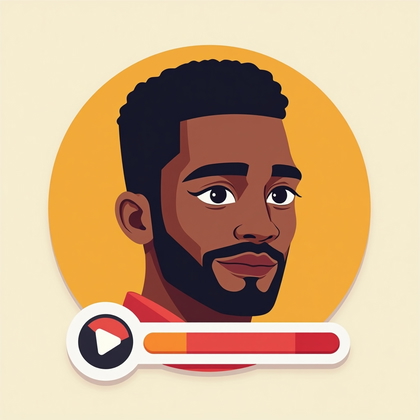
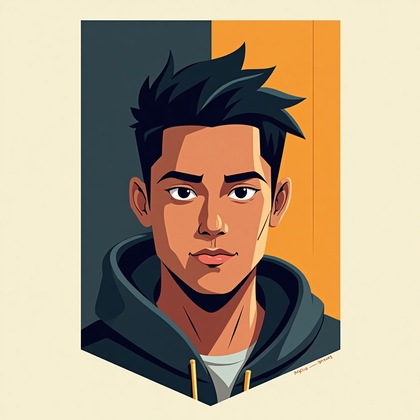
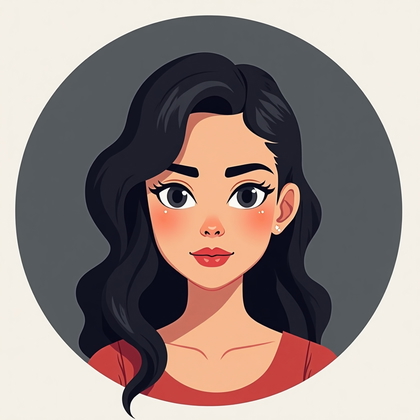
Clean Minimalist Portrait for Tiny Icons
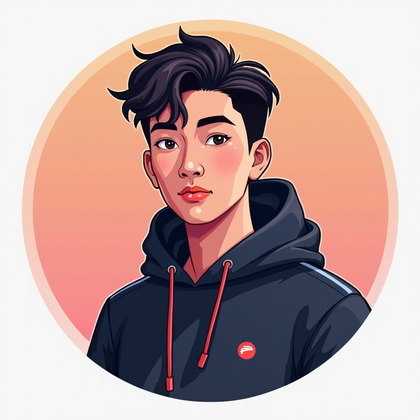
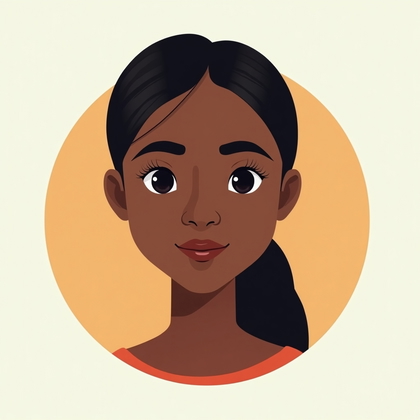
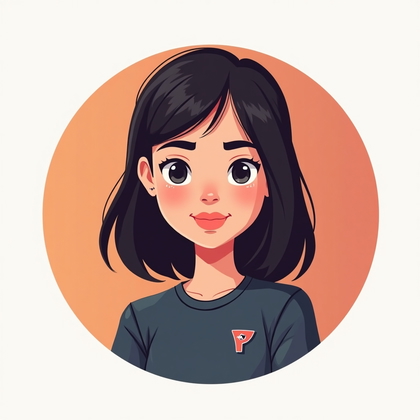
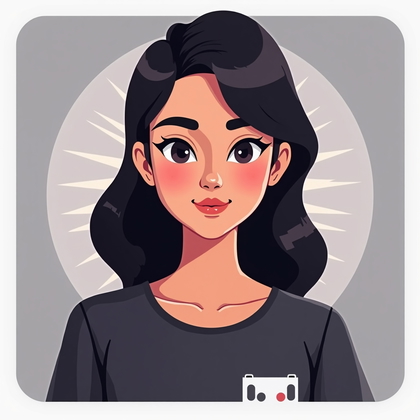
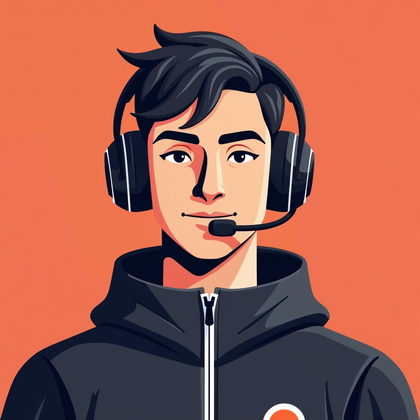
Most avatars fail because they are too busy. Tiny circles cannot show complex scenes. You solve this with a minimalist portrait. Centered face. Neutral or soft gradient background. Simple clothes. No big props. No text. No logos. Just a clear, readable head.
This type is best for platforms with very small icons or cluttered UIs. Tell the AI to create a “clean studio portrait,” “solid background,” and “minimalist composition.” Use medium contrast so your features stay clear even at low resolution. If you care about pure visibility and recognition, this is often the most effective style.

Click on a photo to try this look
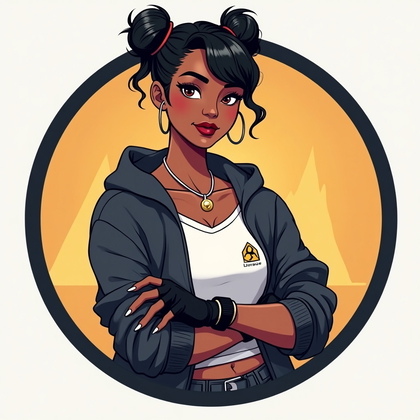
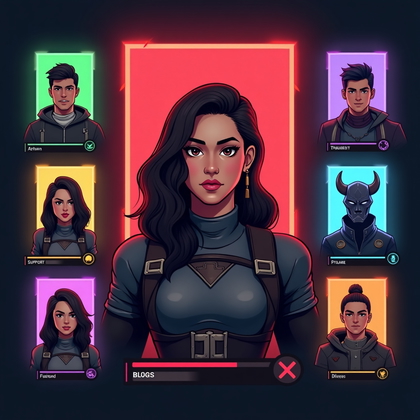
Color-Coded Faction or Role Portrait
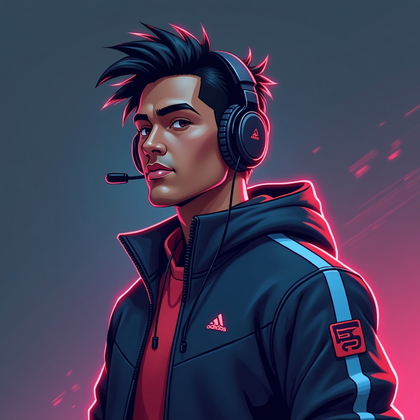
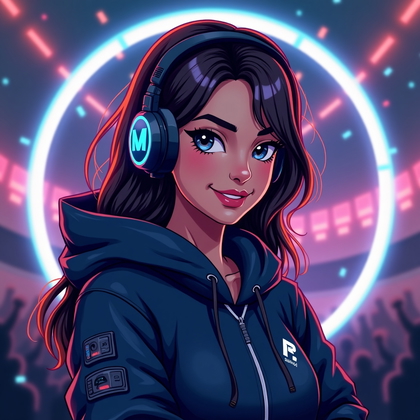
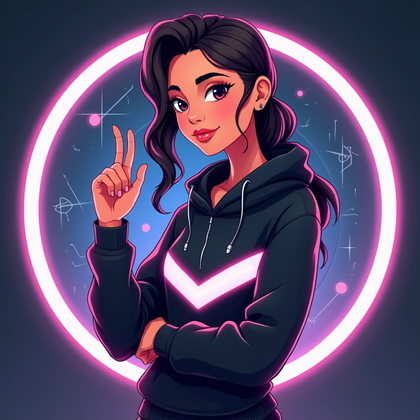
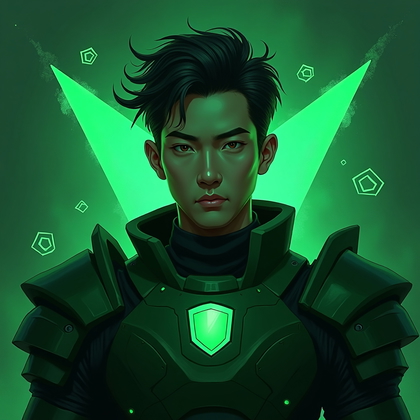
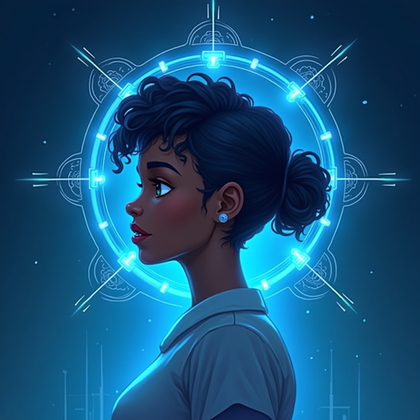
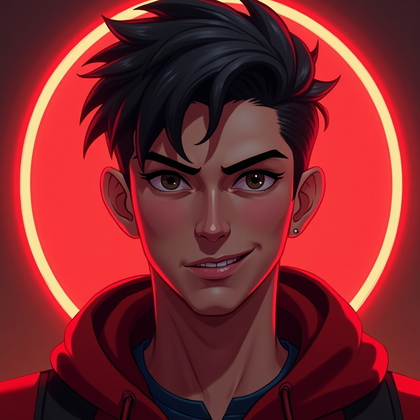
Color is fast signal. Red reads aggressive or offensive. Blue reads calm or strategic. Green reads supportive or balanced. Purple reads mystic or tricky. Neon colors read cyberpunk or futuristic. A portrait built around one main color makes your avatar easy to remember and easy to read in a split second.
Use this when you want your role or vibe to be obvious. Tell the AI your dominant color: “red-lit portrait,” “blue ambience,” “green glow,” “neon magenta and cyan.” Keep the color in the background, lighting, and maybe clothing accents. Do not mix too many shades. Strong, clean color coding works best when you switch between roles or games and want each profile to have a distinct identity.
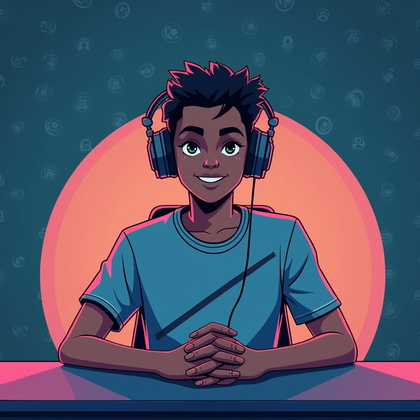
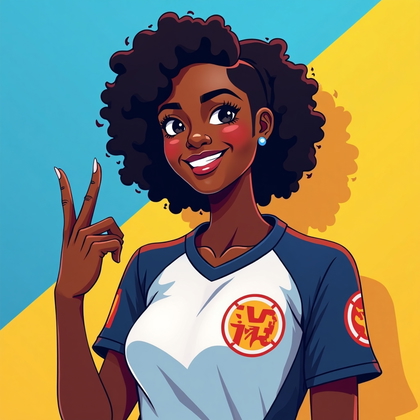
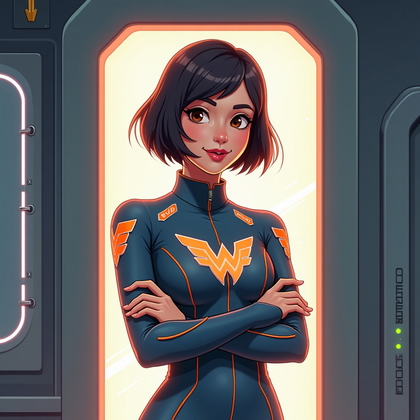
Click on any photo to see yourself here
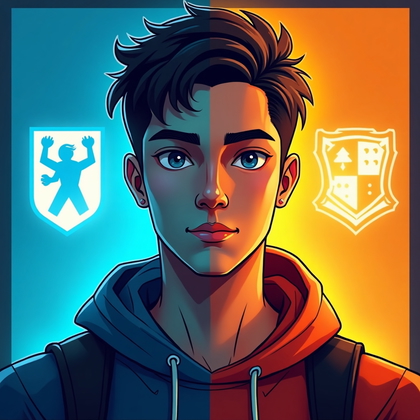
Signature Look Portrait (Repeatable Identity Across Platforms)
A signature look means you pick one visual feature and lock it in everywhere. Same hairstyle. Same glasses. Same headset. Same necklace. Same pose. You stay recognizable even when you change background, color, or style. This is how you build a stable identity that people never confuse.
In practice, decide on one or two fixed traits. For example: black hoodie plus round glasses. Or side-part hair plus silver headphones. Make AI prompts that always mention those elements. You can shift lighting and environment, but keep your signature features constant. This gives you hundreds of variants that all feel like the same core persona.
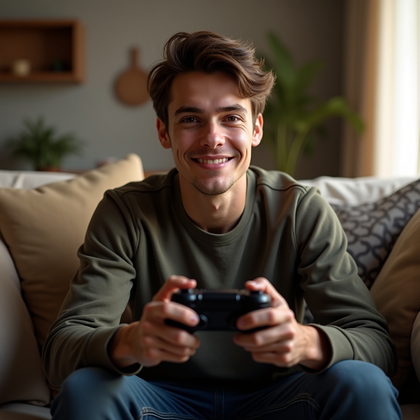
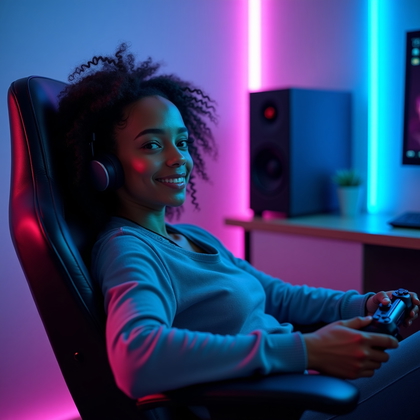
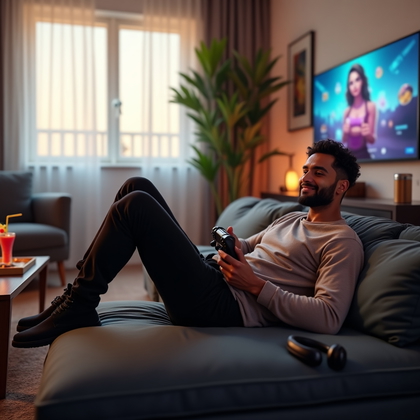
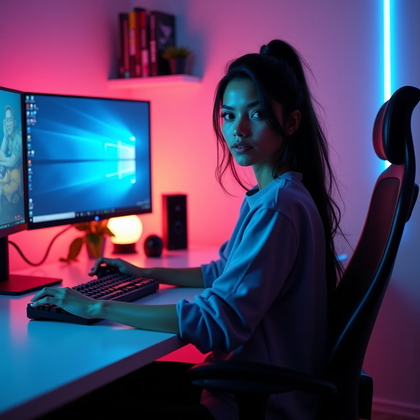
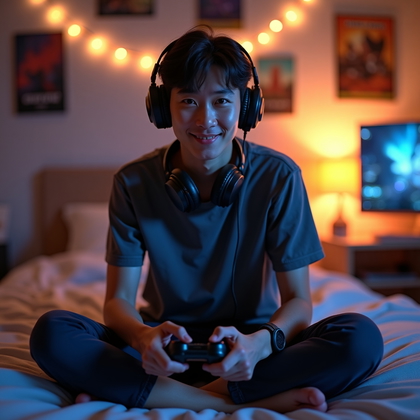
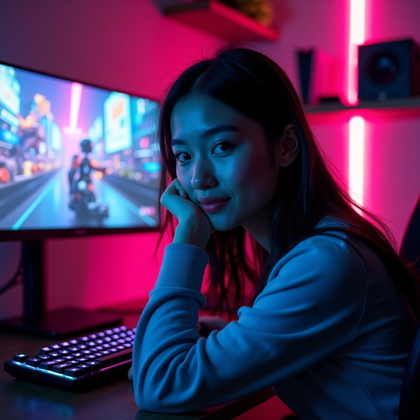
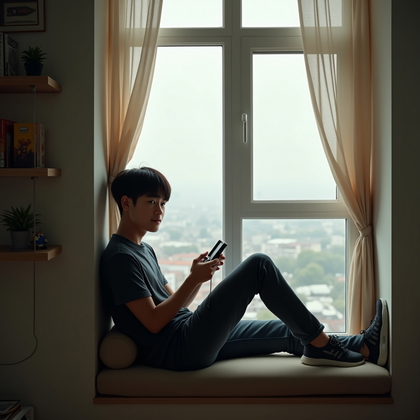
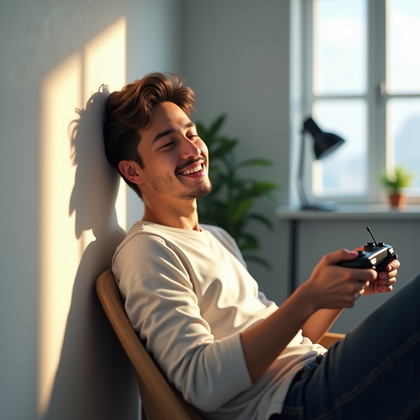
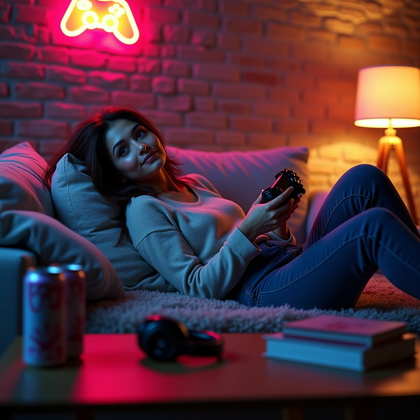
Click on a photo to try your face in it
Chill Casual Gamer Portrait
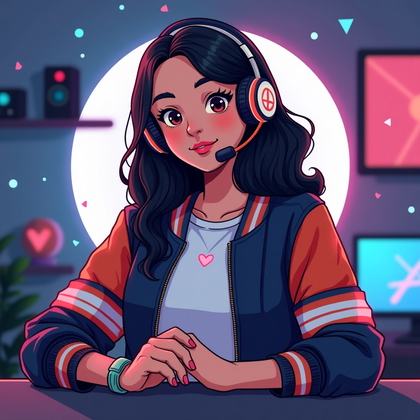
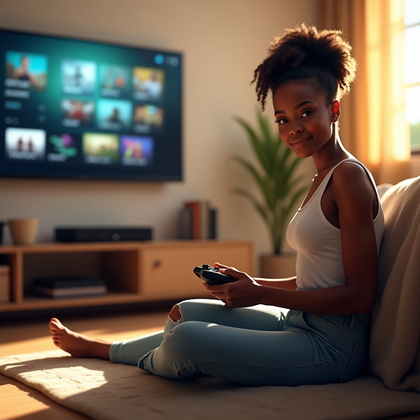
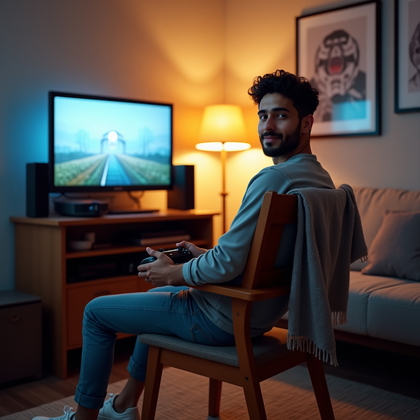
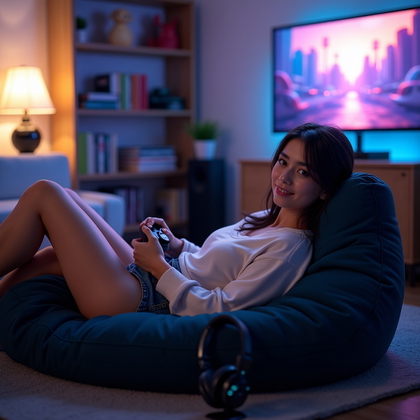
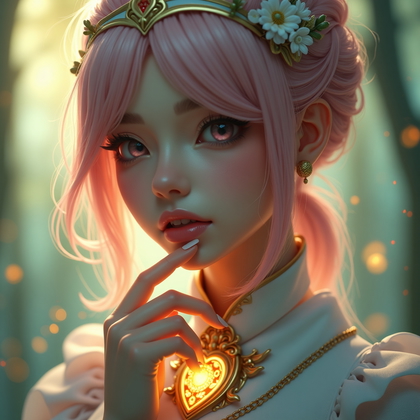
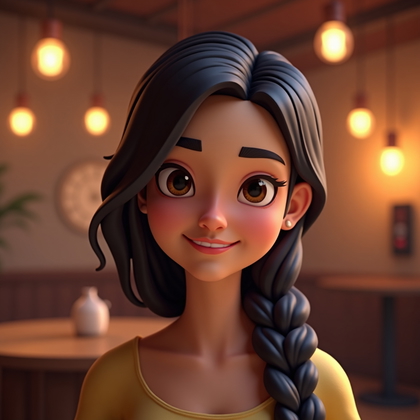
Not every avatar should look intense or aggressive. A chill portrait can be more effective if you want calm session vibes. Soft lighting. Natural clothes like t-shirts or hoodies. Relaxed posture. Gentle smile or neutral, open expression. This says you are easy to play with and not obsessed with drama or rage.
Use softer prompts like “soft lighting,” “warm tones,” “casual clothing,” and “relaxed expression.” Avoid heavy shadows, angry faces, or extreme contrast. This style works best when you play co-op games, long RPG sessions, or when you want low-stress profiles that still look clean and intentional.
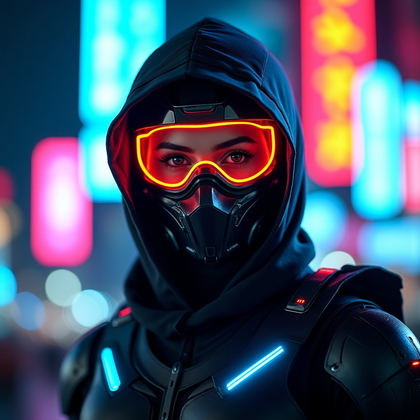
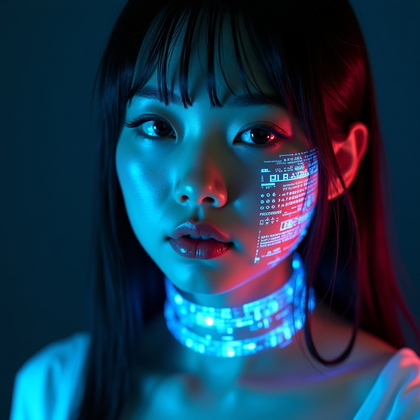
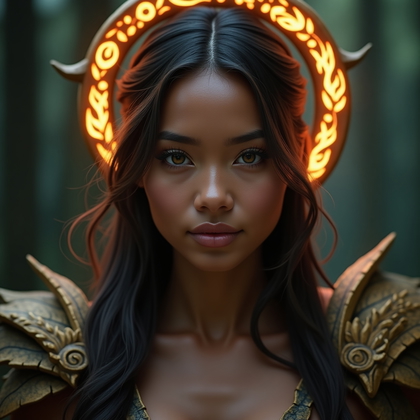
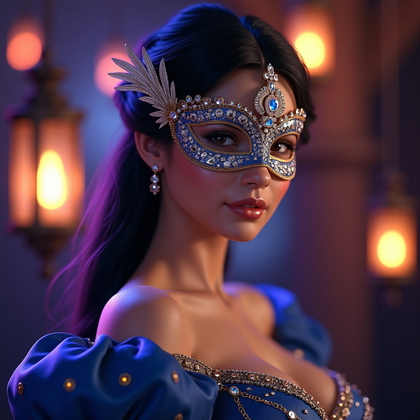
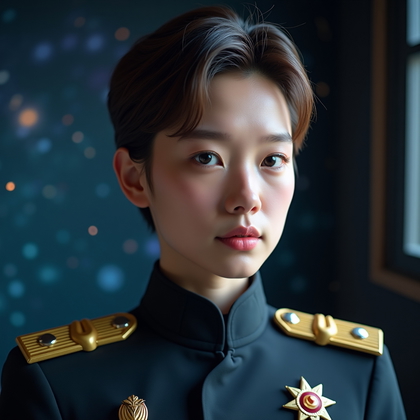
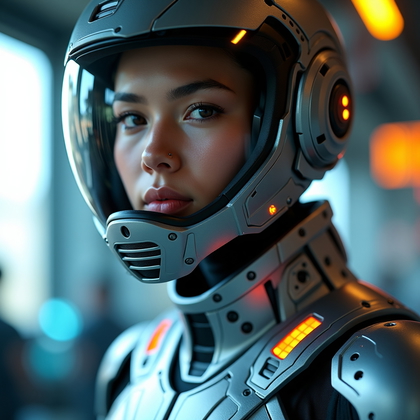
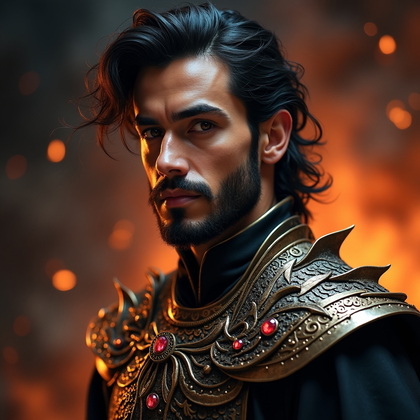
Click on any photo to add your face
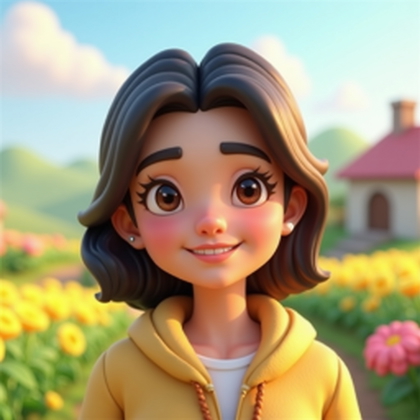
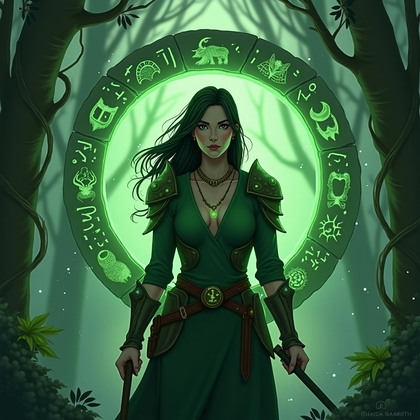
Cosplay-Influenced Detail Portrait (Face + Key Element)
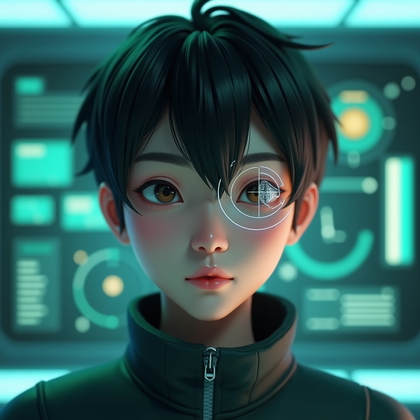
This style lets you tap into fantasy or sci-fi aesthetics without going full costume. The key is one strong detail near your face. A shoulder armor plate. A headband or circlet. War paint over one eye. An eyepatch. Elf ears. These elements do the work. Your face stays real and readable.
When setting prompts, be precise: “portrait, face clearly visible, subtle elf ear,” or “face-focused portrait with one armor shoulder,” or “war paint across nose and cheeks.” Do not overload with many extra parts. In small icons, one clear fantasy signal plus your face is more effective than cluttered full cosplay that turns into a mess at low resolution.
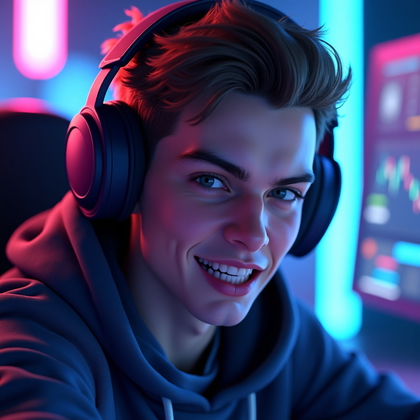
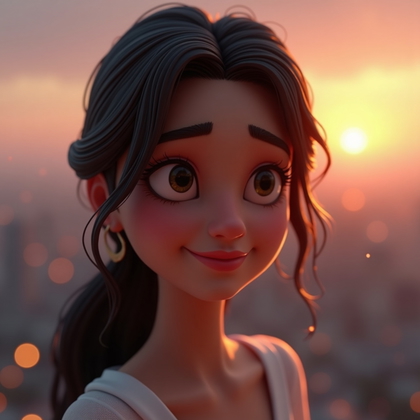
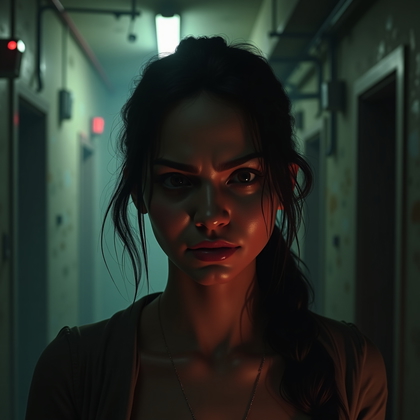
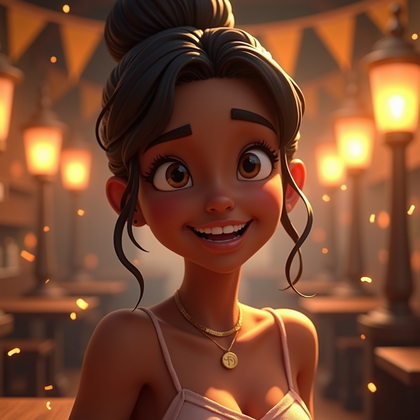
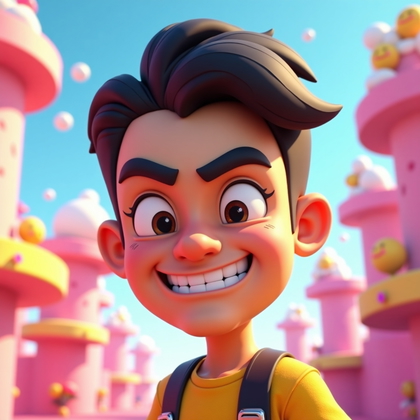
Click on a photo to transform it with your face
Alternate Emotion Set for Different Games
One avatar is not enough if you play very different game types. Horror, cozy, hardcore FPS, tactical strategy, and MMO all need different moods to feel right. The smart move is to generate a small personal set: serious, chaotic, wholesome, villainous, exhausted, hyped.
Use the same base look and lighting, but change only your expression and maybe the background color. Label them in your files by emotion and game type. Then you can rotate avatars fast. Intense look for ranked shooters. Peaceful, warm smile for farming or fishing games. Cold, sharp stare for horror or dark RPGs. This gives you fast control over your presence without re-building everything from scratch.
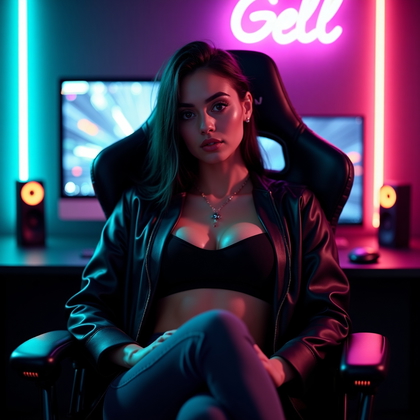
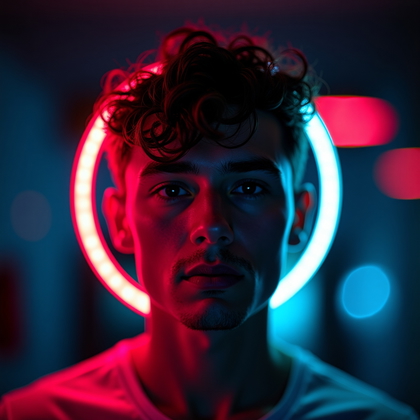
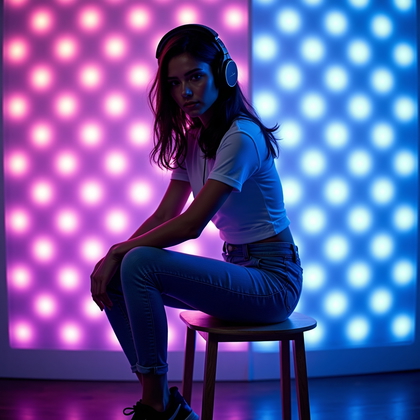
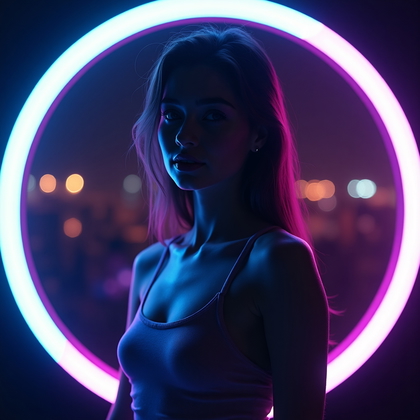
Click on a photo to insert your face
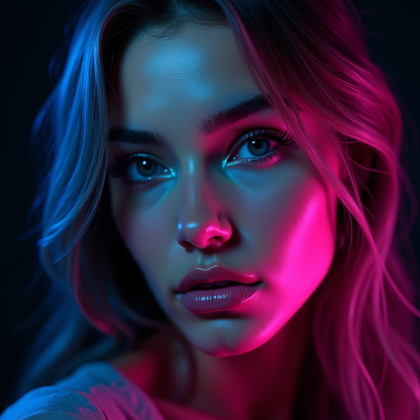
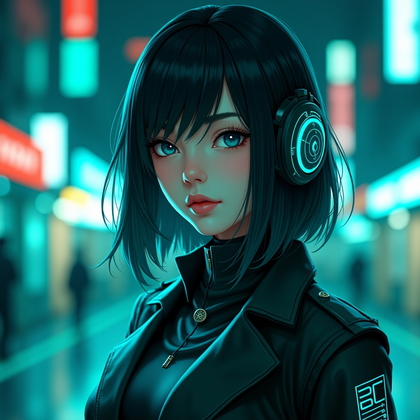
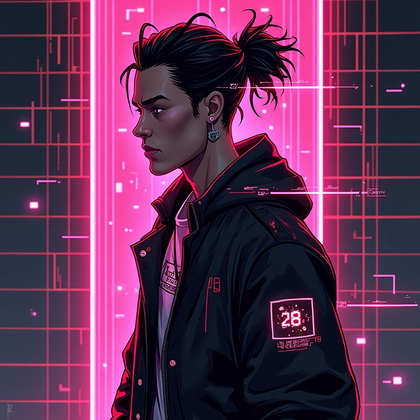
Stylized Color Gel or Neon Portrait
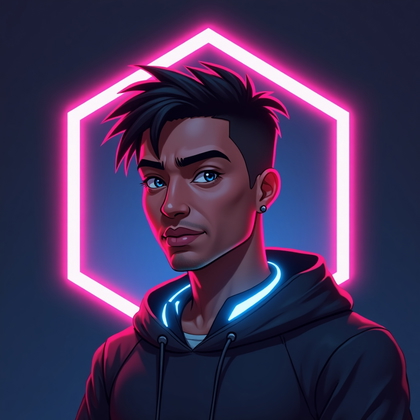
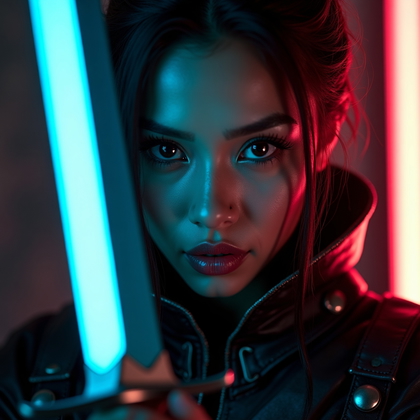
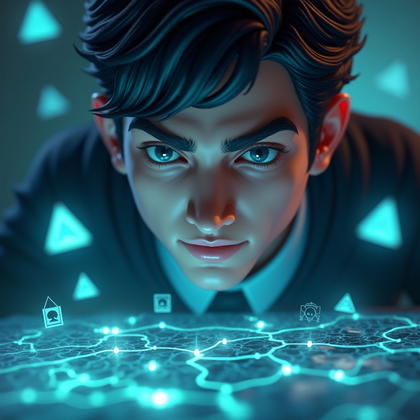
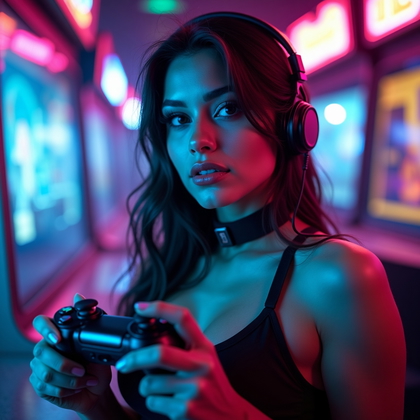
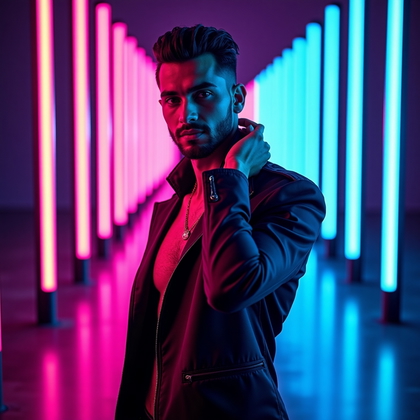
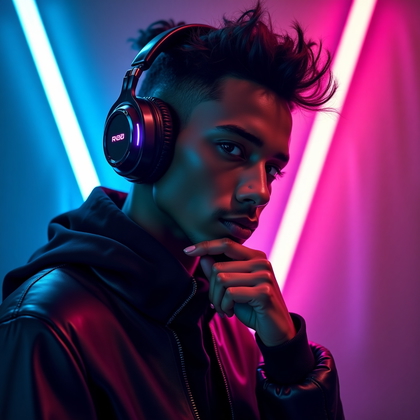
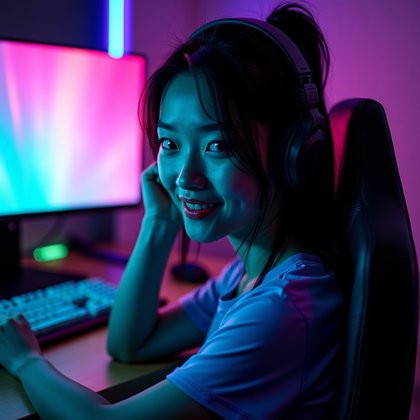
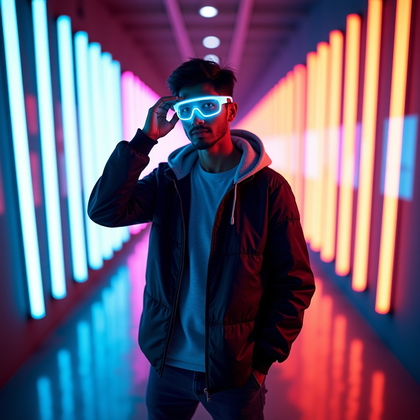
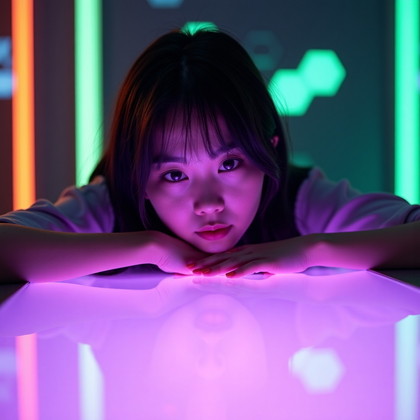
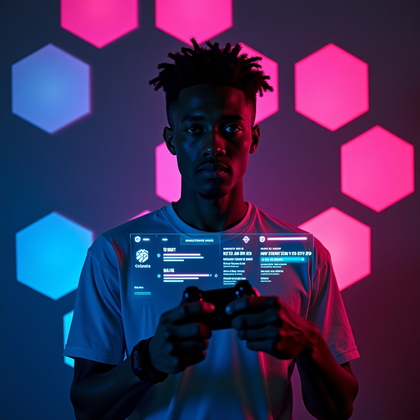
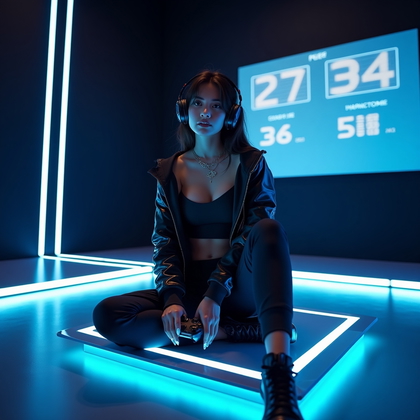
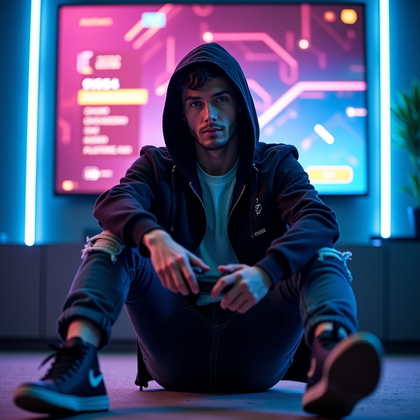
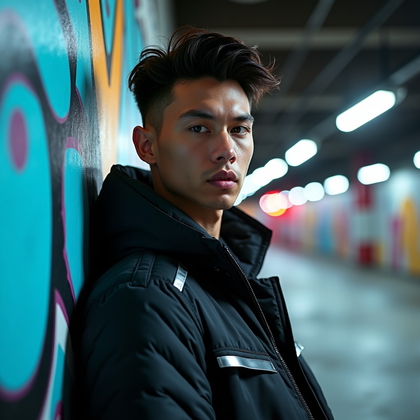
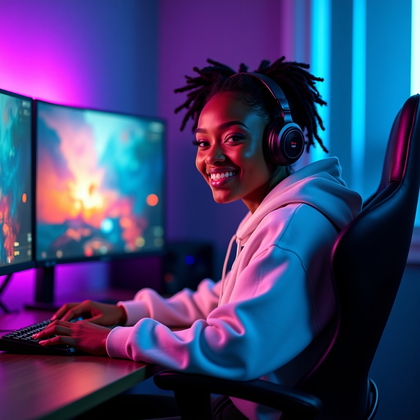
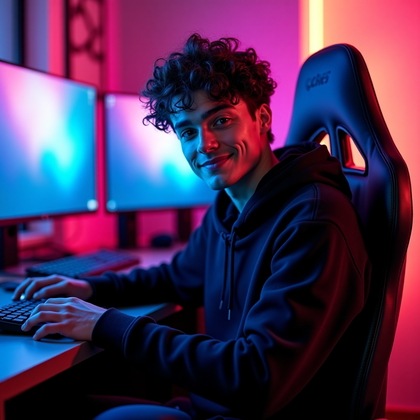
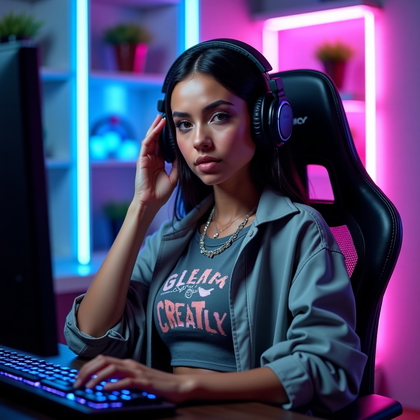
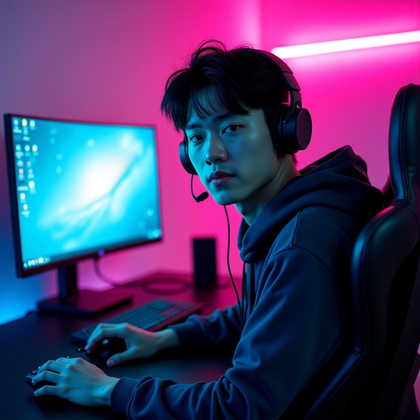
Neon and color gel portraits are brutal for visibility. Strong pink/blue cyberpunk, toxic green, or burning red create avatars that cut through flat interfaces. This style is ideal if you like sci-fi, hacking, cyberpunk, arcade, or futuristic shooters.
Tell the AI: “neon lighting,” “pink and blue color gels,” “cyberpunk portrait,” or “toxic green glow.” Keep the face still clear and sharp. Avoid too much smoke or lens flare that hides your features. Let the neon color do the heavy lifting. This style is especially effective on dark UIs and streaming platforms with strong contrast themes.
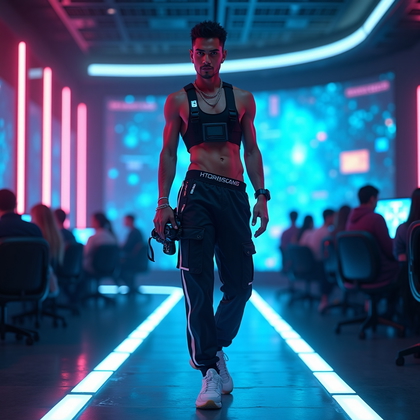
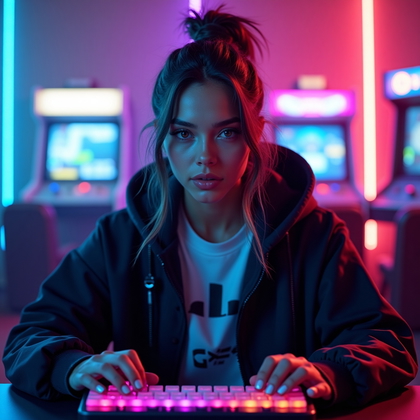
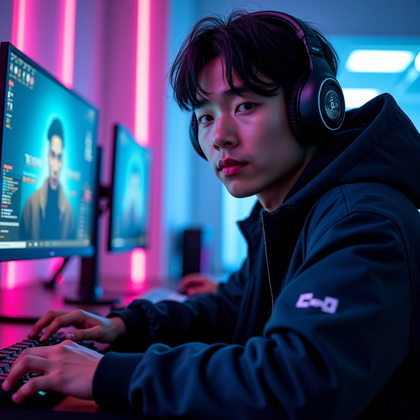
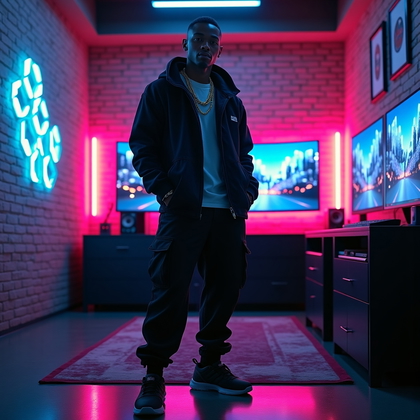
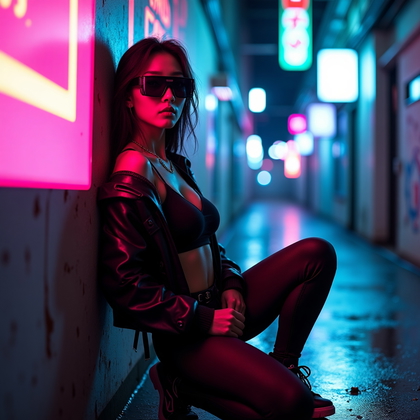
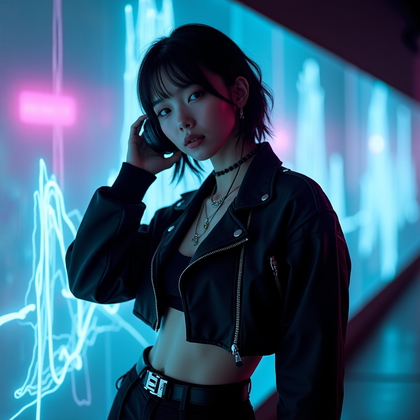
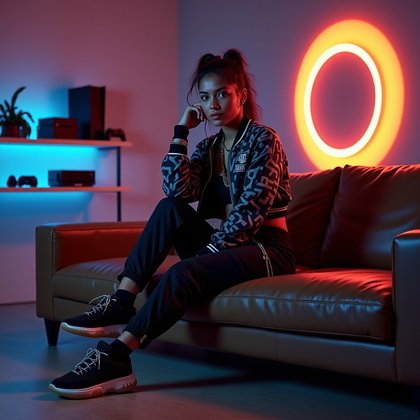
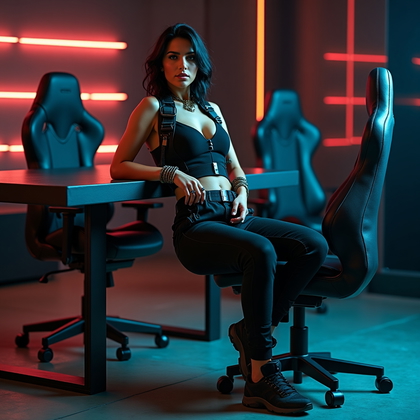
Click on a photo to insert your face
Edgy Gamer Aesthetic Portrait
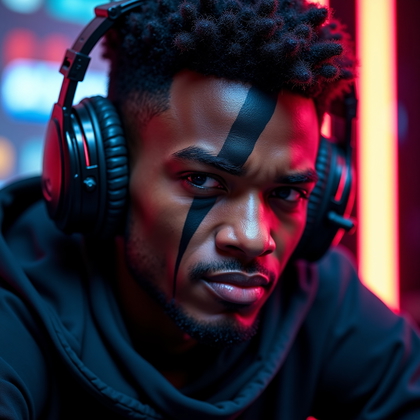
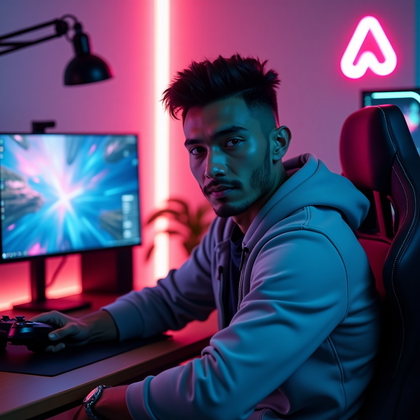
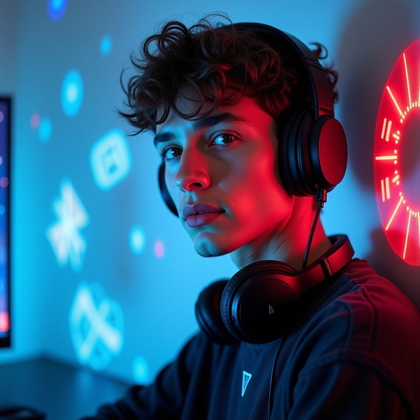
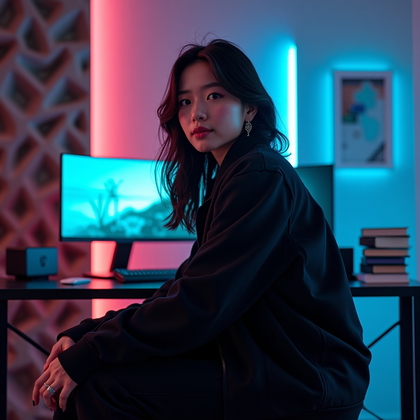
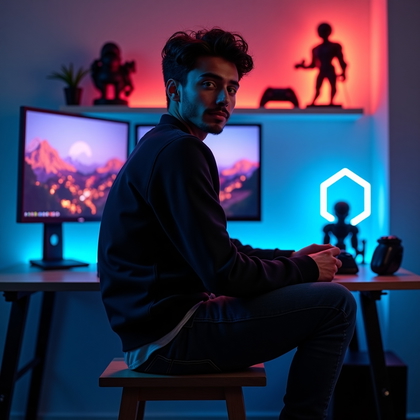
The edgy aesthetic is about strong attitude. Hoodies. Dark clothes. Headphones or a gaming headset. Maybe visible piercings or tattoos. Low-key background. Hard look in the eyes. This does not need to be aggressive, but it should feel intense and focused.
Use this when you play competitive modes and want to project seriousness. Prompt for “dark streetwear,” “hood up,” “gaming headset,” “high-contrast lighting,” and “intense gaze.” Keep props minimal and close to the face so they still show in small icons. This type of avatar clearly says you take the game seriously and are not there to play soft.
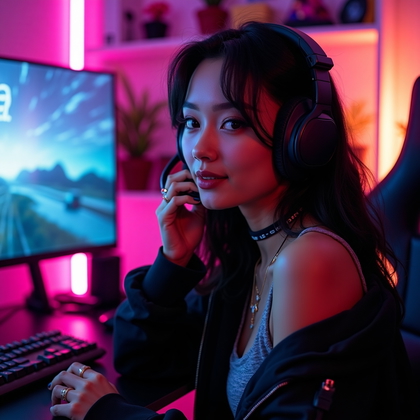
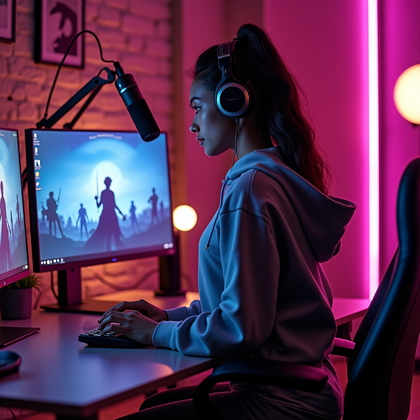
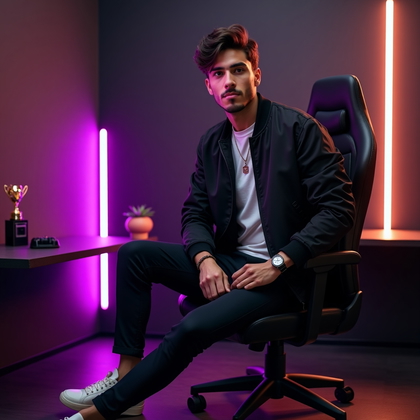
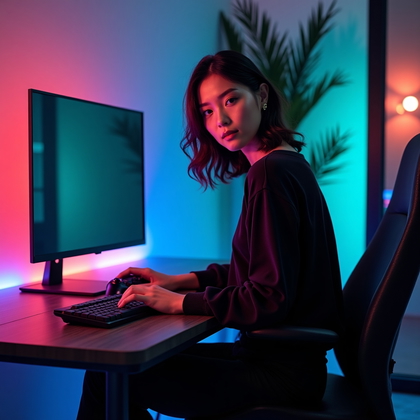
Click on any photo to make it yours
Streamer-Style Portrait (Person + Gaming Setup Hints)
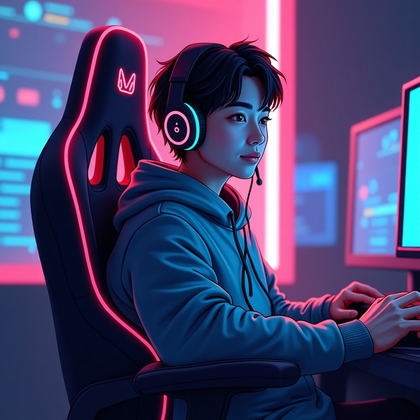
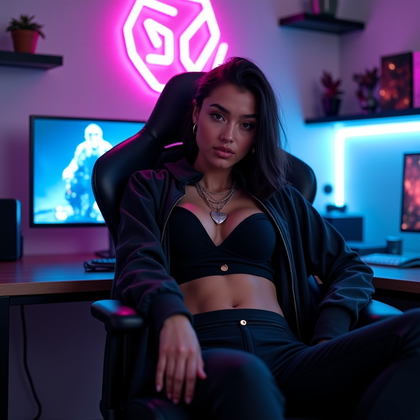
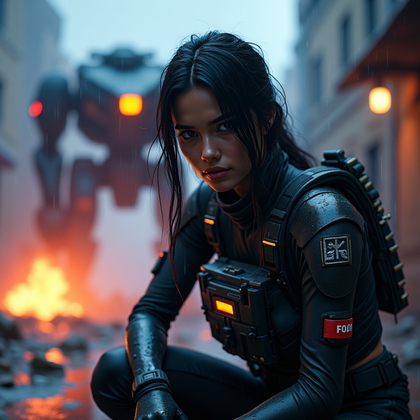
If you want to look like a content-focused gamer, you need visual proof in the frame. Not full setup shots. Just hints. Chair shape. Mic on the side. Soft RGB lights in the background. Maybe a blurred monitor glow. You stay the focus. The gear is context.
Tell the AI to frame you from chest up. Add “subtle RGB lights in background,” “blurred gaming chair,” or “studio-style microphone at edge of frame.” Keep the depth of field shallow so your face stays sharp and the background gear is slightly blurred. This creates a polished streamer vibe without messy details that break at small sizes.
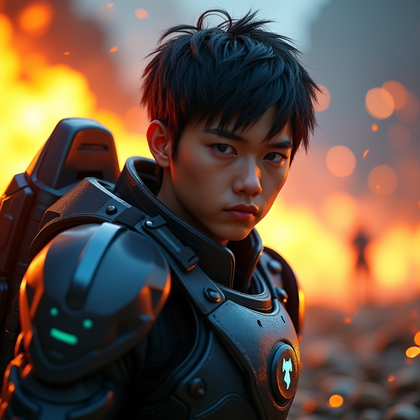
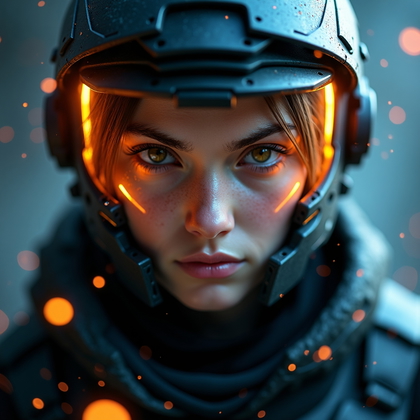
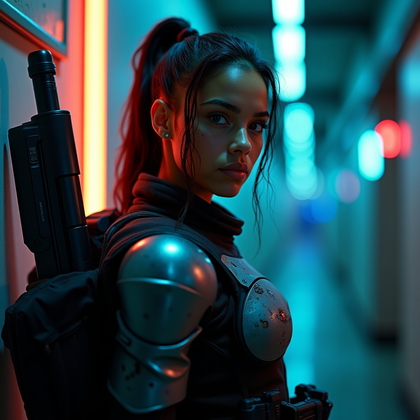
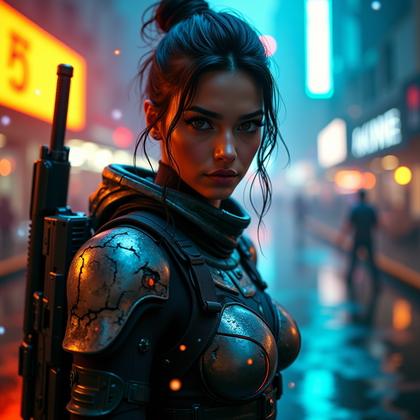
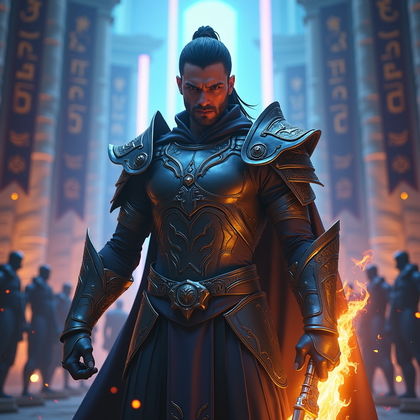
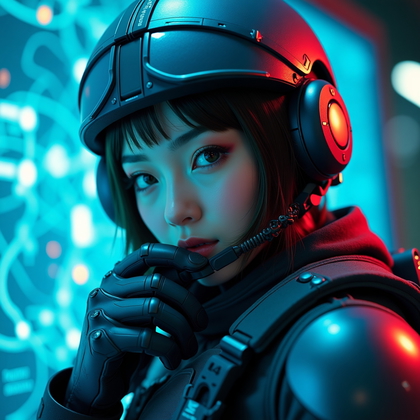
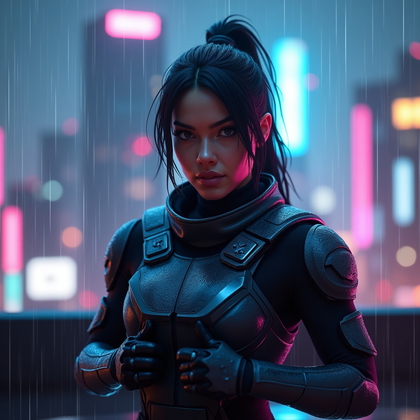
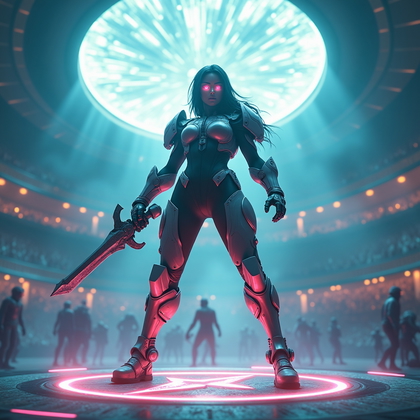
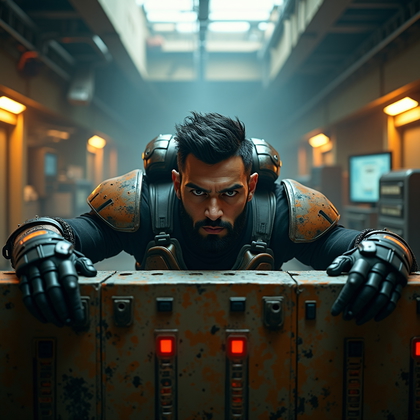
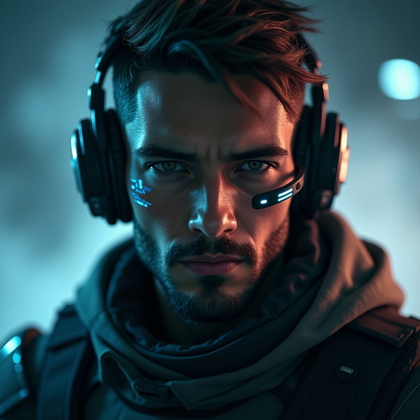
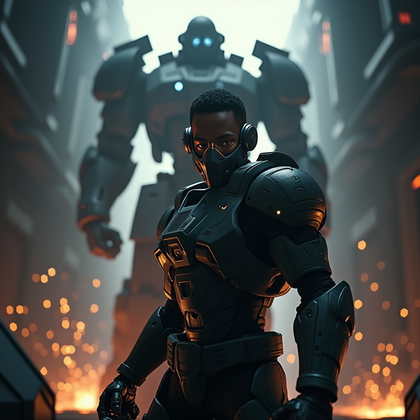
Click on a photo to try this look
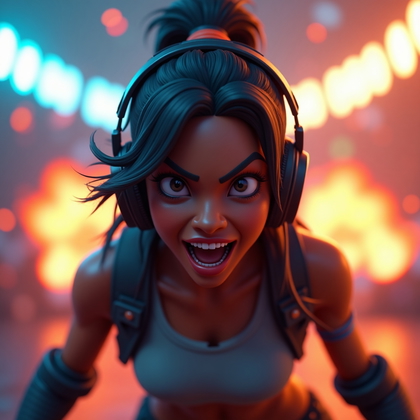
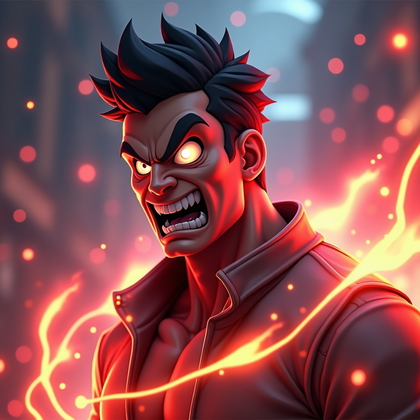
Battle-Ready Intensity Portrait
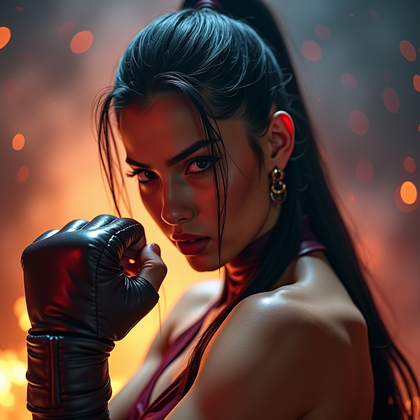
This is the avatar for pure competition. Narrowed eyes. Tense jaw. Gritted teeth or tight lips. Maybe fake sweat or eye black under the eyes. Strong, directional light. Dark, simple background. Everything signals one thing: you are here to win.
This style is extremely effective for ranked mode profiles, clan rosters, and tournament accounts. Prompt for “intense expression,” “battle-ready,” “sweat on skin,” “eye black stripes,” and “dramatic lighting.” Avoid smiling or relaxed posture. You want the viewer to feel pressure when they see your icon. Used correctly, this type of portrait sets a clear tone before the game even starts.
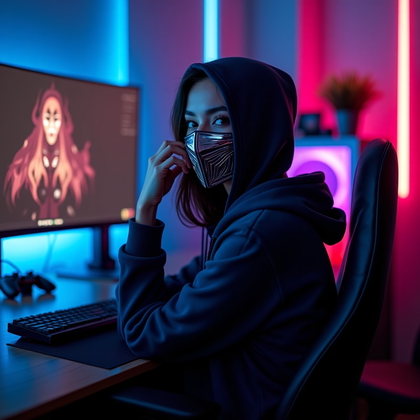
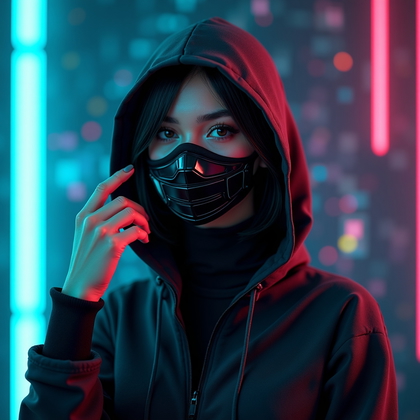
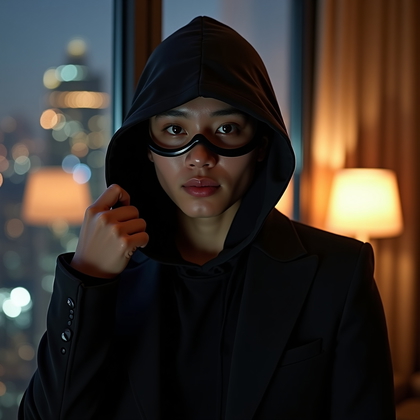
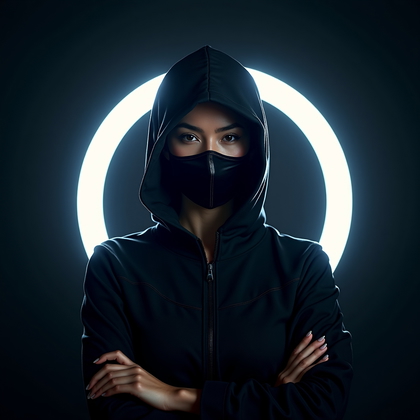
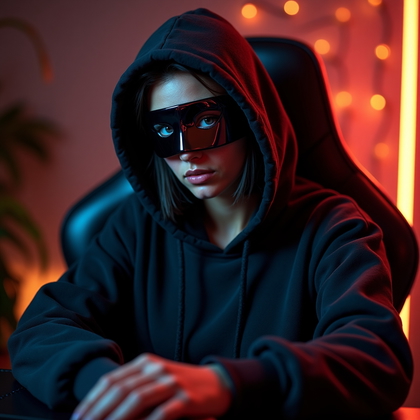
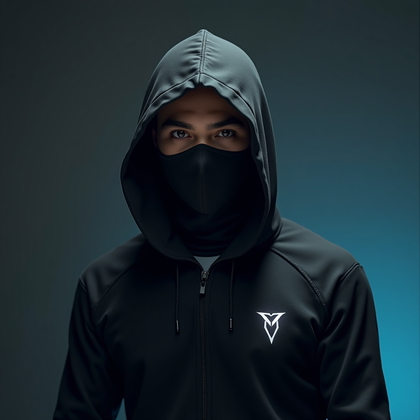
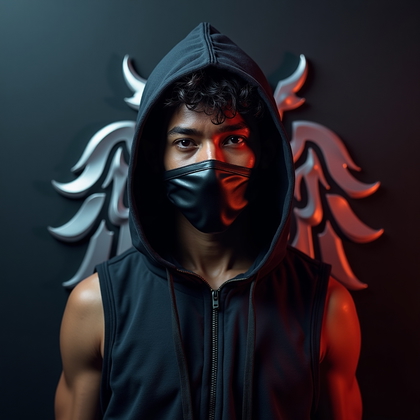
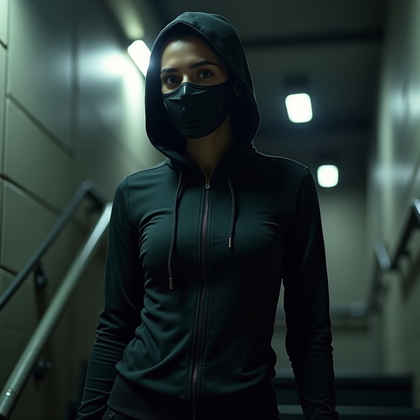
Click on a photo to try this look
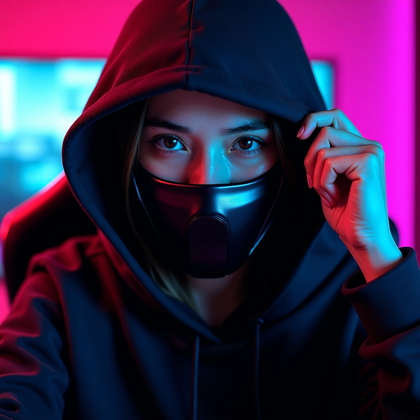
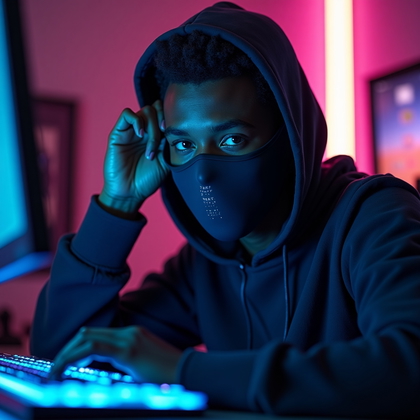
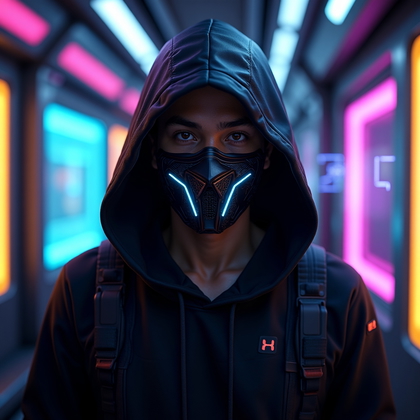
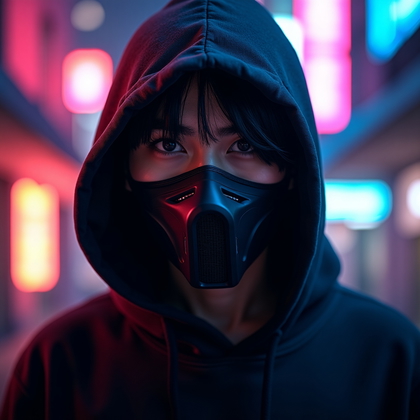
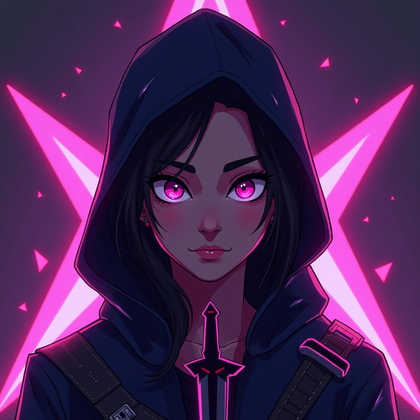
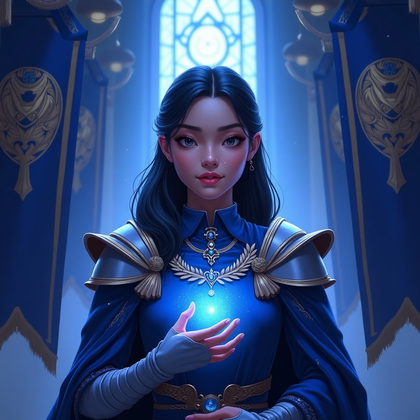
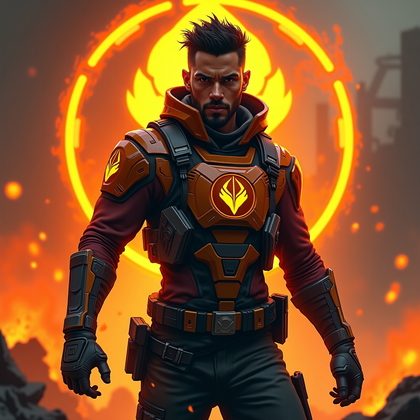
Masked, Hooded, or Half-Obscured Identity Shot
If you want privacy or mystery, this is the best style. A mask, a hood, or strong shadow that hides part of your face. You still get a clear silhouette and strong presence. You just do not expose your full identity. This is also effective for stealth, assassin, or rogue-type personas.
Prompt ideas: “portrait with half face in shadow,” “hooded figure, face partly visible,” “stylish half-mask, eyes visible,” or “strong shadow across eyes.” Make sure at least your eyes or mouth are visible to keep the portrait human and relatable. This approach gives you control over how much of your real face you show while still looking powerful and intentional.
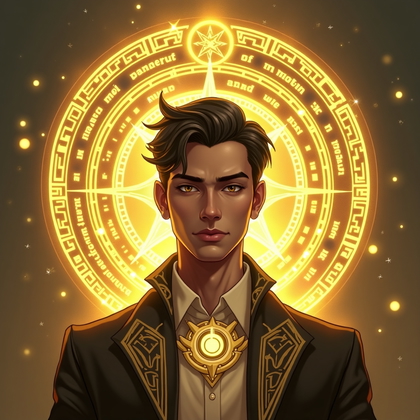
Click on a photo to insert your face
Conclusion: Build a High-Impact Avatar System, Not Just One Photo
The strongest move is to stop thinking about a single avatar and start thinking in terms of a full personal set. Use a heroic close-up and a clean minimalist version as your core. Then build specialized variants: battle-ready for ranked, chill for relaxed sessions, faction-colored for quick role identity, neon for sci-fi, masked for privacy or stealth.
AI photo generation gives you control over expression, lighting, color, and style on demand. With a few solid base photos and focused prompts, you can build avatars that match how you actually play and how you want to be seen in each game. Use these portrait types as a framework, create your own mix, and keep updating your set as your playstyle and goals evolve.