Skip to content

AI Headshot Generator

Create realistic AI headshots from selfies for LinkedIn, resumes, portfolios, and business bios. Customize prompts, styles, and backgrounds.

Create in 1K with one-time credits, or use Pro or Max for higher resolutions and access to optional personal AI model training.
One-time credits availablePro: up to 2K + optional training accessMax: up to 4K + optional Full training access

Benefits

  • Create professional headshots from your own selfies
  • Customize background, outfit, lighting, and style with prompts
  • Generate multiple realistic variations for different professional uses
  • Use your generated images for profiles, resumes, portfolios, and bios

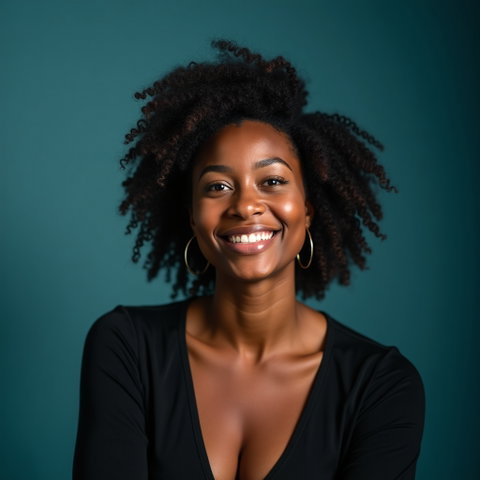
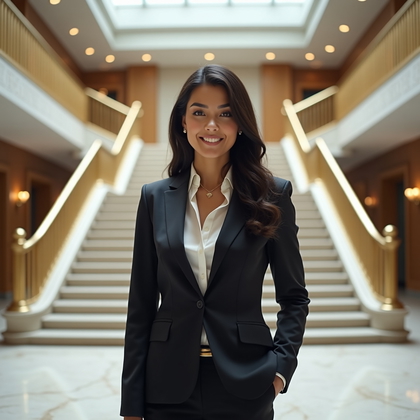
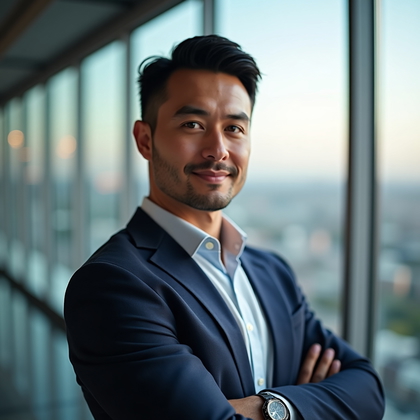
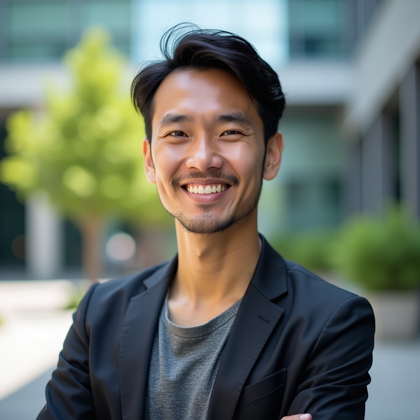
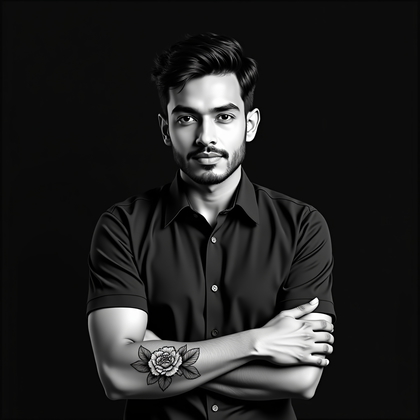
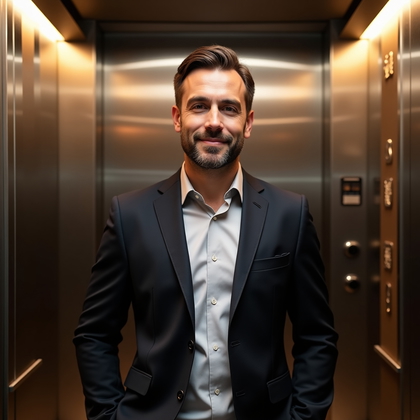
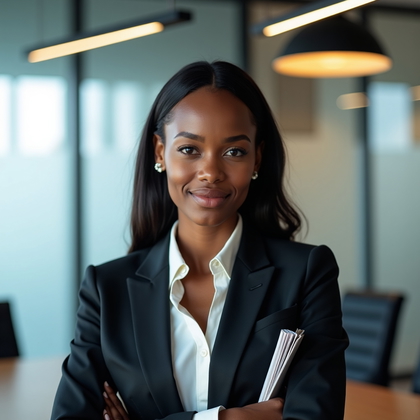
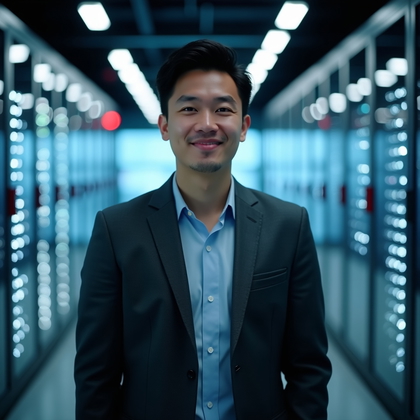
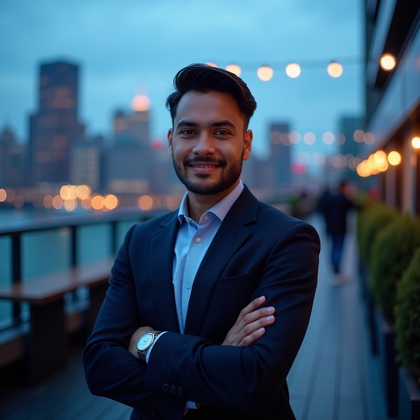
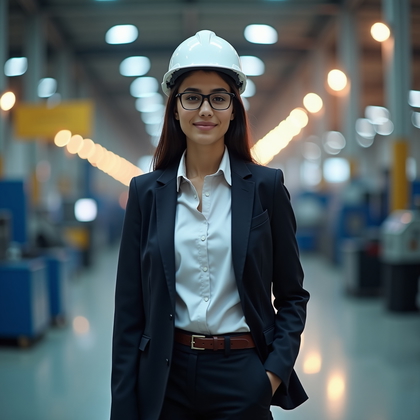
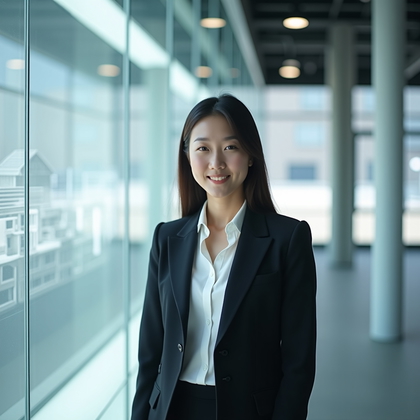
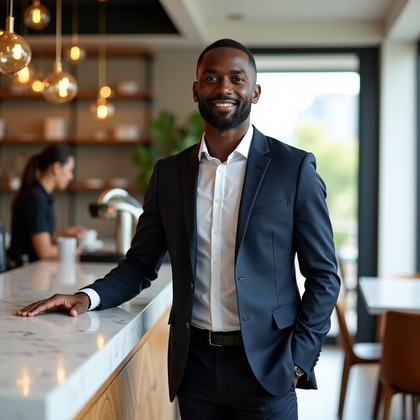
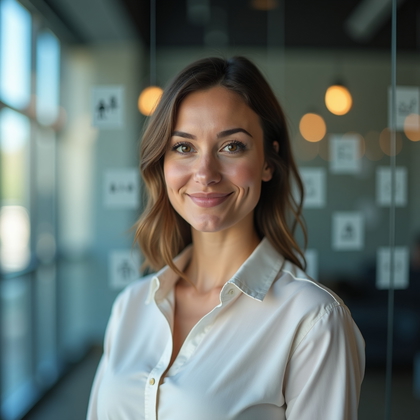
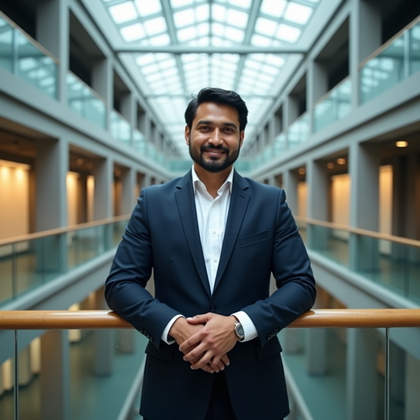
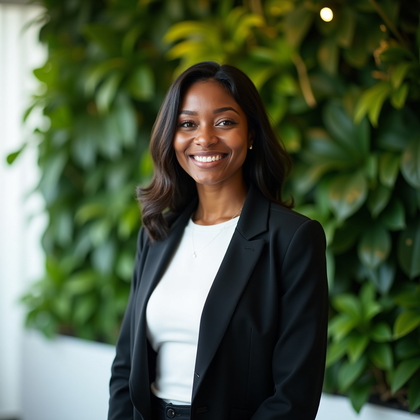
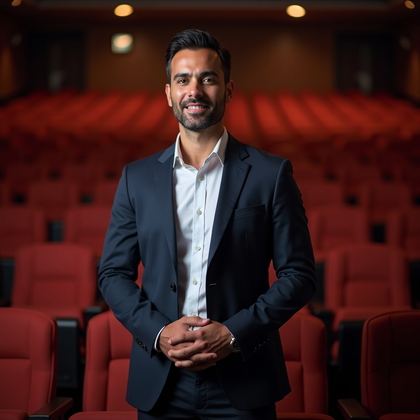
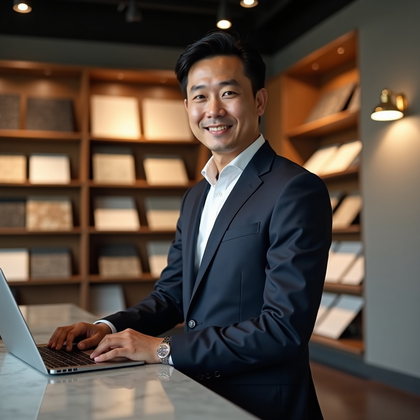
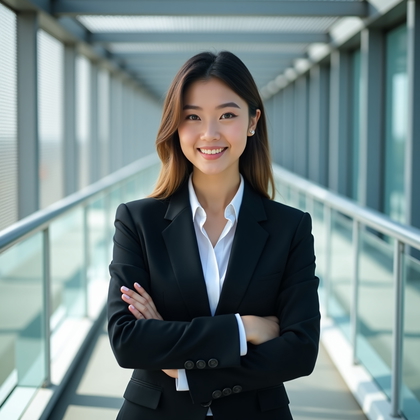
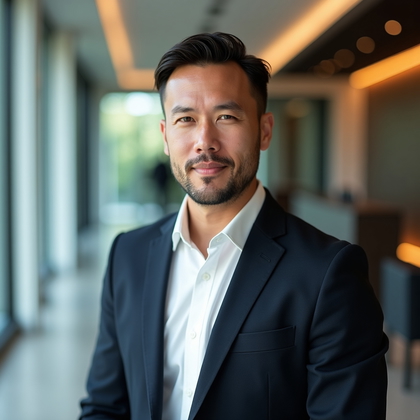
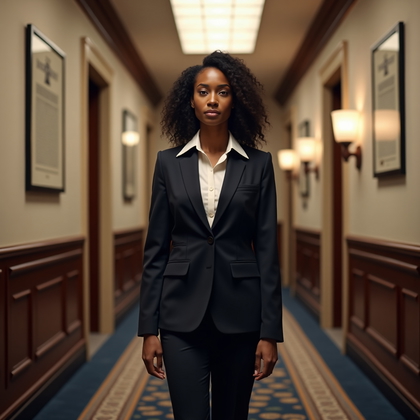
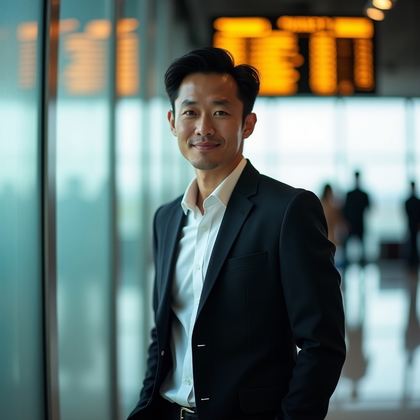
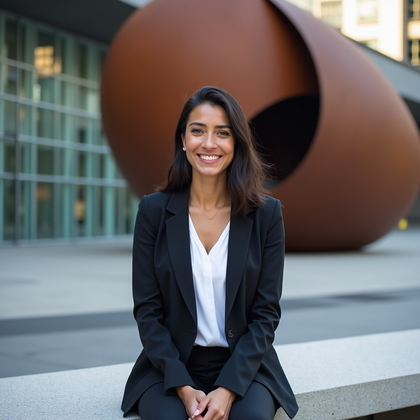
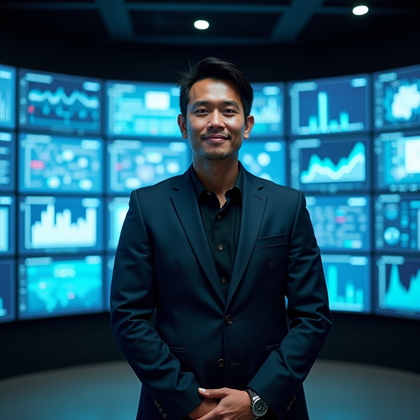
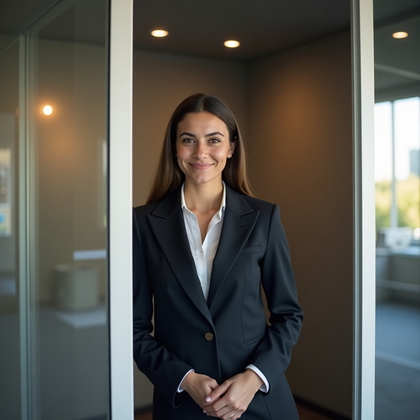
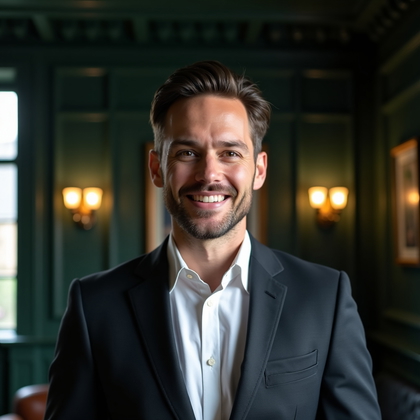
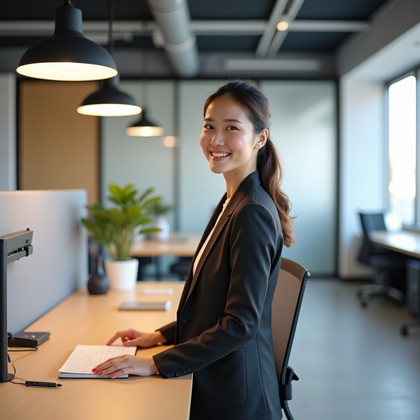
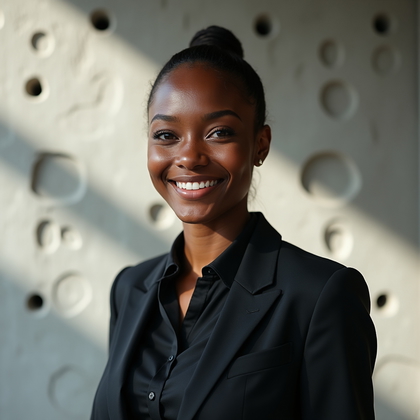
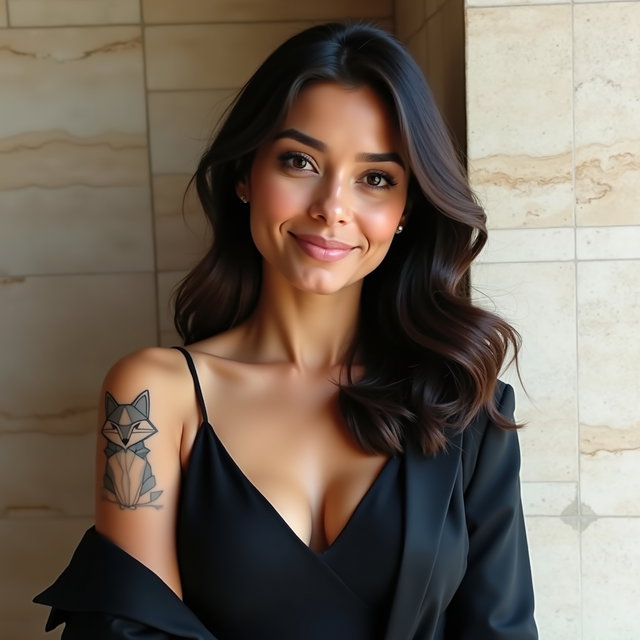
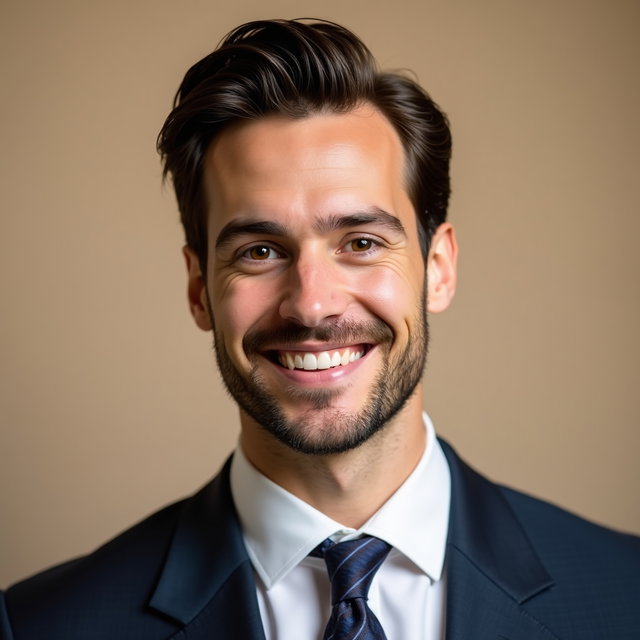
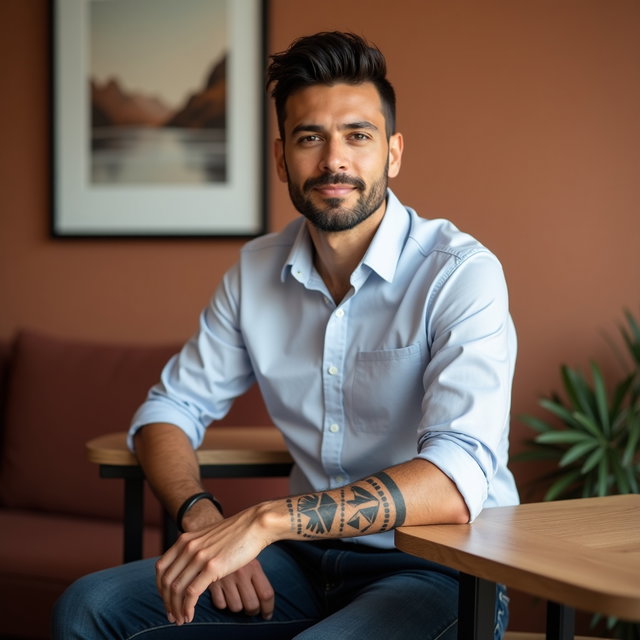
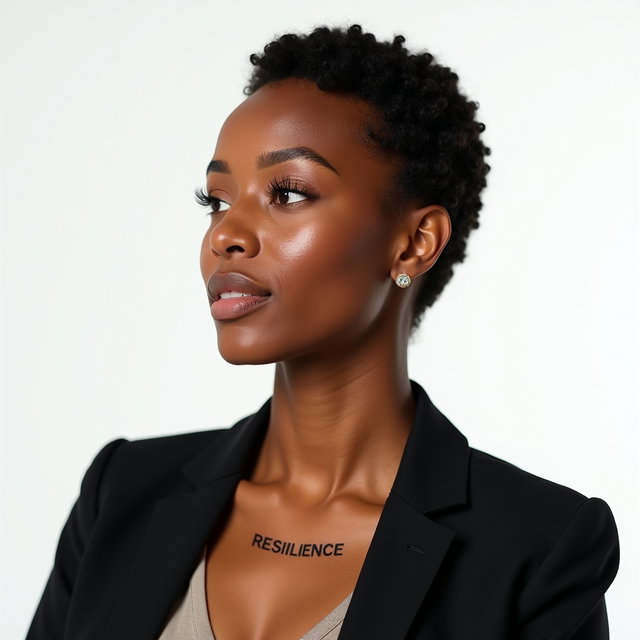
Examples shown were created with My AI Photo Shoot.

How It Works

1

Choose your starting point

Start with a photo, reference, or idea.

2

Choose how to create

Use a preset or AI Mask, or describe the result you want in Studio. Choose faster or higher-quality generation before you create.

3

Review and create

Check the credit cost and any plan requirement, create your result, then download the images you want to keep.

Why an AI Headshot Generator Helps - AI Headshot Generator

Why an AI Headshot Generator Helps

  • A professional photo shapes the first impression on resumes, portfolios, company bios, and profile pages.
  • An AI headshot generator helps turn everyday selfies into realistic business portraits without arranging a studio session.
  • You can create polished headshot options for different roles, industries, and levels of formality.

Who This Is For

  • Use it when you need a clean profile photo for job searches, consulting pages, speaker bios, author pages, or client-facing directories.
  • It fits freelancers, founders, executives, students, sales professionals, real estate agents, and remote workers.
  • It also helps individuals who want a consistent professional look across public-facing profiles.
Who This Is For - AI Headshot Generator
Outcomes for Professional Profiles - AI Headshot Generator

Outcomes for Professional Profiles

  • Generate AI headshots with natural expressions, realistic lighting, and backgrounds that match the setting you want.
  • Create corporate headshots, executive portraits, studio-style profile photos, creative portraits, and simple business images.
  • Compare multiple looks for formal, approachable, modern, editorial, or industry-specific presentation.
  • Use the final images across your online presence where a professional portrait is appropriate.

Objections Handled

You do not need to rely on one pose, one outfit, or one background for every use case.

If you worry about an artificial look, choose realistic wardrobe prompts, simple backgrounds, and natural lighting cues.

Review each generated portrait for facial accuracy, expression, and professional fit before publishing.

If a result feels too formal, too casual, or off-brand, adjust the prompt and create another variation.

Objections Handled - AI Headshot Generator
Style Control for Headshot Prompts - AI Headshot Generator

Style Control for Headshot Prompts

  • Write prompts for clothing, background, camera angle, expression, lighting, color, and composition.
  • Use search-friendly terms such as professional headshot, corporate portrait, business profile photo, studio headshot, and executive headshot to guide the look.
  • Prompt for neutral backdrops, office settings, outdoor business portraits, or editorial lighting depending on where the image will appear.
  • Create variations to test framing, mood, wardrobe, and background before choosing a final portrait.

Questions Before You Start

What is an AI headshot generator best suited for?
It is best suited for creating professional portraits for resumes, portfolios, business bios, personal websites, directories, and professional profile photos. It works well when you need a polished image but want more style options than one traditional headshot.
What inputs are needed at a high level?
Use clear selfies or existing portraits where your face is visible and not heavily obstructed. Good lighting, sharp focus, simple framing, and varied expressions can help produce more usable headshot options.
Can I write custom prompts for my headshot?
Yes. You can describe the wardrobe, background, lighting, expression, framing, and overall tone you want. Small prompt changes can create retakes and variations for different professional contexts.
Can I reuse prompts from a public gallery?
Yes. A public gallery can help you start with wording for styles such as studio headshot, corporate portrait, or editorial business photo. Adapt the prompt so the result fits your role and use case.
How should I choose a style?
Choose a style based on where the portrait will appear and how formal it should feel. Neutral backgrounds, natural lighting, and clean framing usually work well for business profiles, while creative roles may call for a more editorial look.
Who owns the AI headshots I generate?
You own 100% of the generated images. You can use your AI headshots for professional profiles, portfolios, business materials, and other image uses you choose.

Pick the access that fits your goal

Credits never expire. Subscriptions add recurring credits, higher resolutions, and access to optional personal AI model training.

  • One-time credits: eligible 1K generation and editing
  • Pro: up to 2K + access to optional Standard training
  • Max: up to 4K + access to optional Full training
Open Web App